Quick Learn — the model, the instructions, the program and the challenges. The theory is in Full Lesson.
The mission 4 min
More missions than the screen has lines — without capping the menu at what fits.
Yesterday’s menu had three entries and they all fitted. Your real set has more: three pads, the satellite row, combinations, and probably a test entry or two. The screen does not grow.
The fix is to stop treating the screen as the list. The list can be any length. The screen shows a window onto it, and the window moves when it has to. Every scrolling menu you have ever used works exactly this way.
The list worth having 5 min
Write out the full menu now. For most teams on this mat it is something like:
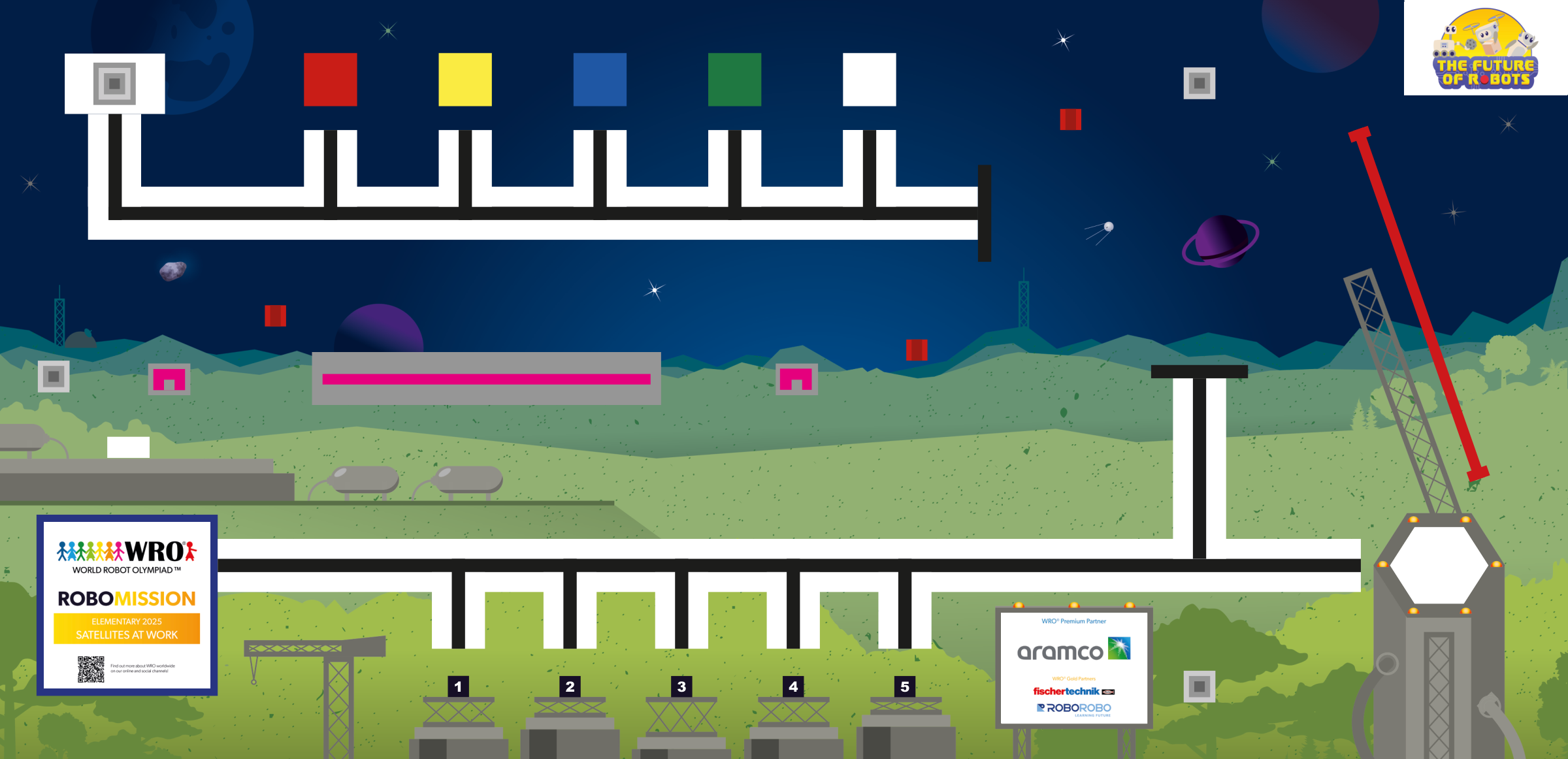
- Pad 1, Pad 3, Pad 5 — the runs to A, B and C, each delivering to the gantry at D.
- All pads — A then B then C then D, if the round allows time.
- Satellite — the crossing to E, with the satellite module fitted.
- Test — a short entry that drives one leg, for checking the mat before a round.
Six entries. More than fits comfortably, which is the point — and adding a seventh should now cost you nothing but a line in the list.
The technique — two numbers, not one 12 min
Yesterday you had one variable. Today you need two, and they mean different things.
- The selection — which entry the person is on, anywhere from 1 to the length of the list.
- The window start — which entry is drawn on the top line of the screen.
The buttons only change the selection. The window start is then adjusted if — and only if — the selection has moved outside what is visible.
Say the screen shows three rows. The visible entries run from the window start to the window start plus two. So after every button press:
- If the selection is above the window, set the window start to the selection.
- If the selection is below the window, set the window start to the selection minus two.
- Otherwise, leave the window alone.
That last line is the one teams miss. If the window moves on every press, the list scrolls under a cursor that never moves, which is disorienting and makes it very easy to confirm the wrong entry. The window should sit still until the selection is about to leave it.
Draw it on paper before building it. Six entries, a three-row window, and step the selection from 1 to 6 and back, writing down the window start at each step. You should see the window stay at 1 for the first three presses, then follow.
Build it — drawing the window 10 min
Each redraw paints one row at a time, from the window start:
- Draw the entry at the window start on line one — with clear screen switched on for this line only.
- Draw the next entry on line two, clear screen off.
- Draw the next on line three, clear screen off.
- Mark whichever of those rows is the selection, with a > in front of it or the name in capitals.
Clear the screen once, on the first line. Clear on every line and each one wipes the last, so only the bottom row ever appears. Clear on none and yesterday’s longer names show through underneath today’s shorter ones. This costs teams twenty minutes and is a two-second setting.
Getting the name for a given entry number is a Switch on the number with a Display in each case — clumsy but honest, and it is what the EV3 gives you. Keep the names short: the screen is narrow and it truncates without telling you.
Program it — redraw only on a change 12 min
Yesterday’s loop redrew every pass. That was fine for three entries and a stationary display. With a window it strobes, because the screen is being repainted continuously whether or not anything moved.
The fix is to restructure the loop so the redraw follows the change:
- Draw the window once, before the loop starts.
- Inside the loop, wait for a bumped button.
- Adjust the selection, then adjust the window if it must move.
- Redraw.
Now the screen is painted exactly once per press, which is both steady to look at and faster.
Decide the ends again, now that there is a window. If you wrap from the last entry to the first, the window start has to jump back to 1 at the same moment — otherwise the selection is at the top of the list while the screen is still showing the bottom, and the cursor disappears entirely. Clamping avoids that, at the cost of more presses to reach the end.
Tune it — read it like a stranger 9 min
Hand the Brick to somebody from another team who has not seen your menu, and ask them to select the satellite run. Do not help.
What you are watching for:
- Can they tell which row is selected? If the marker is subtle, it is not a marker.
- Do any two names look the same on screen? Long names truncate silently, and two entries that display identically are worse than numbers — they look correct.
- Do they know when they have reached the end?
- How many presses did it take? Count them. That is your cost every round.
Then shorten the names until every one is distinct on the screen rather than on paper.
Run it — the ends and the middle 6 min
Step from the first entry to the last, one press at a time, watching the window. It should sit still, then follow, and the selection should never leave the visible rows.
Then choose an entry from the far end of the list — not the first — and press centre, and let the robot run it. Choosing the sixth entry and having the robot do the sixth thing is the actual test; a menu that scrolls beautifully and then runs entry one has a selection the mission Switch never saw.
Finally, add a seventh entry to the list. It should cost you one line and one Switch case, and nothing else. If it costs more than that, the menu is not really general yet.
The journal 4 min
Today’s entry:
- the full menu list, numbered, with the name shown on screen for each
- the paper trace: selection 1 to 6 and back, with the window start at each step
- the two rules for when the window moves, in your own words
- clamp or wrap, and what wrapping does to the window
- what the stranger test found, and which names you had to shorten
- the number of presses to reach the last entry
The menu is now general. It does not care how many missions there are, and adding one is a line in a list. That is worth saying to a judge: the design does not have to be revisited when the mission set changes, which on this mat it does.