Learning Goals 3 min
By the end of this lesson you will be able to:
- Build the Biped with its Large Motor in port B and Ultrasonic sensor in port 4.
- Read distance with ([4 v] distance in [cm v]).
- Make the Biped step back when an obstacle comes too close, using wait until <...>.
Meet the Model — the Biped 6 min
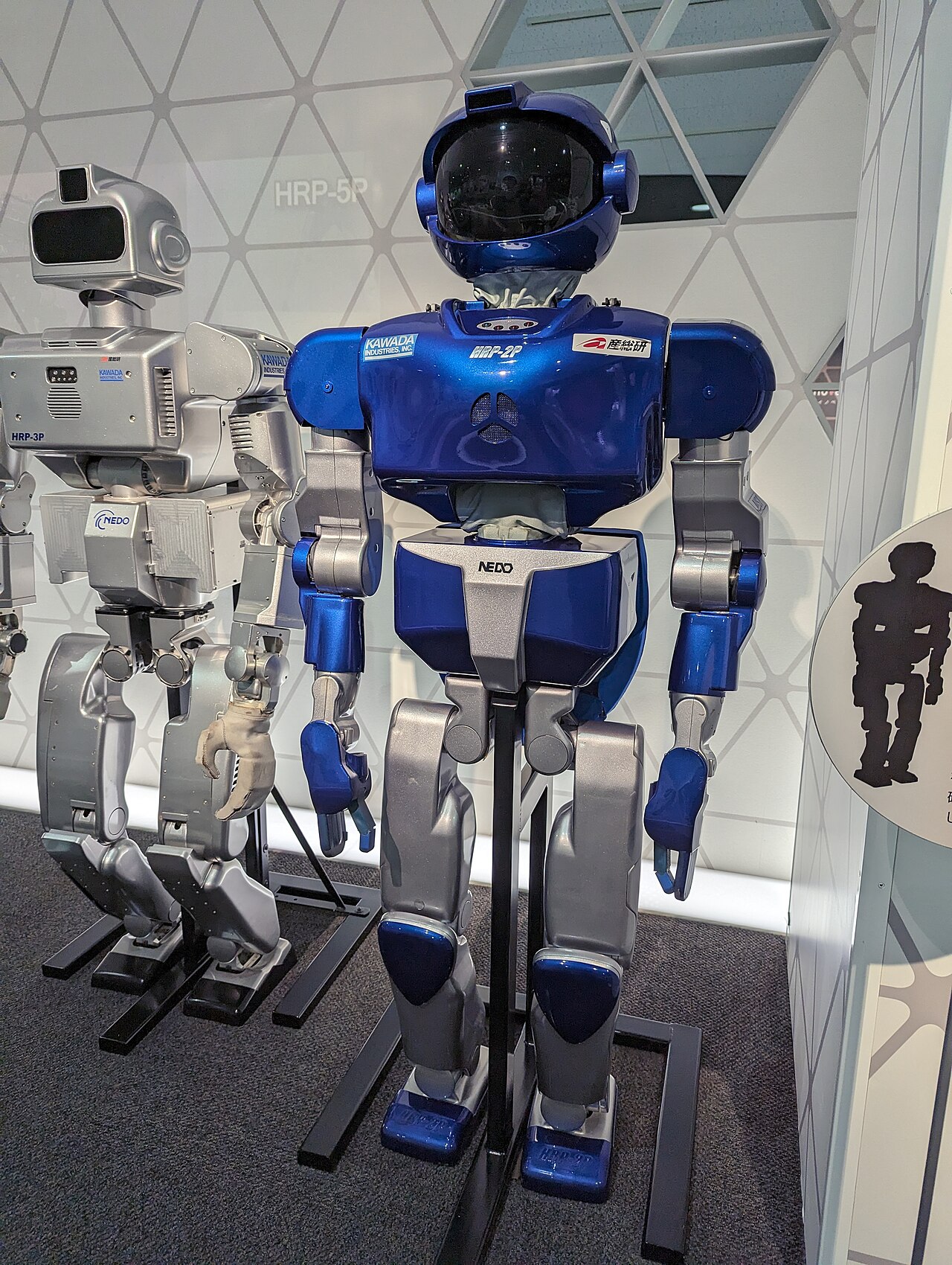
What is a biped?
A biped is anything that walks on two legs — like you, or a humanoid robot. Walking upright on two legs is hard, because the body must stay balanced over a small base.
The science behind it
To stay upright, you must keep your centre of gravity over your feet. Humanoid robots walk by shifting their weight from one leg to the other. To sense the world, this robot uses an ultrasonic sensor — it measures distance with sound, just like a bat.
Where you meet it
Walking robots such as Honda's ASIMO greet visitors and climb stairs. The same balancing science helps people who use powered prosthetic legs.
What we'll build
We'll build a Biped whose legs are driven by a Large Motor on port B. An Ultrasonic sensor on port 4 watches ahead for obstacles.
Warm-Up 4 min
Last lesson the robot waited for a button. Today it waits for the world — an object getting close.
Quick-fire puzzle
Nurul runs this. When does the Biped step back?
when program starts :: events hat
wait until <([4 v] distance in [cm v] :: sensors) < (15)>
[B v] run [counterclockwise v] for (3) [rotations v] :: motors
Reveal the answer
The Biped stands still until an object comes closer than 15 cm to its sensor. The moment something is that near, the program runs the motor in reverse (counterclockwise), and the Biped steps back to keep its distance.
New Concept — the Ultrasonic sensor 10 min
The Ultrasonic sensor works like a bat. It sends out a sound pulse, listens for the echo, and works out how far away an object is — in centimetres.
Blocks reference
| Block | Category | What it does |
|---|---|---|
([4 v] distance in [cm v] :: sensors) | Sensors | Reports the distance to the nearest object in front, in centimetres. |
<() < (15)> | Operators | A "less than" test. True when the reading is below 15. |
wait until <> | Control | Pauses until the test becomes true — here, until something is close. |
Port reminder: sensors use number ports. Ultrasonic → port 4. (Touch=1, Gyro=2, Colour=3, Ultrasonic=4.)
A reading is a number
Unlike a button (pressed or not), the Ultrasonic gives a number — like 40 cm, or 12 cm. To make a decision, you compare that number with a limit using < (less than).
Why it matters
Self-parking cars, reversing sensors and robot vacuums all measure distance to avoid bumping things. Your Biped does the same: it keeps a safe gap from any obstacle ahead.
Build & Program — the Biped 17 min
Part A — Build
Build the Biped Walking Robot. A Large Motor drives the two legs; an Ultrasonic sensor faces forward to watch for obstacles.
Components & ports: EV3 Brick · Large Motor → port B · Ultrasonic sensor → port 4.
- Build the two legs and link them to the Large Motor through gears; plug it into port B.
- Mount the Ultrasonic sensor at the front, eyes facing forward; plug it into port 4.
- Balance the body so it walks forward and backward steadily.
- Wave your hand in front of the sensor to check it sees you.
Part B — Program
Walk forward, and when something gets within 15 cm, step back to keep a safe gap.
- Start the program and set the walking speed:
when program starts :: events hat
[B v] set speed to (40) % :: motors
- Wait until something comes within 15 cm:
wait until <([4 v] distance in [cm v] :: sensors) < (15)>
- Beep a warning, then step the legs back:
play beep (60) for (0.2) seconds :: sound
[B v] run [counterclockwise v] for (3) [rotations v] :: motors
when program starts :: events hat
[B v] set speed to (40) % :: motors
write [WATCHING] at line (1) :: display
wait until <([4 v] distance in [cm v] :: sensors) < (15)>
play beep (60) for (0.2) seconds :: sound
[B v] run [counterclockwise v] for (3) [rotations v] :: motors
Expected behaviour: the screen reads WATCHING. Move your hand toward the sensor. As soon as it is closer than 15 cm, the Biped beeps and steps backward three rotations to keep its distance.
What changed: the robot now reacts to a distance number, not just a button.
Try It Yourself — three small builds 11 min
Goal: A bigger safety bubble. Step back when something is within 25 cm.
when program starts :: events hat
wait until <([4 v] distance in [cm v] :: sensors) < (25)>
[B v] run [counterclockwise v] for (3) [rotations v] :: motors
Goal: Show the live distance on screen before the obstacle arrives, then react.
when program starts :: events hat
clear display :: display
write [LOOKING] at line (1) :: display
wait until <([4 v] distance in [cm v] :: sensors) < (15)>
clear display :: display
write [TOO CLOSE] at line (1) :: display
[B v] run [counterclockwise v] for (3) [rotations v] :: motors
Goal: Ravi wants the Biped to wait for the obstacle to move away again (further than 30 cm), then walk forward.
when program starts :: events hat
wait until <([4 v] distance in [cm v] :: sensors) < (15)>
[B v] run [counterclockwise v] for (3) [rotations v] :: motors
wait until <([4 v] distance in [cm v] :: sensors) > (30)>
[B v] run [clockwise v] for (3) [rotations v] :: motors
Mini-Challenge — the polite guard 6 min
Combine today's distance reading with the status light. Show a green light while the path is clear, and switch to red with a beep when an obstacle comes within 15 cm — then step back.
It works if:
- Green light while nothing is close.
- Red light, beep and a backward step when something comes within 15 cm.
Recap 2 min
You used the Ultrasonic sensor (port 4) to measure distance in centimetres. ([4 v] distance in [cm v]) gives a number; comparing it with < inside wait until lets the Biped react when an obstacle gets too close.
- Ultrasonic sensor
- Measures distance to the nearest object using sound echoes. Plugs into port 4.
- Distance (cm)
- A number reading: how far the nearest object is, in centimetres.
- Less than (<)
- An operator that is true when a reading is below a limit you set.
Where this came from: adapted from EV3Lessons (Beginner tab) — ev3lessons.com.
Homework 1 min
Choose the gap. Test distances of 10 cm, 20 cm and 30 cm. Decide which makes the safest, most natural "keep away" behaviour.
Bring back next class: a one-line note of your chosen distance and why.
Heads up for next class: EV3-L1-13 builds the Drop Tower and uses a Forever loop so it senses and reacts again and again.