First sprites, first scripts
Forty-eight 90-minute class lessons: eleven that follow the Advaspire Scratch Topic decks, then nine four-lesson game arcs. Concept, then you build it, then three missions and a bonus — and every mission is one you can finish on your own, at your own pace.
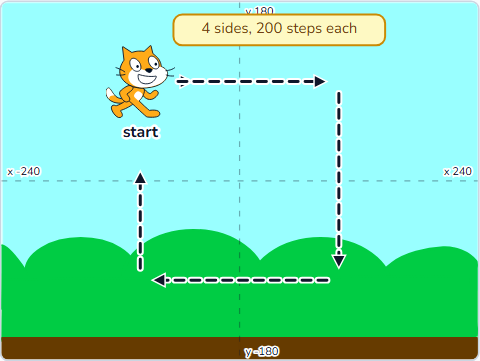 Topic 1.1SCR-L01-01
Introduction & Basic Movement
Your Scratch account, the editor, and the cat's first square lap.
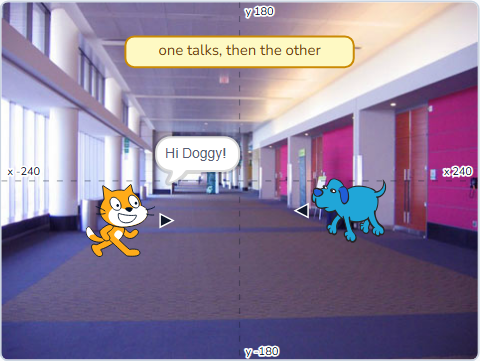 Topic 1.2SCR-L01-02
Conversation Story
Two sprites taking turns — first with waits, then with broadcasts.
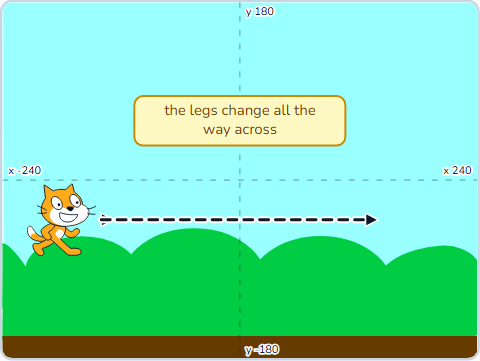 Topic 1.3SCR-L01-03
Create Animation
Costumes, the walk cycle, and two stacks running at the same time.
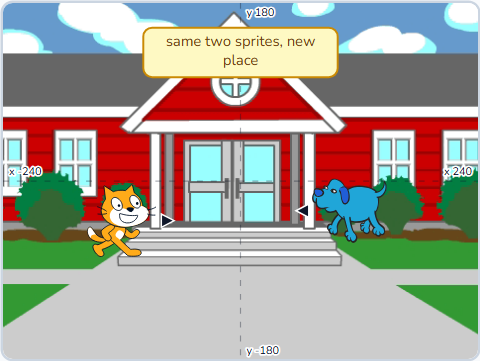 Topic 1.4SCR-L01-04
Animation & Scene Transition
Backdrops, walking on and off stage, and background music.
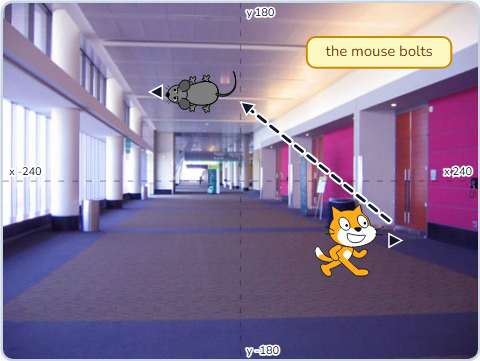 Topic 1.5SCR-L01-05
Interactive Story — Cat vs Mouse
Arrow keys, change x and y, forever-if, and glide.
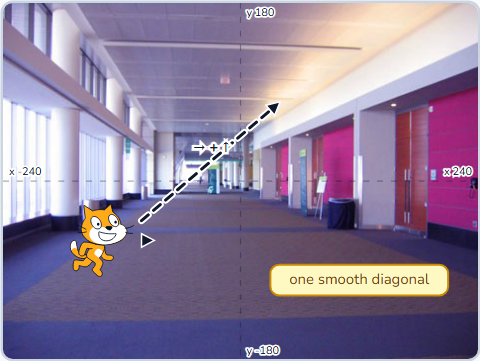 Topic 1.6SCR-L01-06
Smooth Motion Control I
Why forever-if beats key-pressed events for a game.
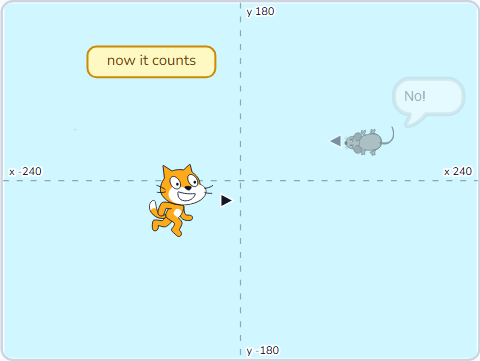 Topic 1.7SCR-L01-07
Smooth Motion Control II
Planning a game rule by rule, and if / else costumes.
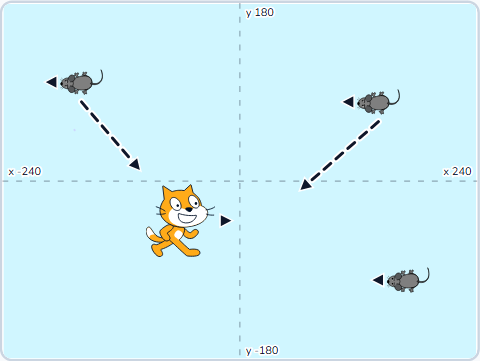 Topic 1.8SCR-L01-08
Smooth Motion Control III
Coding the NPC side — sensing, hiding, and random drift.
 Topic 1.9SCR-L01-09
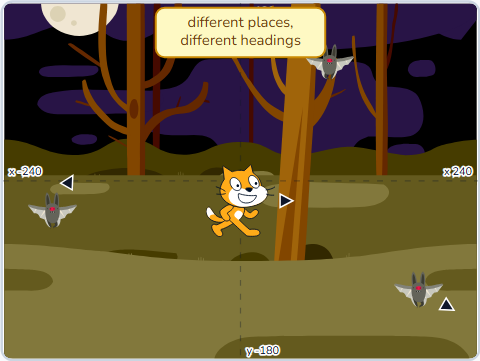
Random Number
Pick random, unpredictable movement at a constant speed.
 Topic 1.10SCR-L01-10
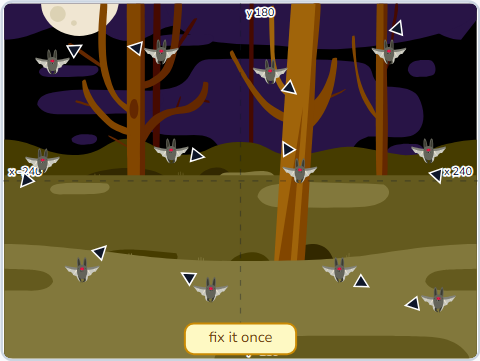
Creating Clones
One sprite, many copies — and why that beats duplicating.
 Topic 1.11SCR-L01-11
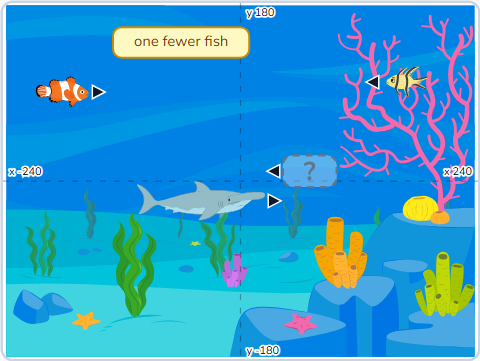
Shark Game I
Build the shark: smooth control, facing, and the bite costume.
 Topic 1.11SCR-L01-12
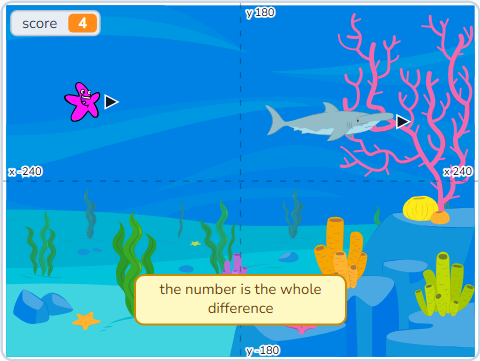
Shark Game II
The fish: clones, touching the shark, and a score that counts.
 Topic 1.12SCR-L01-13
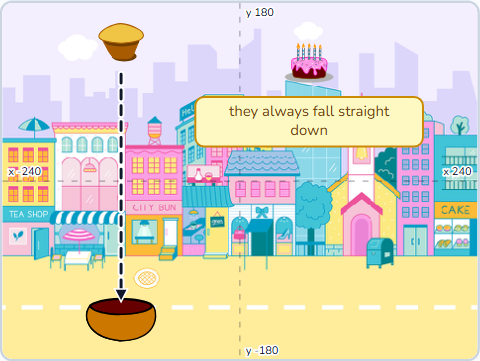
Muffin Catcher I
Things that fall: clones from a random spot along the top, and a bowl that slides.
 Topic 1.13SCR-L01-14
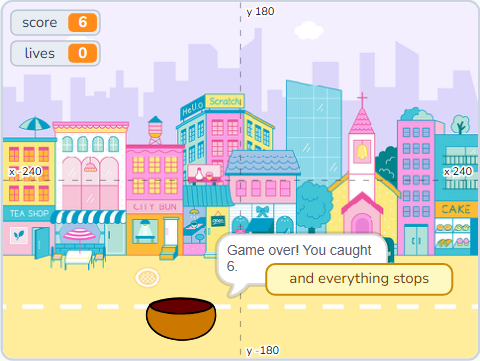
Muffin Catcher II
A score, three lives, and the first game in Level 1 you can actually lose.
 Topic 1.14SCR-L01-15
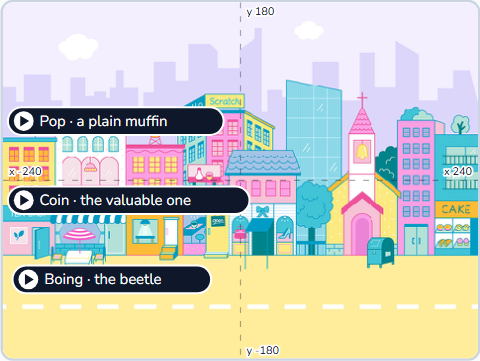
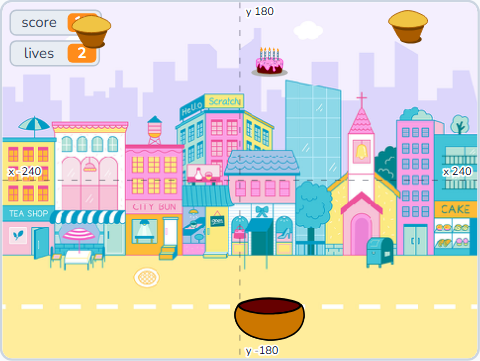
Muffin Catcher III
Muffin worth different amounts, one you must not catch, and sounds that tell you which.
 Topic 1.15SCR-L01-16
Muffin Catcher IV
It speeds up as you win, ends on a Game Over screen, and remembers your best.
 Topic 1.16SCR-L01-17
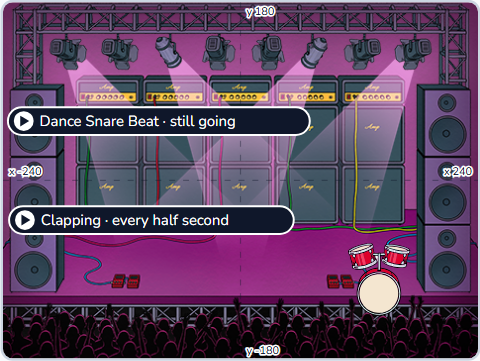
Music Video I
The Sound tab: play, play until done, and a beat that keeps time.
 Topic 1.17SCR-L01-18
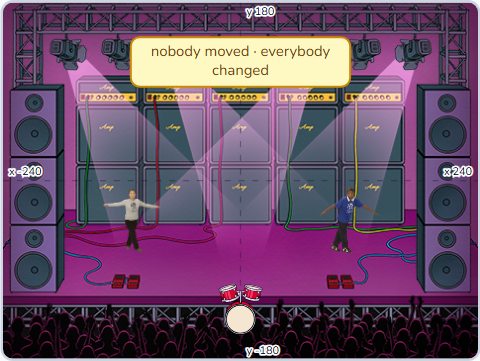
Music Video II
Dancing on the beat — costumes, a size pulse and colour effects.
 Topic 1.18SCR-L01-19
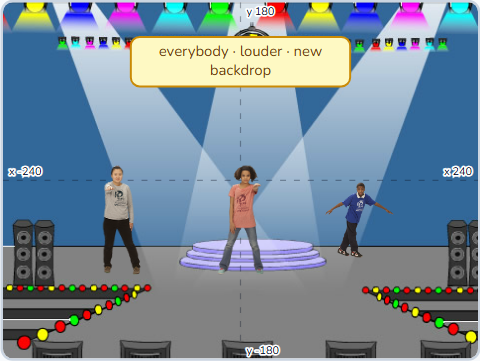
Music Video III
Broadcasts as cues: verse, chorus, and a backdrop that changes with the song.
 Topic 1.19SCR-L01-20
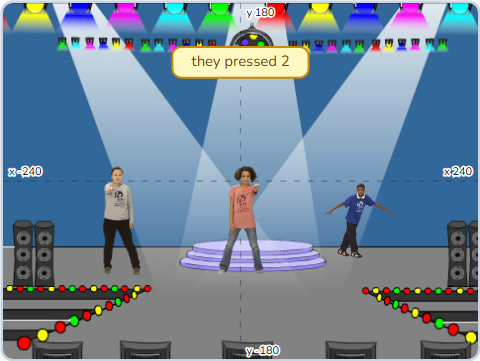
Music Video IV
A show the audience plays: keys trigger moves, a start button, then you share it.
 Topic 1.20SCR-L01-21
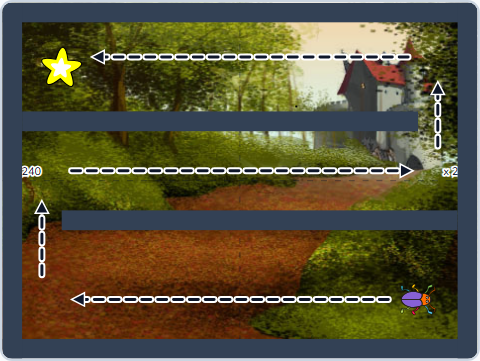
Maze Escape I
Walls you cannot walk through, and an exit that knows you reached it.
 Topic 1.21SCR-L01-22
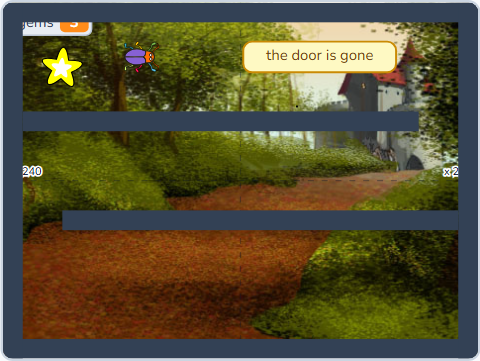
Maze Escape II
Things worth collecting, a key, and a door that only opens once you have it.
 Topic 1.22SCR-L01-23
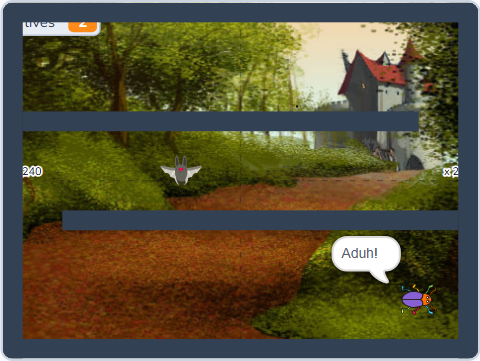
Maze Escape III
A guard on patrol, three lives, and a start you get sent back to.
 Topic 1.23SCR-L01-24
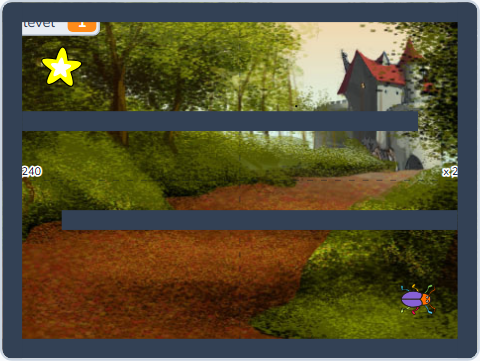
Maze Escape IV
A second maze, a win screen, and the best time anyone has managed.
 Topic 1.24SCR-L01-25
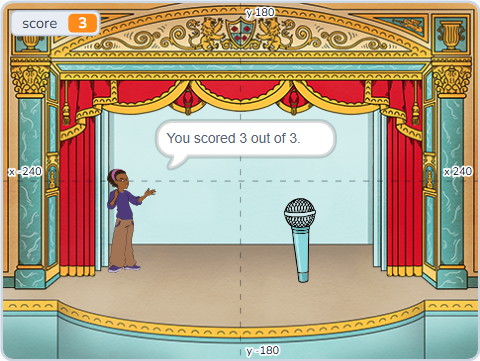
Quiz Show I
The block that waits for a person: ask, answer, and telling right from wrong.
 Topic 1.25SCR-L01-26
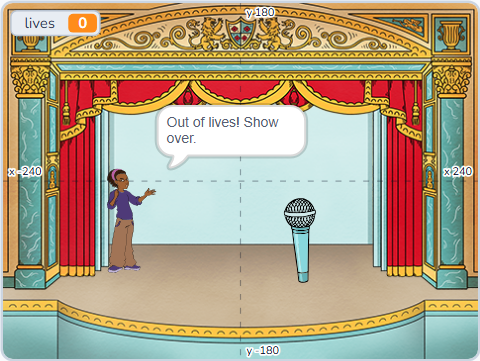
Quiz Show II
Three lives, a show that can end early, and a pass mark.
 Topic 1.26SCR-L01-27
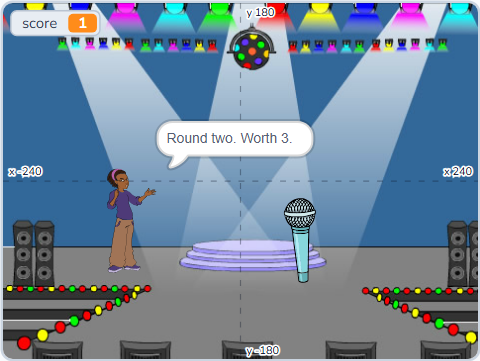
Quiz Show III
A card behind every round, a sound for right and wrong, and points worth more.
 Topic 1.27SCR-L01-28
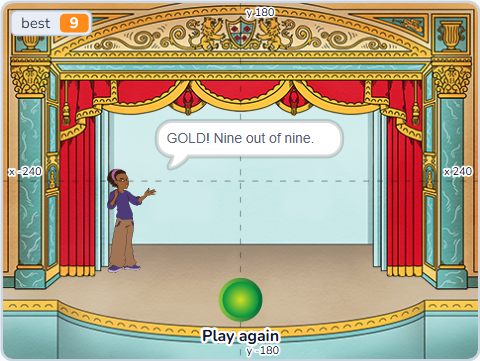
Quiz Show IV
A button to start it, a medal instead of a number, and a best score.
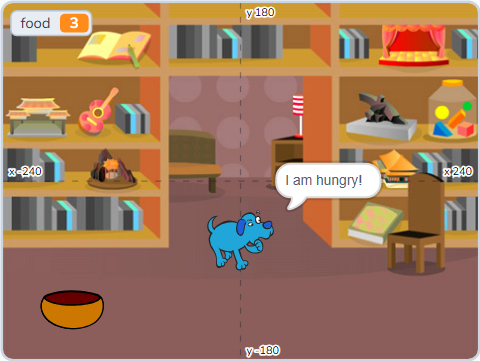 Topic 1.28SCR-L01-29
Pet Pal I
The first project that keeps going while you look away.
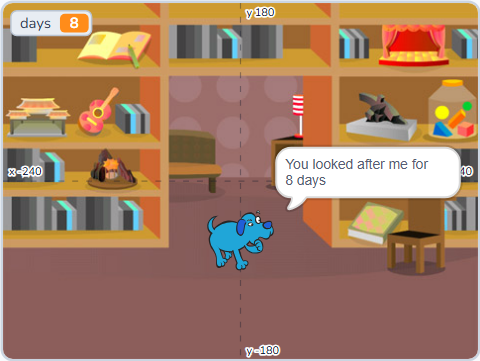 Topic 1.29SCR-L01-30
Pet Pal II
Zero means something now, and the score is how many days you lasted.
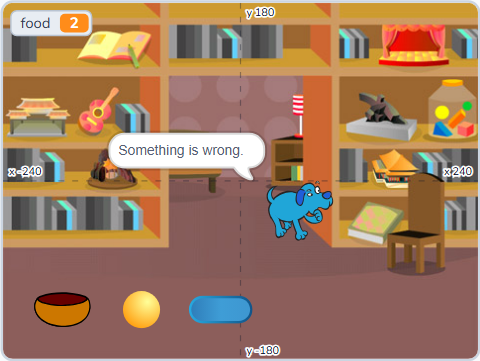 Topic 1.30SCR-L01-31
Pet Pal III
Three needs at three speeds, one face, and a pet that paces when it is happy.
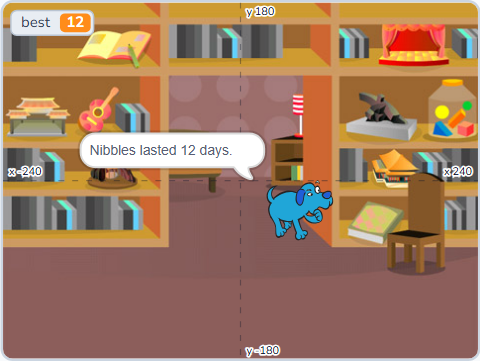 Topic 1.31SCR-L01-32
Pet Pal IV
A pet somebody adopts and names, and the two lists every game needs.
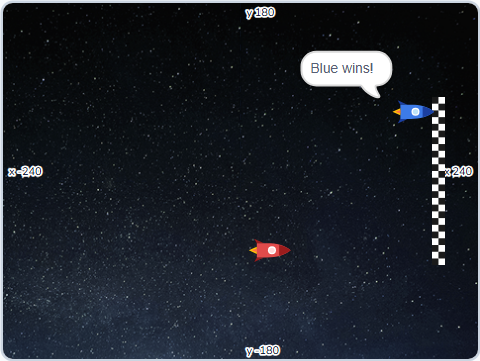 Topic 1.32SCR-L01-33
Space Race I
Two players, one keyboard, two lanes and a finish line.
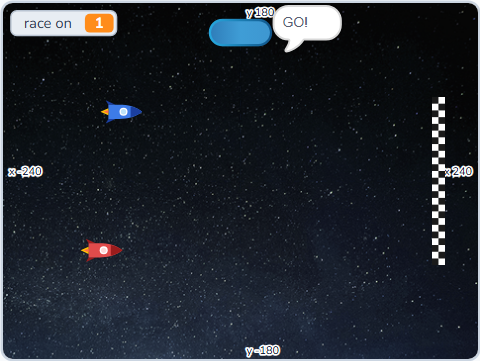 Topic 1.33SCR-L01-34
Space Race II
A countdown nobody can jump, using a variable as a switch.
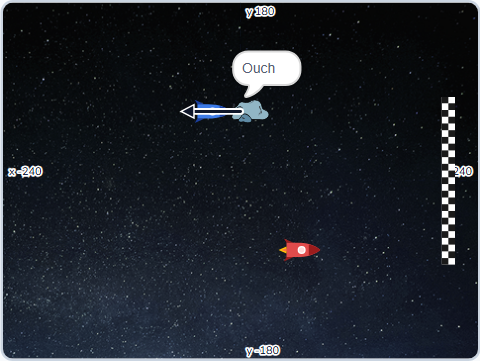 Topic 1.34SCR-L01-35
Space Race III
Steering, asteroids to dodge, and a star worth the detour.
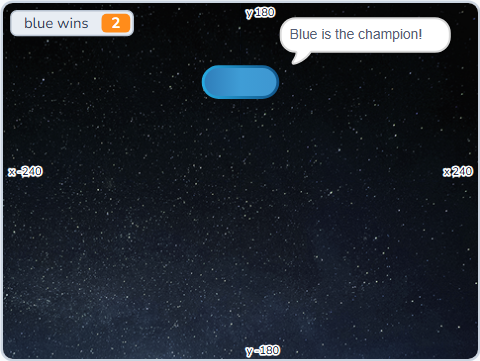 Topic 1.35SCR-L01-36
Space Race IV
Three races, a scoreboard, a champion, and a match somebody actually won.
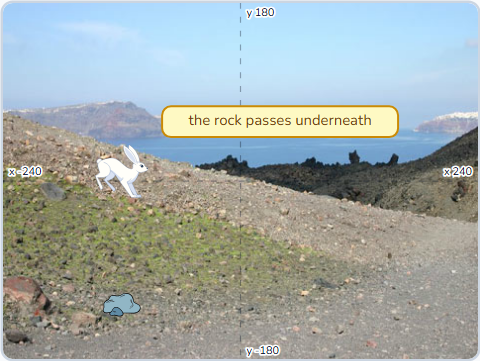 Topic 1.36SCR-L01-37
Jump Dash I
One key, one hop, and obstacles that come to you.
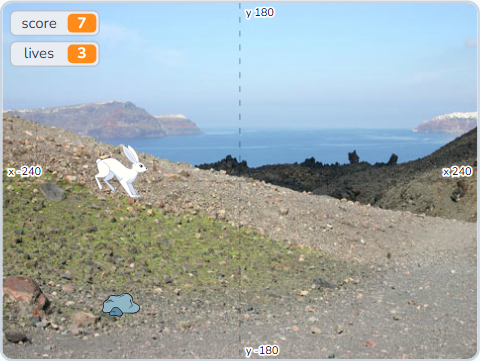 Topic 1.37SCR-L01-38
Jump Dash II
A score, three lives, and a run you lose slowly instead of all at once.
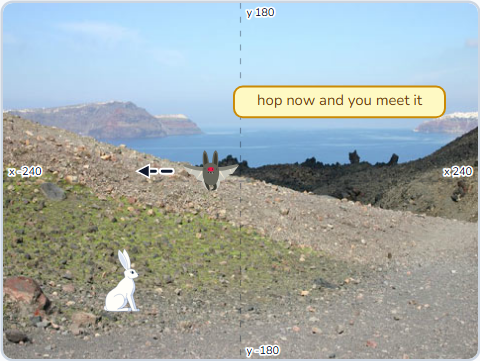 Topic 1.38SCR-L01-39
Jump Dash III
It speeds up, there is a star worth having, and hopping is sometimes wrong.
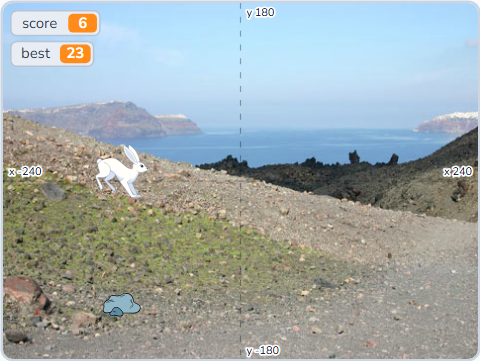 Topic 1.39SCR-L01-40
Jump Dash IV
A title screen, a start button, and a best score that survives losing.
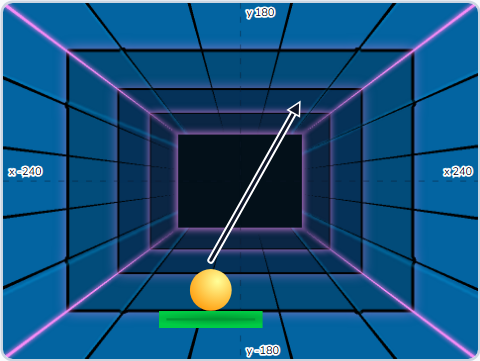 Topic 1.40SCR-L01-41
Paddle Bounce I
A ball that never stops, and a paddle that has to be somewhere.
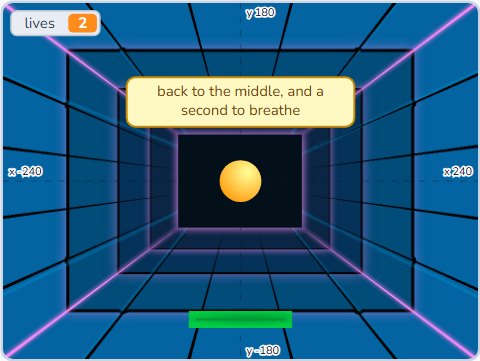 Topic 1.41SCR-L01-42
Paddle Bounce II
A floor you can miss, a serve, and bounces worth counting.
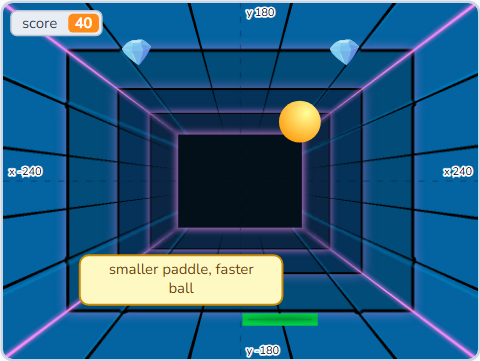 Topic 1.42SCR-L01-43
Paddle Bounce III
A row of targets built by a loop, and a game that hardens as you win.
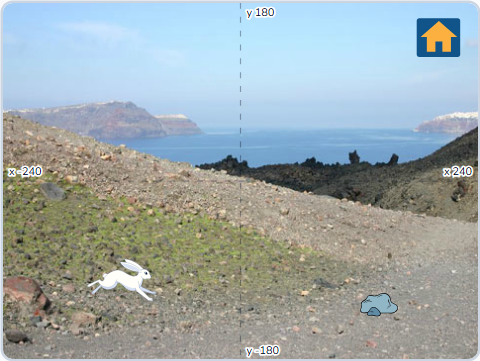
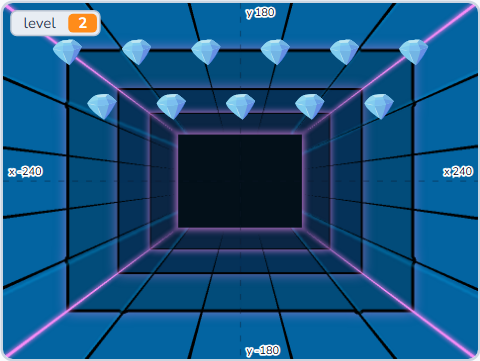 Topic 1.43SCR-L01-44
Paddle Bounce IV
Three levels, a win screen, and the first game you can actually finish.
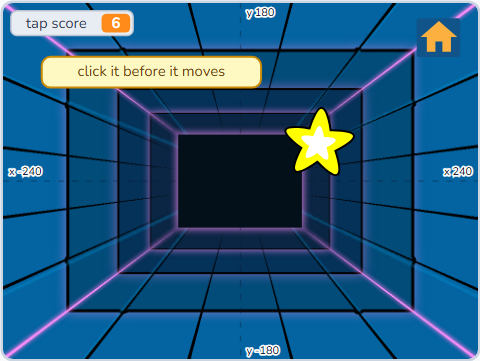
 Topic 1.44SCR-L01-45
Arcade Cabinet I
Screens as broadcasts, a menu, and a way back from everywhere.
 Topic 1.45SCR-L01-46
Arcade Cabinet II
Three games in one project, the name clash, and a game built in ten minutes.
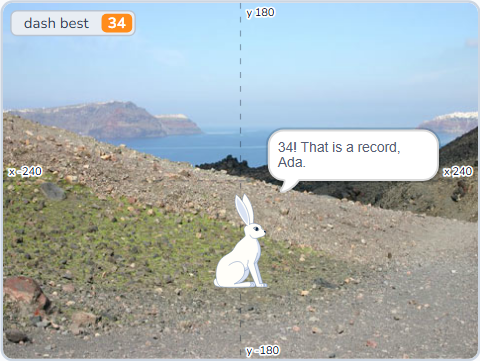 Topic 1.46SCR-L01-47
Arcade Cabinet III
Three records, a name typed once, and a scoreboard to argue over.
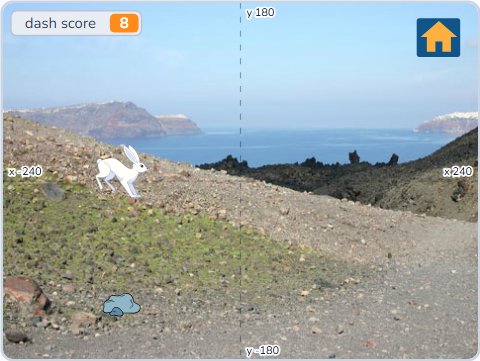 Topic 1.47SCR-L01-48
Arcade Cabinet IV
Instructions, an attract screen, credits — and the end of Level 1.
Conditionals, sensing, multi-sprite
Forty-eight 90-minute lessons in twelve game projects — Whack-a-mole, a Car Race, a Zombie Defence, then a treasure hunt, a line-following robot, a choose-your-path story, a monster maker, a times-table challenge, a road crossing, a penalty shootout, Space Invaders and a game of your own. Conditions, sensing, broadcasts, effects, clones and variables stop being exercises and start being how the thing works.
 Lesson 2-1SCR-L02-01
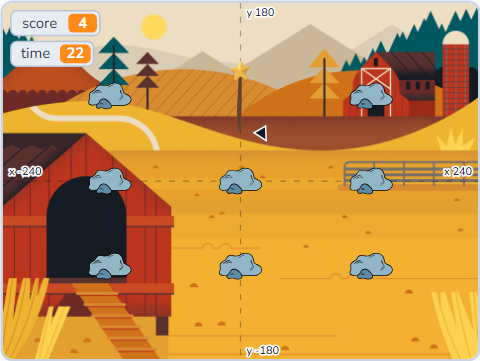
Whack-a-mole Game I
A hammer that follows the mouse, nine holes from one sprite, and moles that pop up at random.
 Lesson 2-2SCR-L02-02
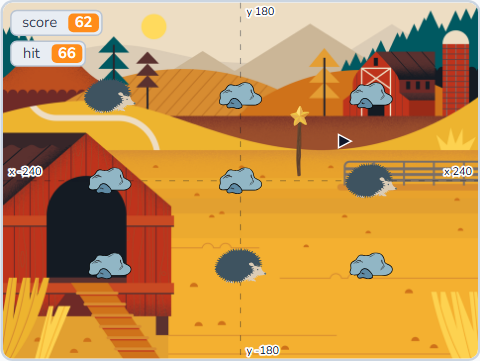
Whack-a-mole Game II
Nine spawners so several moles are up at once — and accuracy, which needs a second counter.
 Lesson 2-3SCR-L02-03
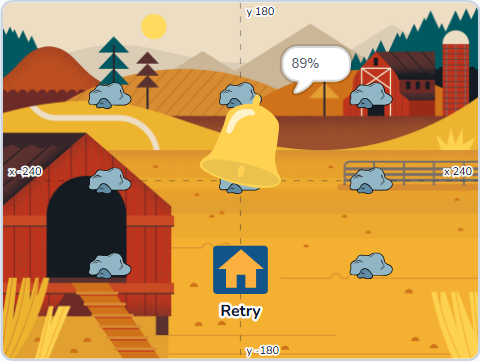
Whack-a-mole Game III
Round and join for a readable score, a Retry button, and clones that tidy up after themselves.
 Lesson 2-4SCR-L02-04
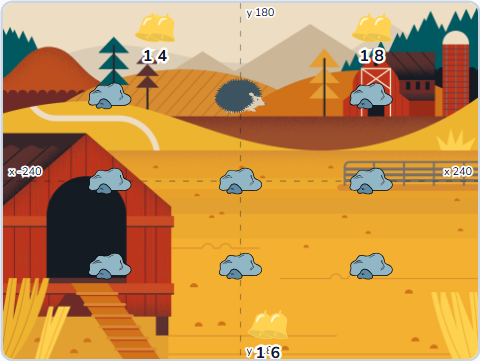
Whack-a-mole Game IV
Close the hold-and-sweep cheat, then write your first My Block: three scripts become one.
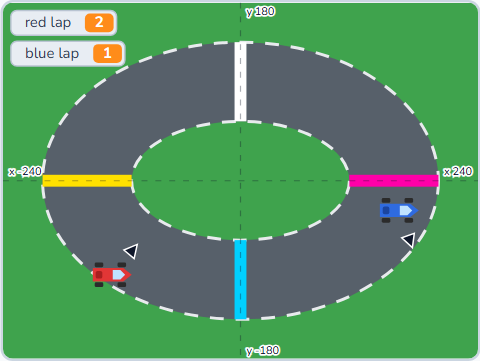 Lesson 2-5SCR-L02-05
Car Race Game I
Two players on one keyboard, turn-then-drive steering, and a lap counter nobody can trick.
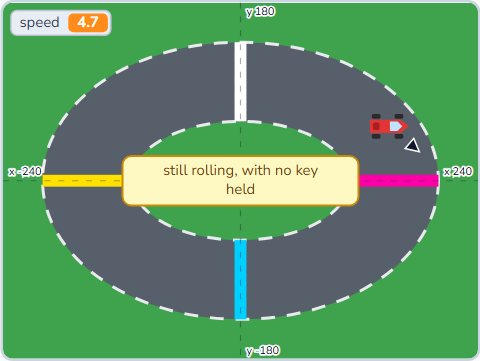 Lesson 2-6SCR-L02-06
Car Race Game II
Momentum: the key stops moving the car and starts pushing a number. Checkpoints become a sprite.
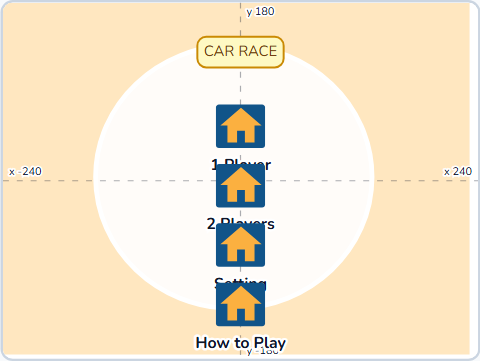 Lesson 2-7SCR-L02-07
Car Race Game III
Grass as friction, ask-and-wait, and the refactor — a page's buttons are costumes, not sprites.
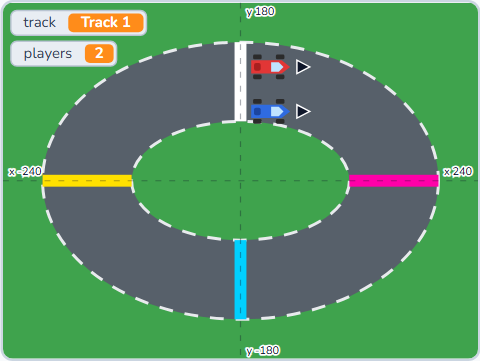 Lesson 2-8SCR-L02-08
Car Race Game IV
The menu meets the race: a broadcast says where to go, a variable says what was chosen.
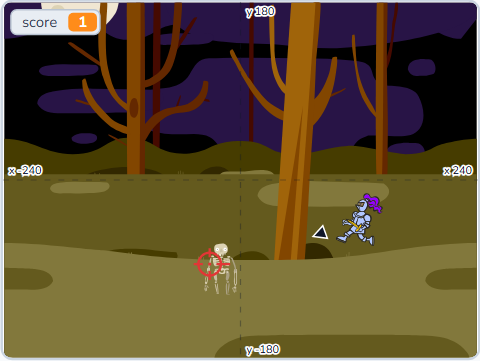 Lesson 2-9SCR-L02-09
Shooting Game I
A defence game aimed with the mouse. Bullets are clones that know their direction at birth.
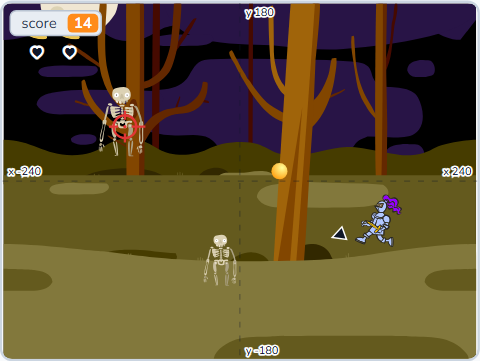 Lesson 2-10SCR-L02-10
Shooting Game II
Health per clone — the first time “for this sprite only” matters — three hearts, and losing.
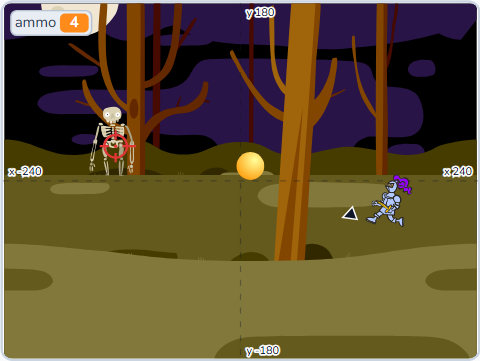 Lesson 2-11SCR-L02-11
Shooting Game III
A weapon is four numbers, not a picture: ammo, reloading, and four sets loaded by one block.
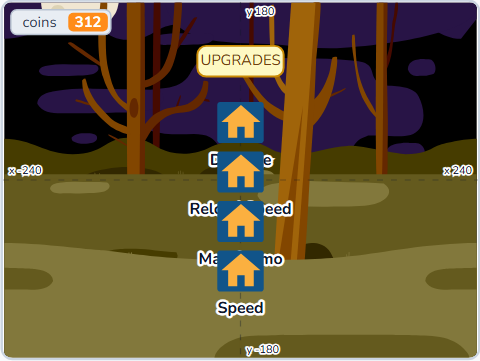 Lesson 2-12SCR-L02-12
Shooting Game IV
Enemy levels, waves, and an upgrade store whose buttons are allowed to refuse you.
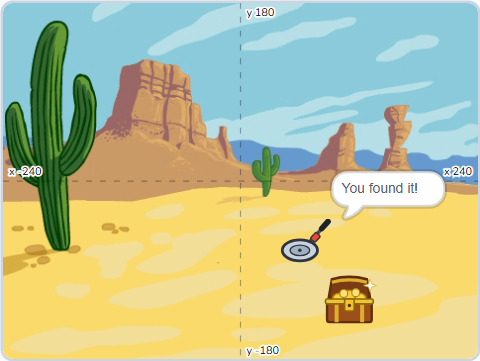 Lesson 2-13SCR-L02-13
Treasure Hunt I
A metal detector that follows the mouse and says hot, warm or cold — distance to, and an if / else chain.
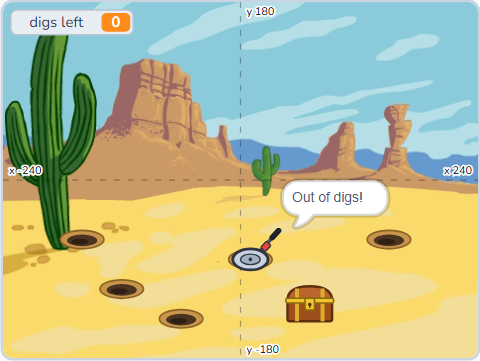 Lesson 2-14SCR-L02-14
Treasure Hunt II
Warm becomes a range with and, five digs to find it, and the first way to lose.
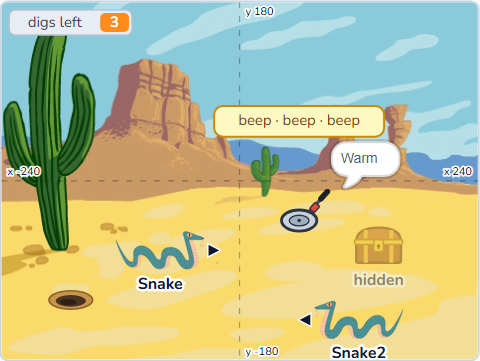 Lesson 2-15SCR-L02-15
Treasure Hunt III
Traps with or, no digging twice with not, and a beep that speeds up as you close in.
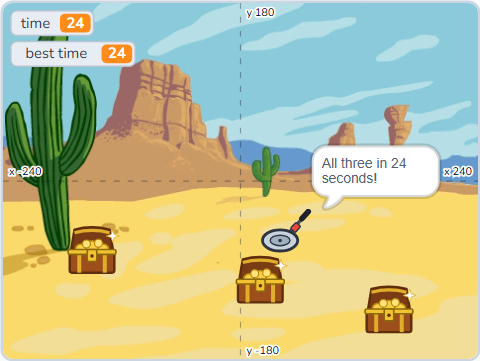 Lesson 2-16SCR-L02-16
Treasure Hunt IV
Three treasures against the clock, a best time, and a start screen.
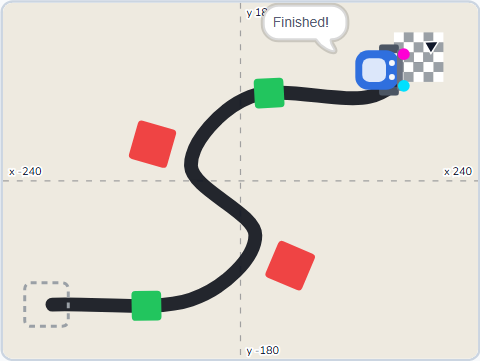 Lesson 2-17SCR-L02-17
Line Follower I
A robot you drive over coloured floor pads — touching colour as a sensor.
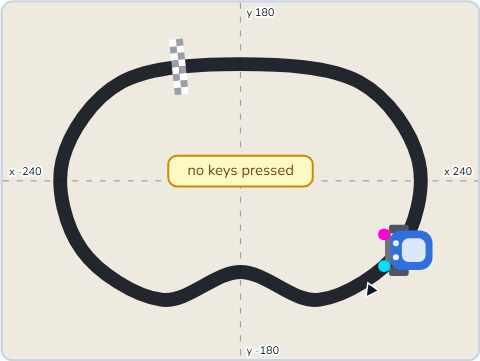 Lesson 2-18SCR-L02-18
Line Follower II
Two sensor dots and colour-is-touching-colour: the robot steers itself along the line.
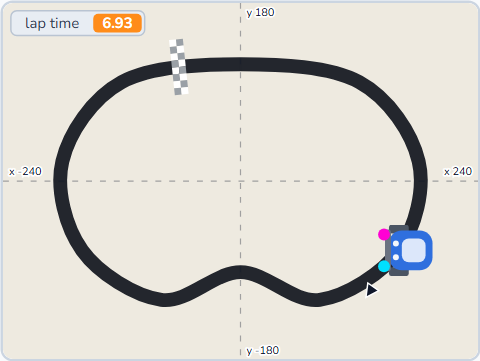 Lesson 2-19SCR-L02-19
Line Follower III
Speed and turn as variables you tune, stop and turn-around markers, and a lap timer.
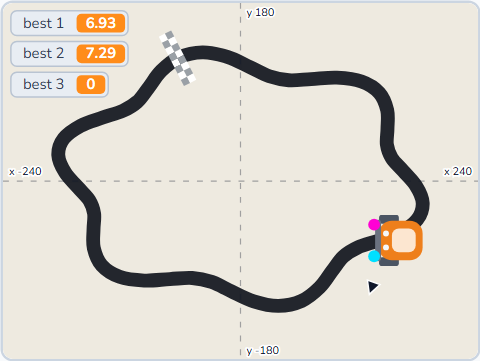 Lesson 2-20SCR-L02-20
Line Follower IV
Three tracks, a finish line, a best lap for each — and a robot that is yours.
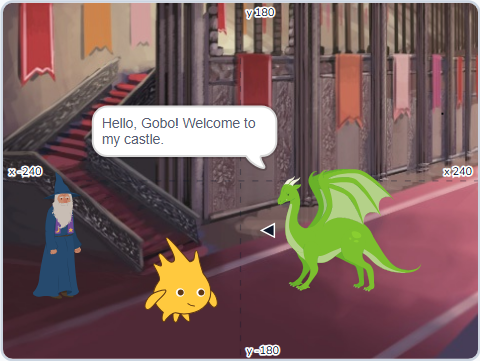 Lesson 2-21SCR-L02-21
Choose Your Path I
A story told scene by scene — broadcast and wait, so nothing talks over anything else.
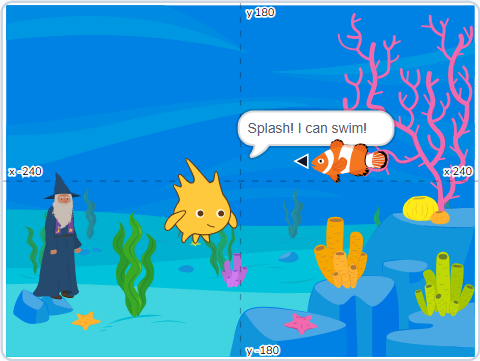 Lesson 2-22SCR-L02-22
Choose Your Path II
Two buttons, two paths: the reader decides, and the story branches.
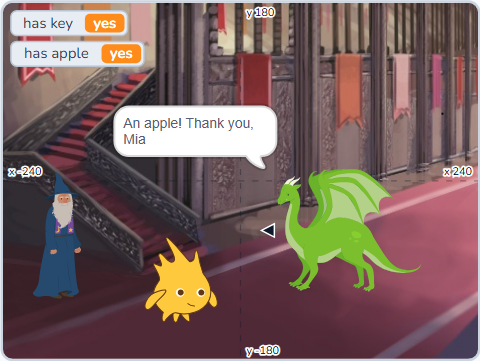 Lesson 2-23SCR-L02-23
Choose Your Path III
An apple, a key, a door that checks both, and your name in the story.
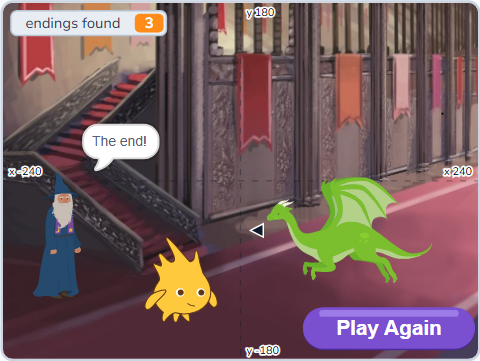 Lesson 2-24SCR-L02-24
Choose Your Path IV
Four endings, a count of the ones you have found, and a title screen to start again.
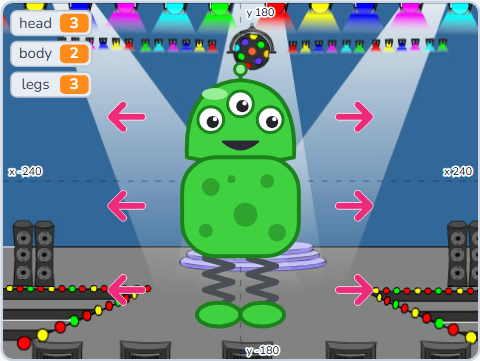 Lesson 2-25SCR-L02-25
Monster Maker I
Heads, bodies and legs as costumes: click or ◀ ▶ to change, and costume number to know which.
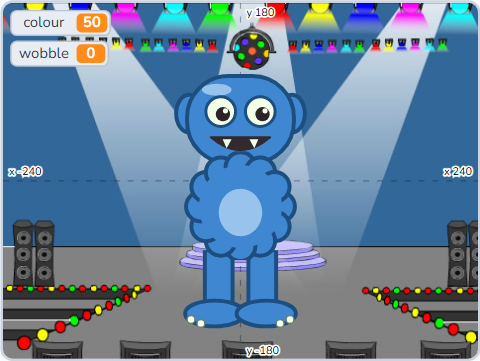 Lesson 2-26SCR-L02-26
Monster Maker II
Seven graphic effects as numbers, and colour and wobble controls that paint the whole monster.
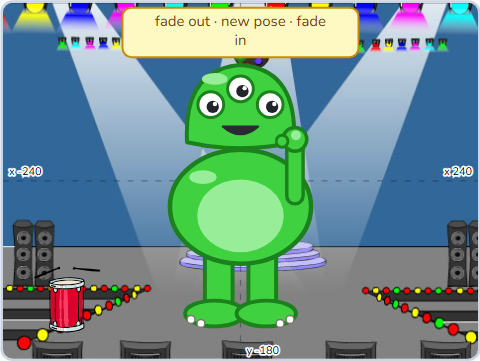 Lesson 2-27SCR-L02-27
Monster Maker III
The monster dances: a size pulse, layers in front and behind, and one broadcast to start it.
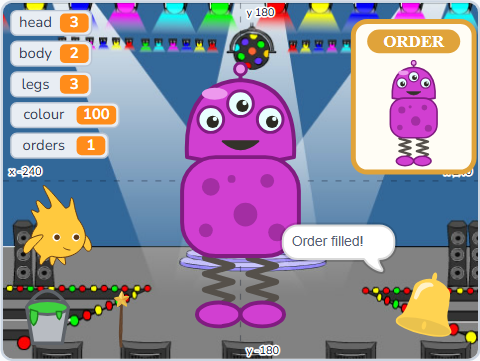 Lesson 2-28SCR-L02-28
Monster Maker IV
A random-monster button, a monster order to match, and a check that uses and three times.
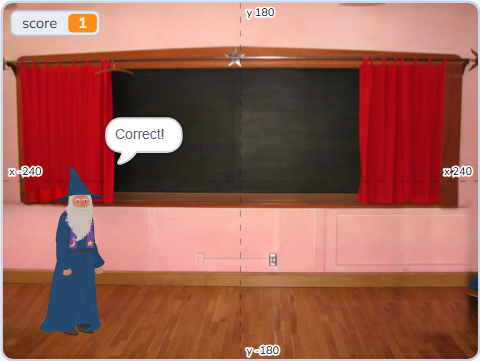 Lesson 2-29SCR-L02-29
Times-Table Challenge I
Questions nobody wrote: pick random, join, and an answer checked against a times b.
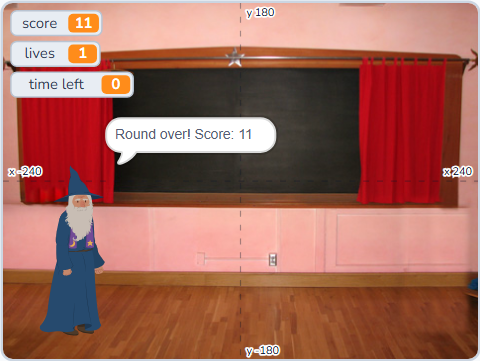 Lesson 2-30SCR-L02-30
Times-Table Challenge II
Sixty seconds on the timer, three lives, and a round that ends by itself.
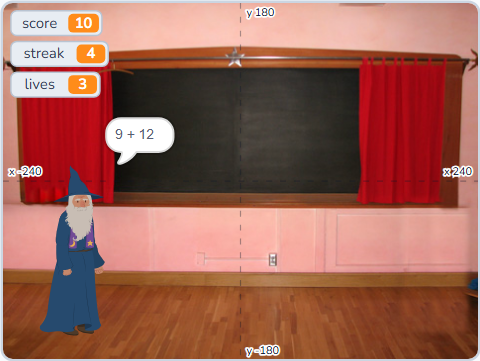 Lesson 2-31SCR-L02-31
Times-Table Challenge III
A streak that multiplies your points, a level you choose first, and a mix of × and +.
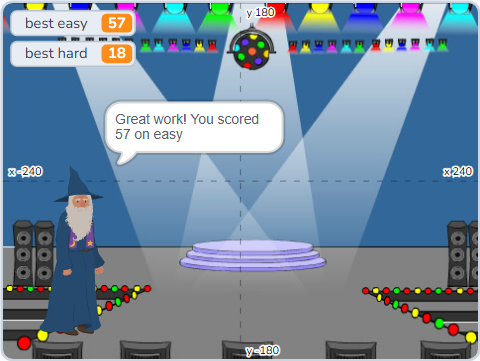 Lesson 2-32SCR-L02-32
Times-Table Challenge IV
A menu, a best score, and a results card that tells you how you did in words.
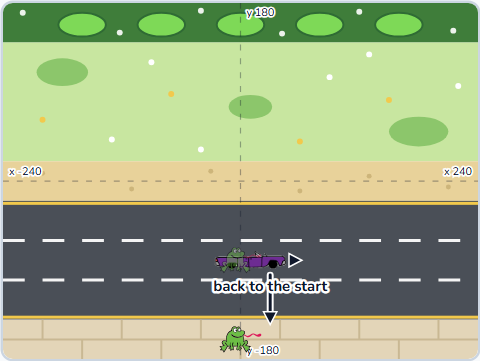 Lesson 2-33SCR-L02-33
Road Crossing I
Lanes of cars made from clones, a frog that hops one row per tap, and back to the start when hit.
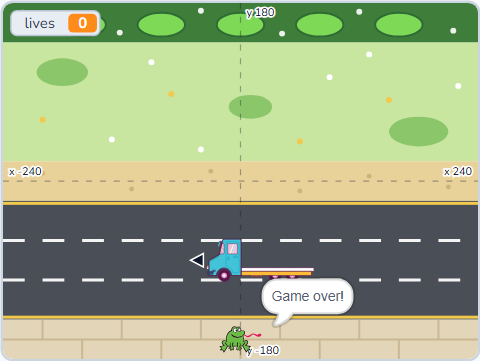 Lesson 2-34SCR-L02-34
Road Crossing II
Every lane its own speed and direction — for this sprite only — and three lives.
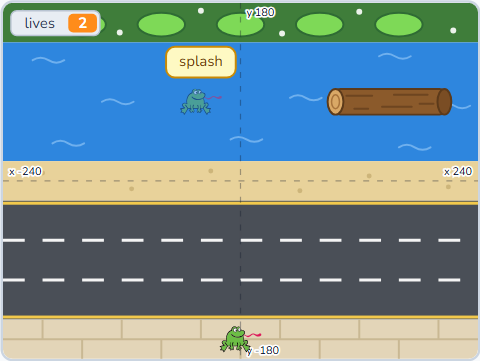 Lesson 2-35SCR-L02-35
Road Crossing III
A river with logs to ride — the log tells the frog its speed — and a splash when you miss.
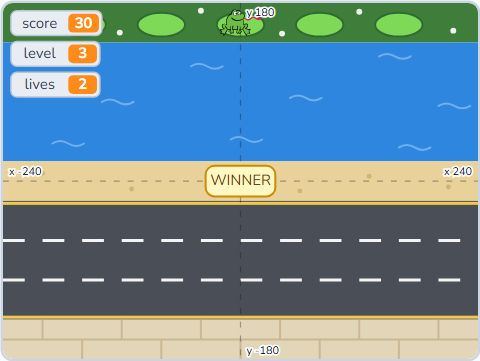 Lesson 2-36SCR-L02-36
Road Crossing IV
Home is worth points and a level, every lane speeds up, a win screen, and a best level that sticks.
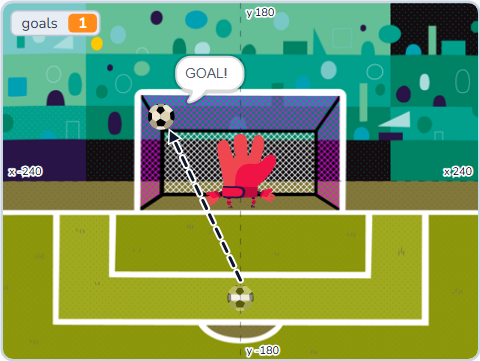 Lesson 2-37SCR-L02-37
Penalty Shootout I
Aim with the mouse — point towards — and a ball that goes where you aimed.
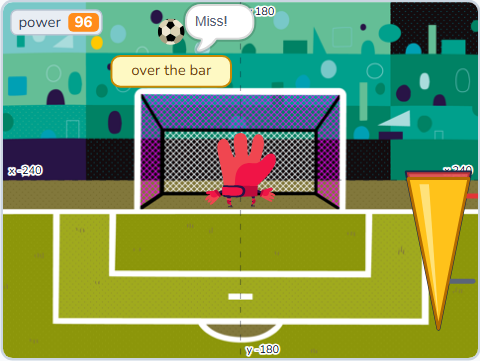 Lesson 2-38SCR-L02-38
Penalty Shootout II
A power meter that swings up and down, a key to stop it, and shots that sail over the bar.
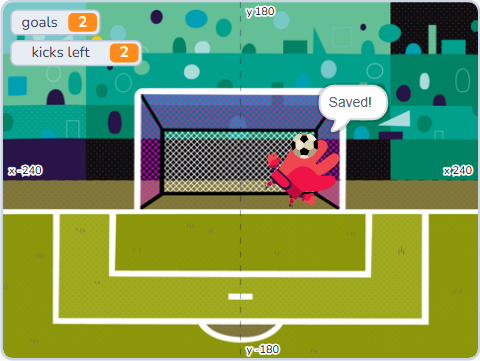 Lesson 2-39SCR-L02-39
Penalty Shootout III
A goalkeeper who picks a side at random, saves, and a five-kick match.
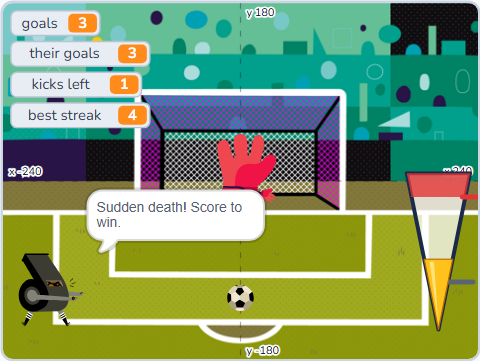 Lesson 2-40SCR-L02-40
Penalty Shootout IV
Sudden death, a keeper who gets better, and a best streak that stays.
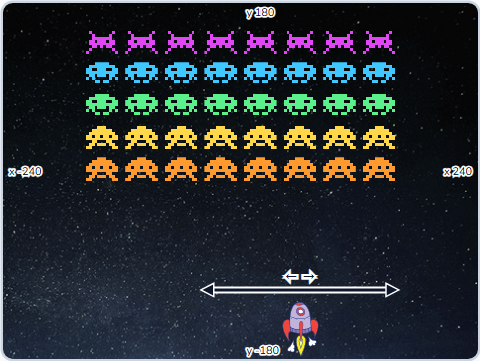 Lesson 2-41SCR-L02-41
Space Invaders I
An army built from one sprite: rows and columns of clones, each knowing its own place.
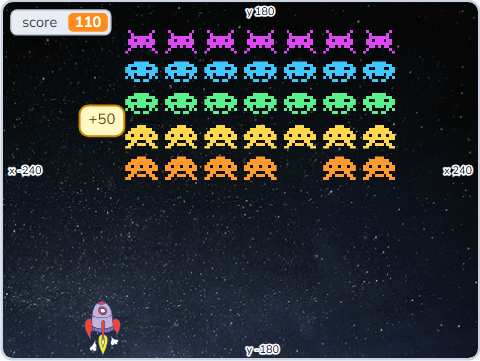 Lesson 2-42SCR-L02-42
Space Invaders II
A laser, invaders that vanish when hit, and back rows worth more than front ones.
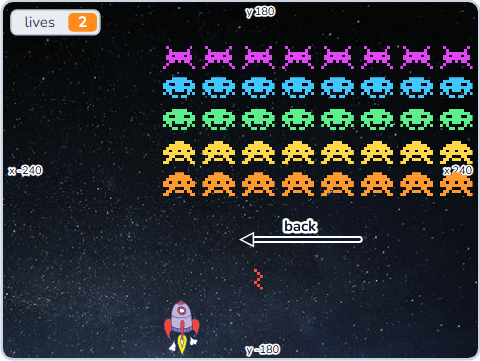 Lesson 2-43SCR-L02-43
Space Invaders III
The army marches together, drops at the edge, and fires back.
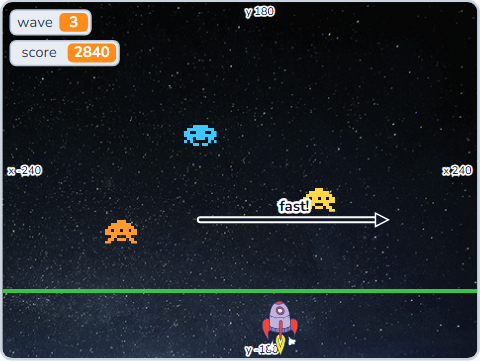 Lesson 2-44SCR-L02-44
Space Invaders IV
Waves that speed up as the army thins, a win screen, and a lose screen.
 Lesson 2-45SCR-L02-45
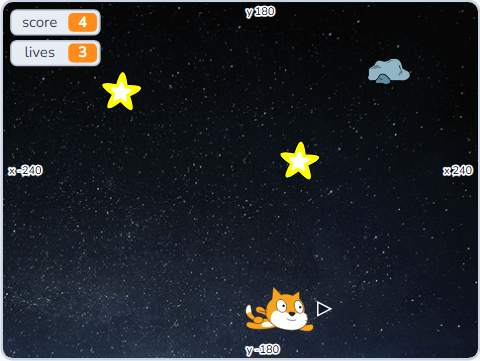
Game Studio I
Your own game: plan it on paper, then build the part you play.
 Lesson 2-46SCR-L02-46
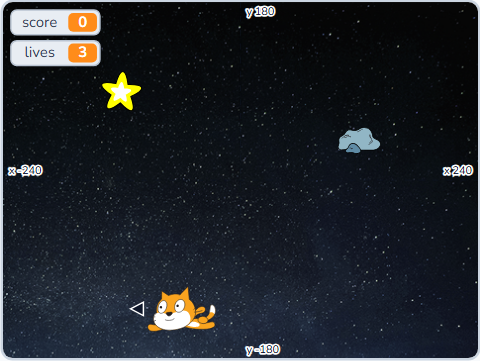
Game Studio II
Finding bugs on purpose — watchers, one script at a time, and a fixed broken game.
 Lesson 2-47SCR-L02-47
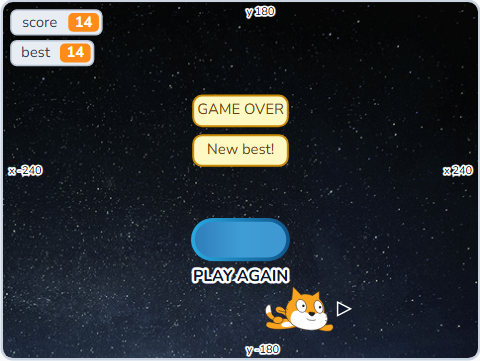
Game Studio III
A title screen, instructions, sounds and a best score — the polish that makes it a game.
 Lesson 2-48SCR-L02-48
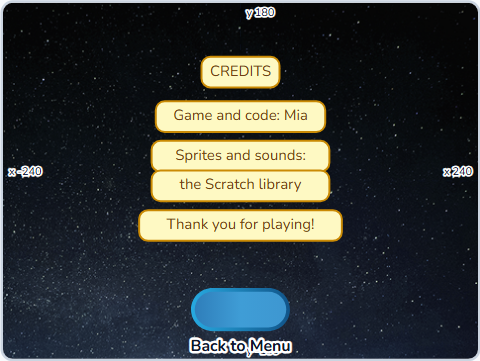
Game Studio IV
Share it, credit it, and look back at everything Level 2 taught — the end of Level 2.
Lists, custom blocks, cloning
Reusable My Blocks, cloning sprites for swarms, and the maths operators that drive real games. Finish Level 3 with a top-down maze and a scrolling platformer.
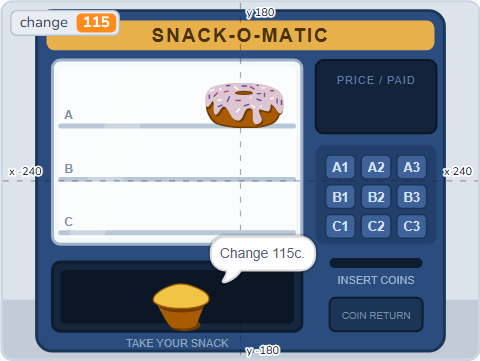 Lesson 3-1SCR-L03-01
Vending Machine I
Coins in, price out — the four operators, and one sum nested inside another.
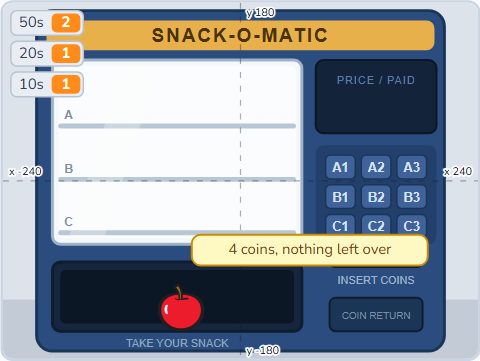 Lesson 3-2SCR-L03-02
Vending Machine II
Change you can hold: floor and mod break an amount into real coins.
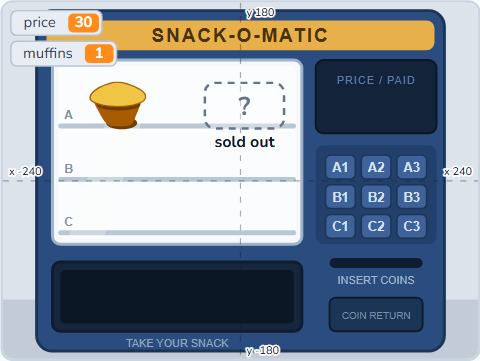 Lesson 3-3SCR-L03-03
Vending Machine III
Pick random gives the machine a new price, new stock and a lucky slot every morning.
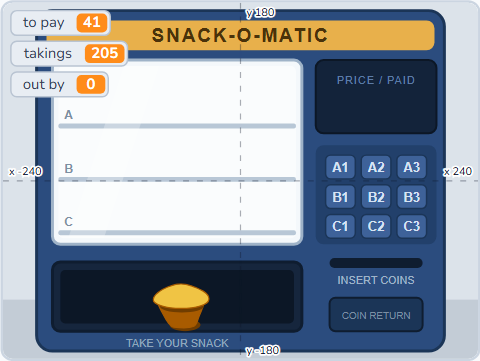 Lesson 3-4SCR-L03-04
Vending Machine IV
A discount landing on half a cent, round against floor, and a till that balances.
 Lesson 3-5SCR-L03-05
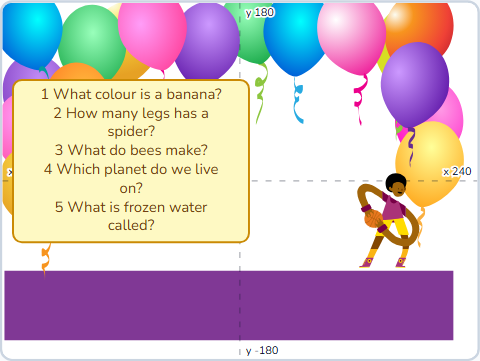
Quiz Master I
One box that holds a whole quiz — a list, add, item (N) of and length of.
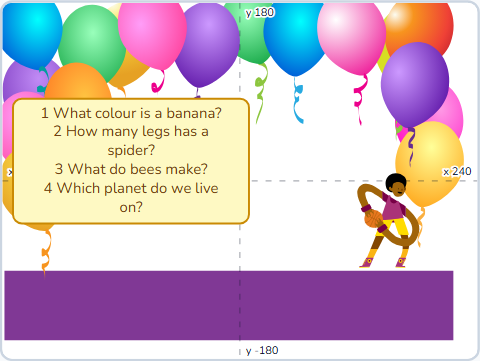 Lesson 3-6SCR-L03-06
Quiz Master II
A list that changes as you play: delete, insert, replace, and start again.
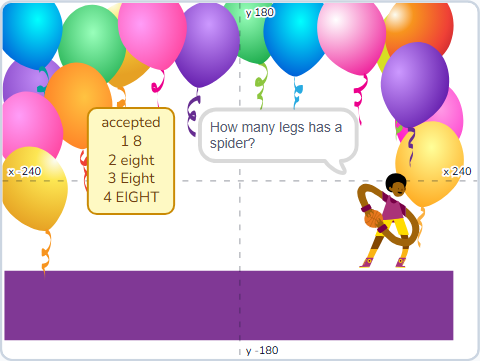 Lesson 3-7SCR-L03-07
Quiz Master III
One block searches a whole list, so every right spelling counts as right.
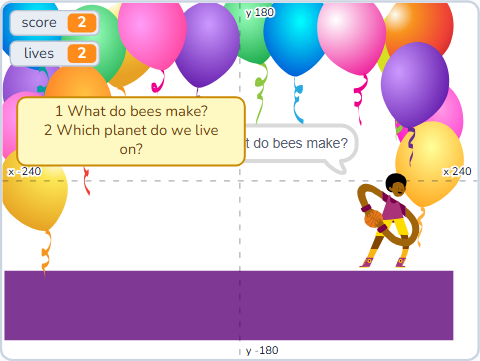 Lesson 3-8SCR-L03-08
Quiz Master IV
A round that knows when it is over, three lives, a score card and a record.
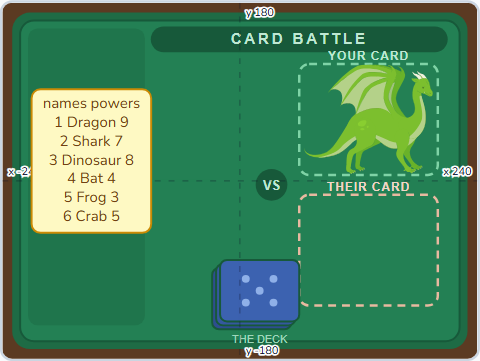 Lesson 3-9SCR-L03-09
Card Battle I
A deck in three lists that move together, and item # of — which row is the Bat in?
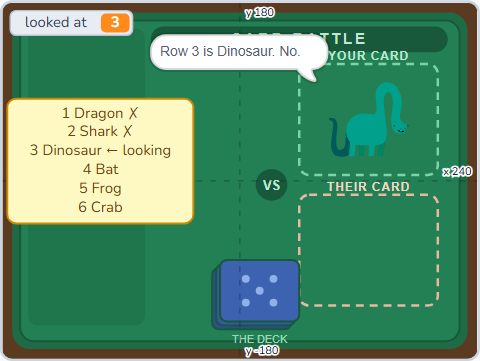 Lesson 3-10SCR-L03-10
Card Battle II
Linear search, written by hand — and counting what it costs to find something.
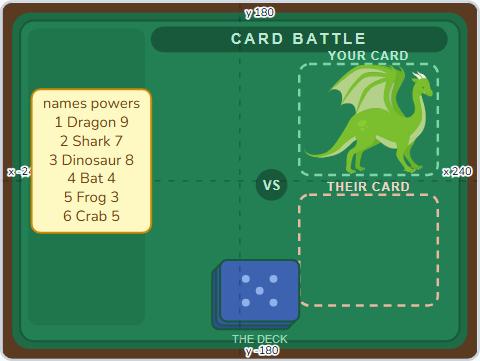 Lesson 3-11SCR-L03-11
Card Battle III
Bubble sort, one visible swap at a time, on three lists that must move together.
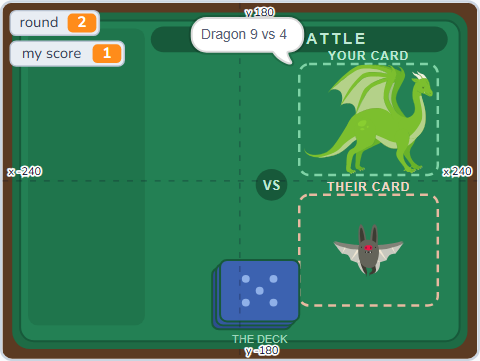 Lesson 3-12SCR-L03-12
Card Battle IV
Shuffle, deal, play a match — and a leaderboard your own sort keeps in order.
 Lesson 3-13SCR-L03-13
Firework Show I
Make a Block: give a stack your own name, and call it instead of copying it.
 Lesson 3-14SCR-L03-14
Firework Show II
Inputs — one block that fires every firework in the show, wherever you say.
 Lesson 3-15SCR-L03-15
Firework Show III
Run without screen refresh: the tickbox that turns a dribble into a bang.
 Lesson 3-16SCR-L03-16
Firework Show IV
Refactoring — tidy a long script into named parts without the audience noticing.
 Lesson 3-17SCR-L03-17
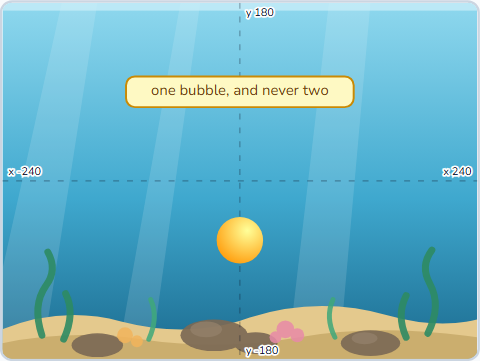
Bubble Popper I
One sprite becomes a reef: make clones, delete them, and count what is alive.
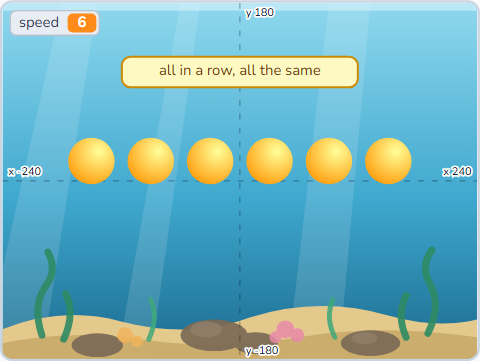 Lesson 3-18SCR-L03-18
Bubble Popper II
For this sprite only — the radio button that gives every clone its own speed.
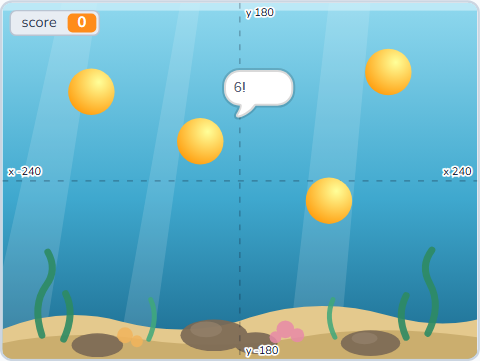 Lesson 3-19SCR-L03-19
Bubble Popper III
A click that finds one clone out of twenty, and points that belong to it.
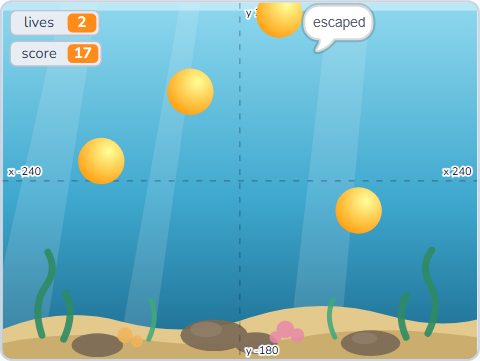 Lesson 3-20SCR-L03-20
Bubble Popper IV
Lives, a round that ends itself, a difficulty curve and a best score that lasts.
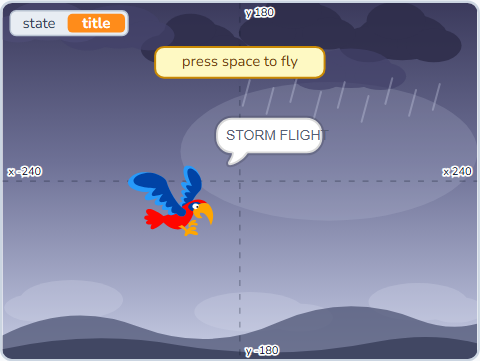 Lesson 3-21SCR-L03-21
Storm Flight I
A state variable names the situation, and every script asks it before acting.
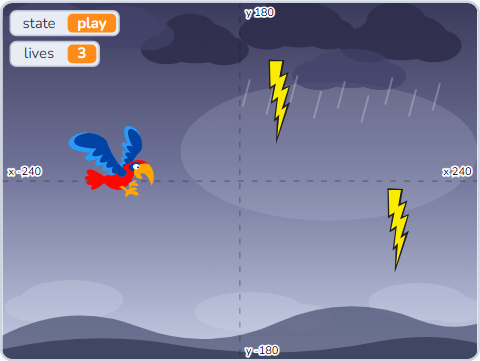 Lesson 3-22SCR-L03-22
Storm Flight II
Lives, and the half-second of safety that stops one bolt taking all three.
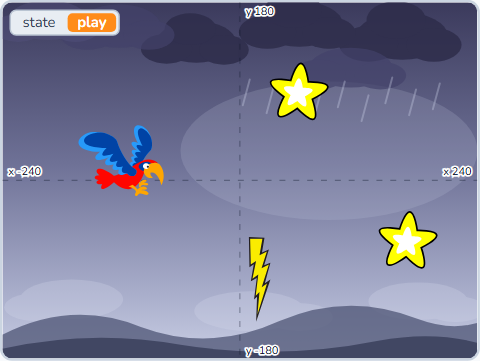 Lesson 3-23SCR-L03-23
Storm Flight III
Pause — the exam for a state machine, and how to find the script that lied.
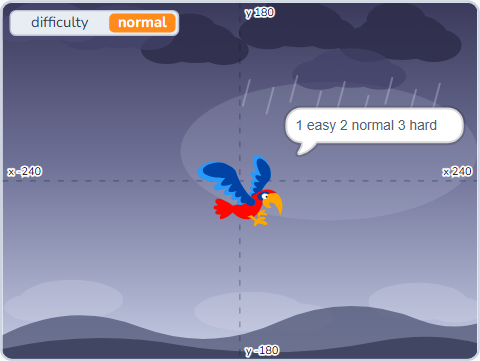 Lesson 3-24SCR-L03-24
Storm Flight IV
A score, a best that outlives the round, and a menu that adds one more state.
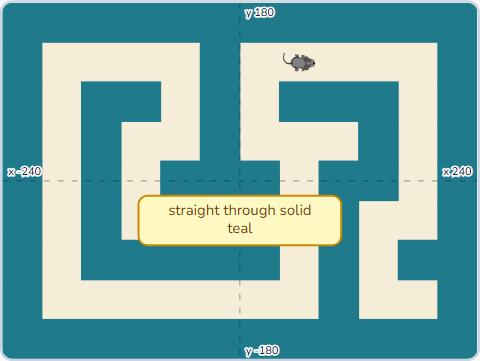 Lesson 3-25SCR-L03-25
Cheese Maze I
Touching colour, and the move-ask-undo that turns a painted wall into a real one.
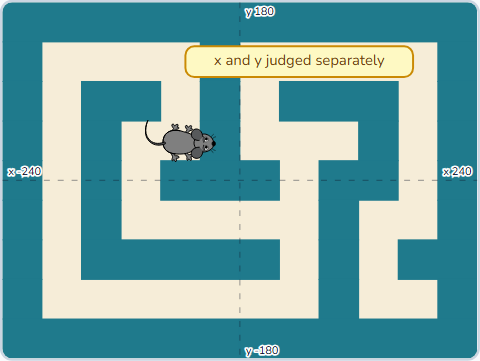 Lesson 3-26SCR-L03-26
Cheese Maze II
Sliding along walls, and the three measurements that explain why mazes feel wrong.
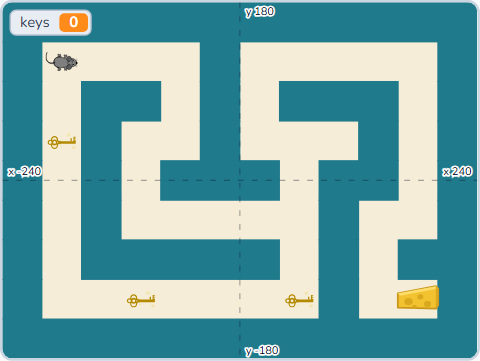 Lesson 3-27SCR-L03-27
Cheese Maze III
Three keys hidden off the quick route, and a cheese that stays locked until you have them.
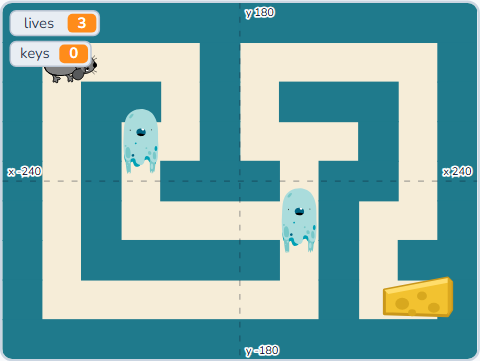 Lesson 3-28SCR-L03-28
Cheese Maze IV
A guard that patrols, then one that notices you — your first piece of game AI.
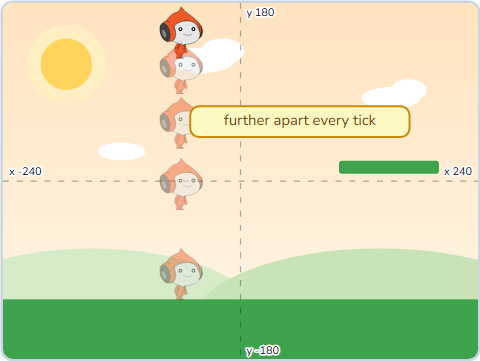 Lesson 3-29SCR-L03-29
Jump Quest I
A speed kept in a variable, gravity that grows it, and a landing that pushes back out of the grass.
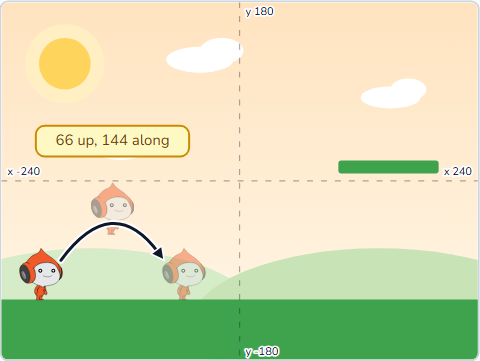 Lesson 3-30SCR-L03-30
Jump Quest II
A jump is one block — and only allowed from the ground. How high, how far, and a double jump.
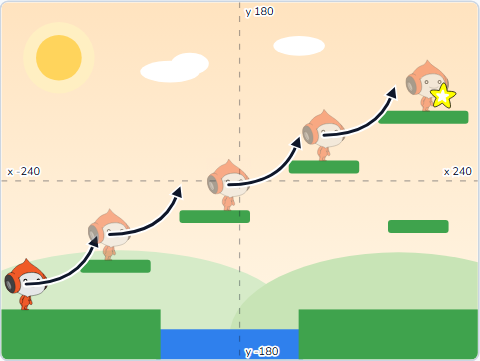 Lesson 3-31SCR-L03-31
Jump Quest III
Steps to climb, a hitbox so a wide head cannot snag, walls, and head bumps.
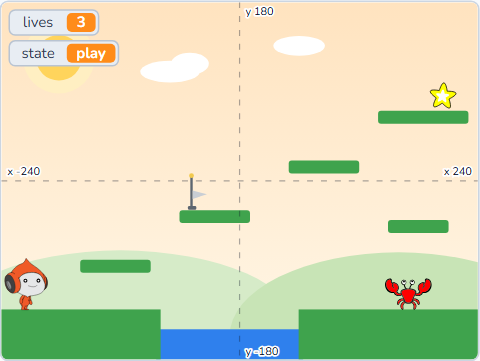 Lesson 3-32SCR-L03-32
Jump Quest IV
Water that costs a life, a checkpoint, a crab you can stomp, and a star worth finishing for.
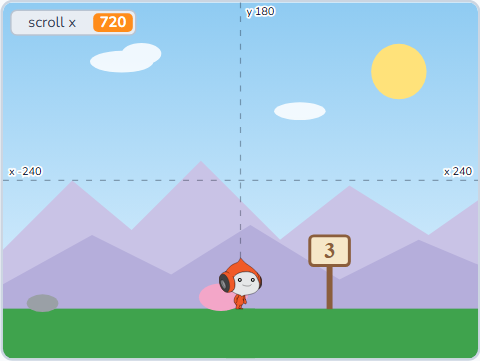 Lesson 3-33SCR-L03-33
Scroll World I
Move the world, not the player: scroll x, four screens as clones, and why far things must hide.
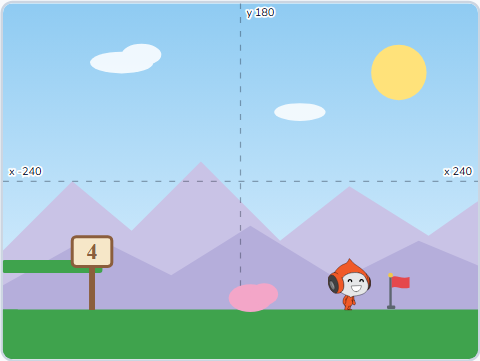 Lesson 3-34SCR-L03-34
Scroll World II
Jump Quest's Pico in a scrolling level: walk for real, pull the world back, and screen x against world x.
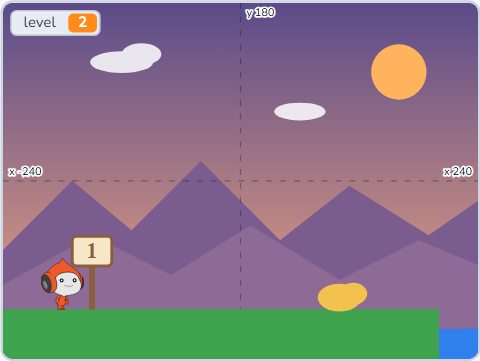 Lesson 3-35SCR-L03-35
Scroll World III
Two levels from one number: their own screens and sky, a clean rebuild, and title cards.
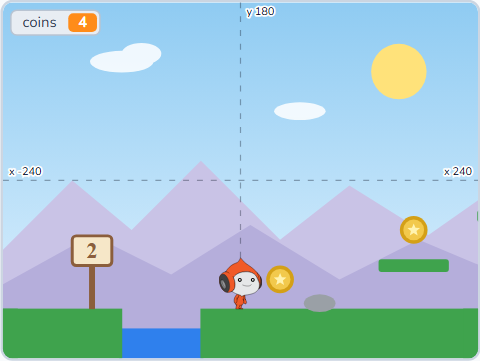 Lesson 3-36SCR-L03-36
Scroll World IV
Coins as clones, placed from lists — per level, worth different amounts, and a flag that waits for them all.
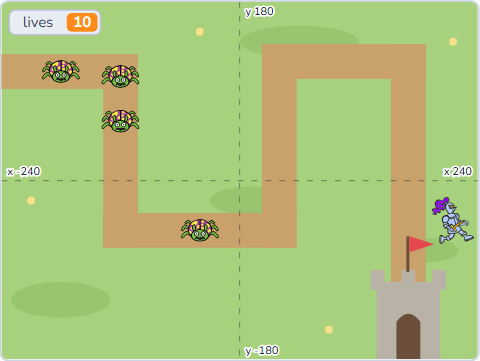 Lesson 3-37SCR-L03-37
Tower Defence I
Bugs that glide corner to corner along a path kept in two lists, and waves of clones.
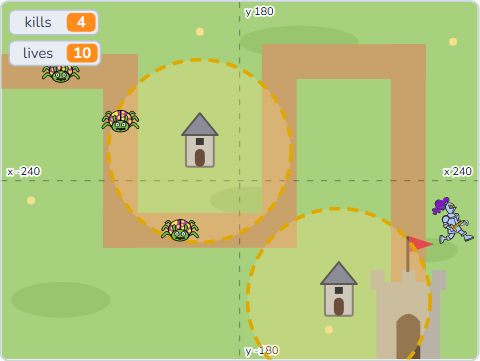 Lesson 3-38SCR-L03-38
Tower Defence II
A tower is a ring the bug asks about — and why only the original sprite may build.
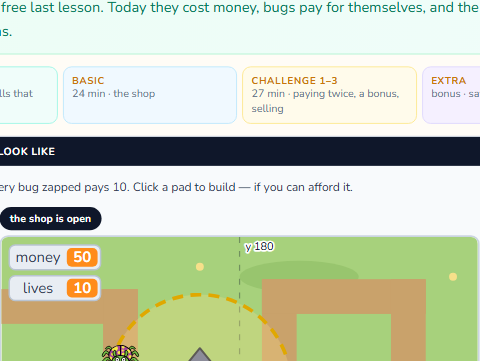 Lesson 3-39SCR-L03-39
Tower Defence III
Towers cost, kills pay: clickable pads, a price check, bonuses, selling and interest.
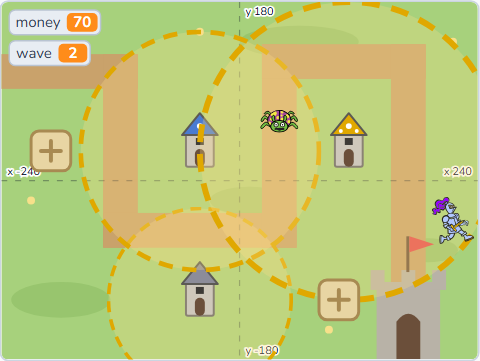 Lesson 3-40SCR-L03-40
Tower Defence IV
Upgrades priced from a list, tuning by data, and a game you can win or lose.
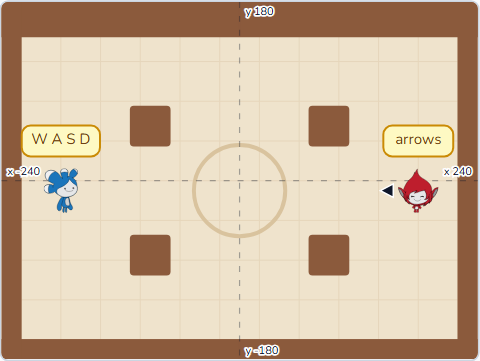 Lesson 3-41SCR-L03-41
Arena Duel I
Two fighters on one keyboard, walls that hold, and why the race must be fair.
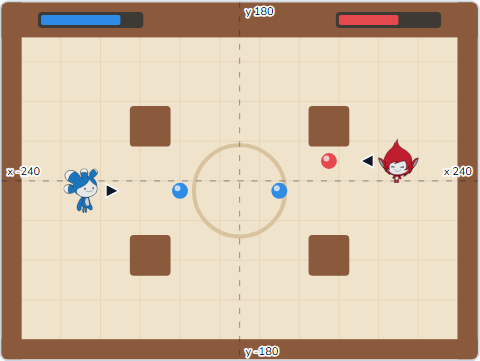 Lesson 3-42SCR-L03-42
Arena Duel II
Orbs that fly until the wall, health that drops, and a cooldown on the fire key.
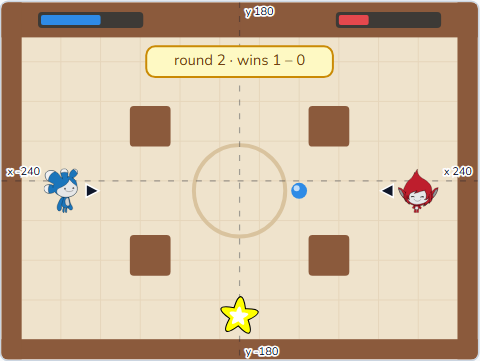 Lesson 3-43SCR-L03-43
Arena Duel III
A referee, rounds that reset everything, and a match to two.
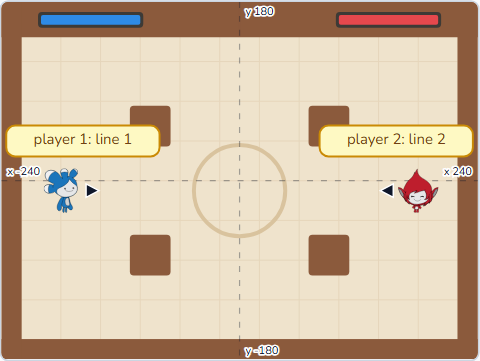 Lesson 3-44SCR-L03-44
Arena Duel IV
One Fighter sprite read from lists: a rulebook both players obey.
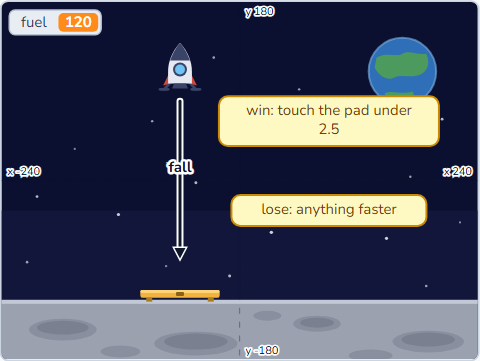 Lesson 3-45SCR-L03-45
Launch Week I
A game on one sheet of paper, then the smallest piece of it anybody could play.
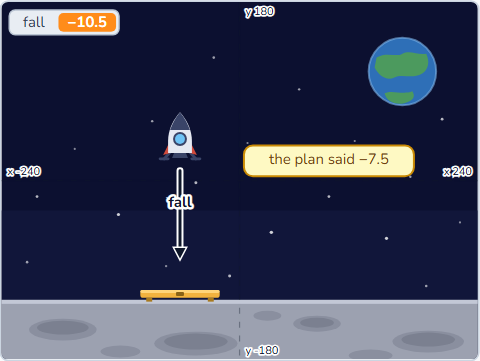 Lesson 3-46SCR-L03-46
Launch Week II
Five projects that run and are wrong: expect a number, watch the Stage, halve the problem.
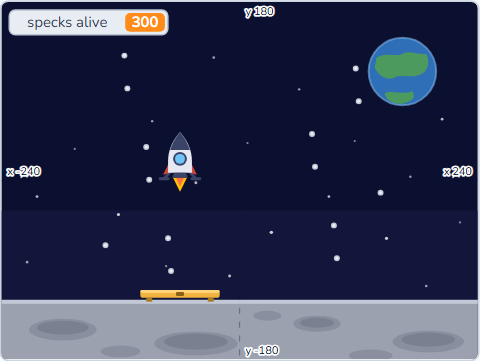 Lesson 3-47SCR-L03-47
Launch Week III
Thirty drawings a second, three hundred clones, and the explosion that never came.
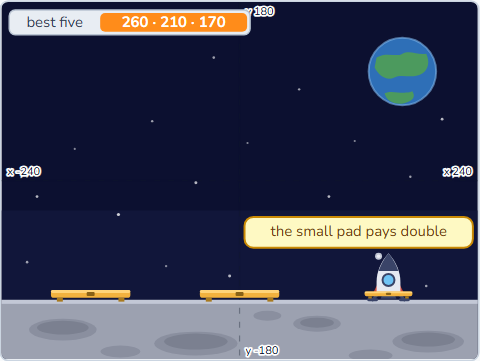 Lesson 3-48SCR-L03-48
Launch Week IV
A score, a top five, a front door — and the end of Level 3.
Full games, share, remix
Pen and Music extensions, multi-level games, an animation studio, an arcade-classic recreation, and the etiquette of sharing on scratch.mit.edu. Finish with a four-piece portfolio.
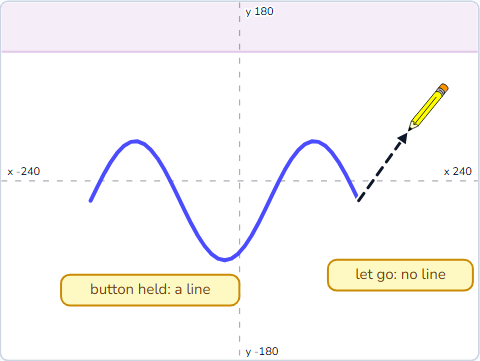 Lesson 4-1SCR-L04-01
Sketch Pad I
Add the Pen extension, then a pencil that draws only while the mouse is down.
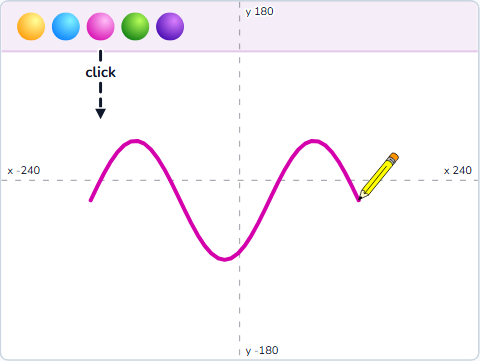 Lesson 4-2SCR-L04-02
Sketch Pad II
A toolbar of colour swatches and brush sizes, shared through one message.
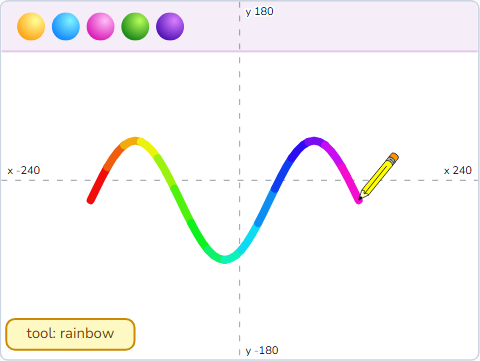 Lesson 4-3SCR-L04-03
Sketch Pad III
Tools: a rainbow brush, an eraser, a stamp and a spray can.
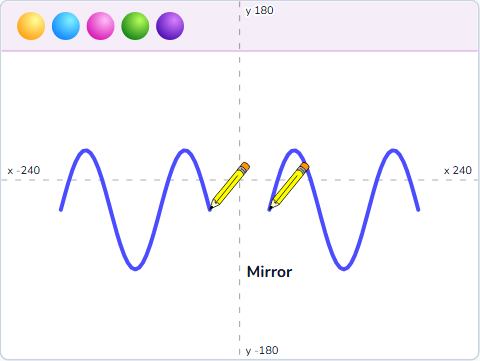 Lesson 4-4SCR-L04-04
Sketch Pad IV
A mirror brush, four-way symmetry, and shipping your drawing app.
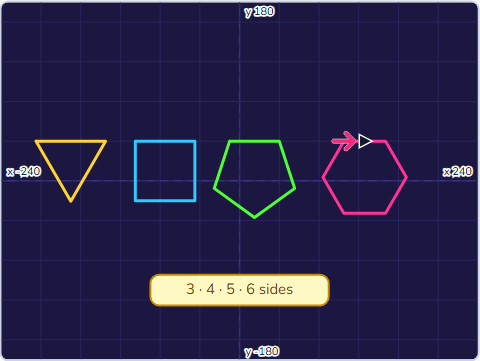 Lesson 4-5SCR-L04-05
Geometry Art I
A polygon My Block and the 360 ÷ sides rule.
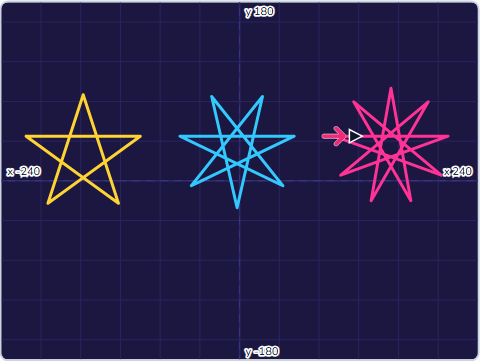 Lesson 4-6SCR-L04-06
Geometry Art II
Stars: why the turtle goes round twice, and the turn that makes a spiky star.
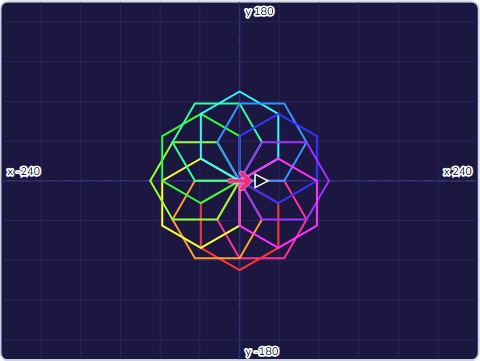 Lesson 4-7SCR-L04-07
Geometry Art III
Rotational symmetry: flowers and mandalas from one shape and a turn.
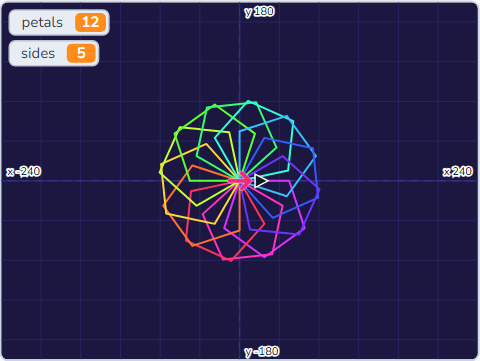 Lesson 4-8SCR-L04-08
Geometry Art IV
A spirograph, a pattern generator on the keys, and a gallery kept in lists.
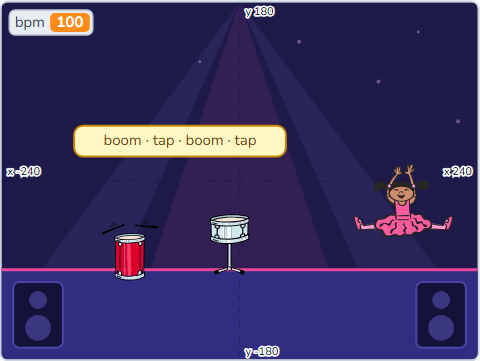 Lesson 4-9SCR-L04-09
Music Maker I
The Music extension: drums, beats and tempo, and a dancer on the beat.
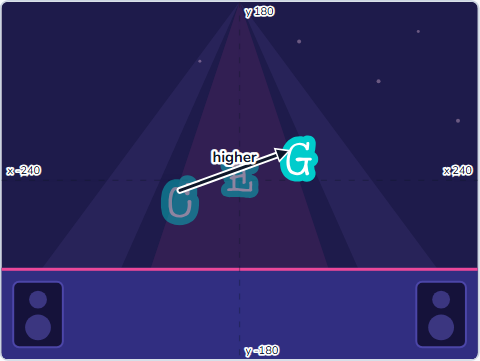 Lesson 4-10SCR-L04-10
Music Maker II
Notes, instruments and rests — a tune you can see as well as hear.
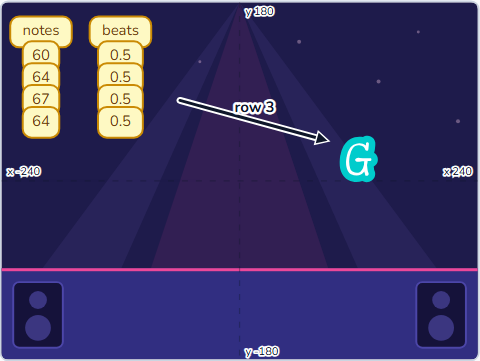 Lesson 4-11SCR-L04-11
Music Maker III
A song kept in two lists, played by one loop.
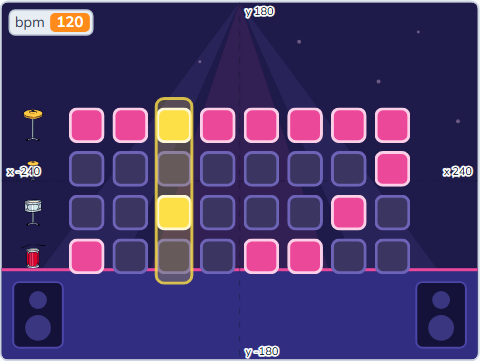 Lesson 4-12SCR-L04-12
Music Maker IV
A beat sequencer: click pads to build a beat, and a playhead plays it.
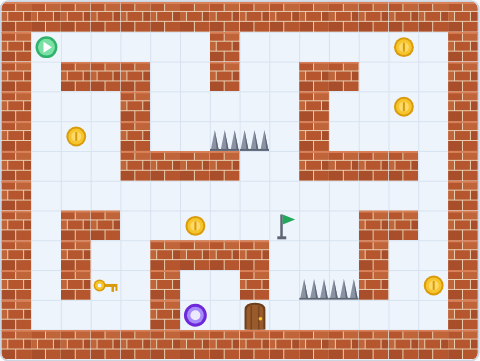 Lesson 4-13SCR-L04-13
Tile Maker I
A whole level typed as text — 12 rows of 16 letters, stamped onto the Stage.
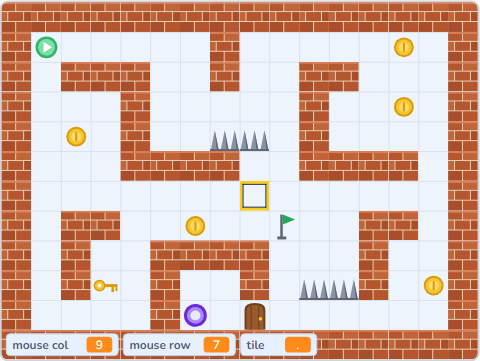 Lesson 4-14SCR-L04-14
Tile Maker II
Grid maths both ways, and a cursor that snaps to the square under the mouse.
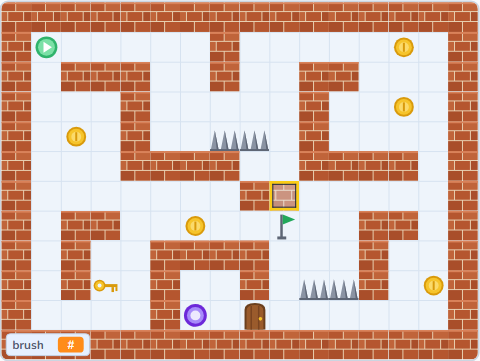 Lesson 4-15SCR-L04-15
Tile Maker III
A click-to-paint level editor that rebuilds a row with joins.
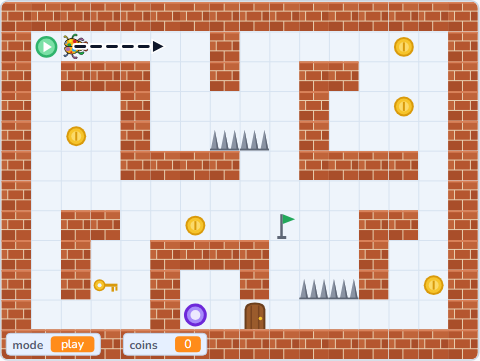 Lesson 4-16SCR-L04-16
Tile Maker IV
Save codes out and back in, and a ladybug that test-plays your level.
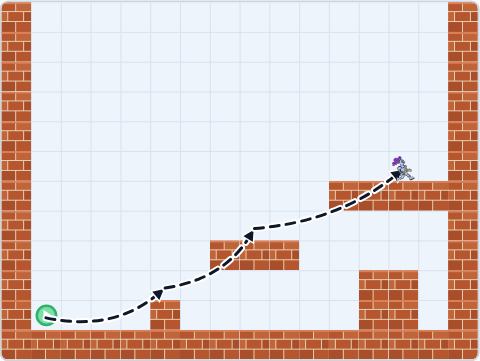 Lesson 4-17SCR-L04-17
Castle Climb I
A knight walks and lands on a tile map — collision by grid maths, not colour.
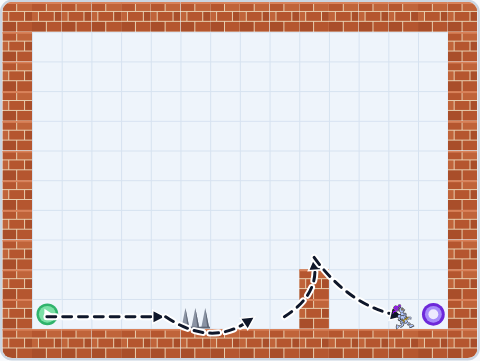 Lesson 4-18SCR-L04-18
Castle Climb II
Three floors as save codes in one list: S starts you, E climbs, spikes send you back.
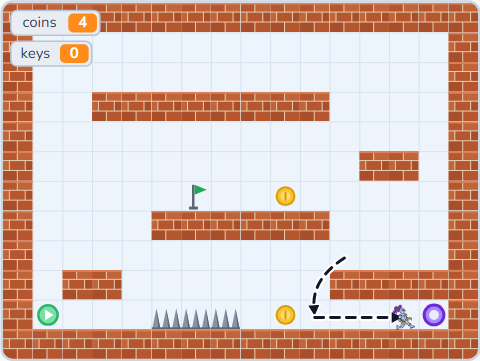 Lesson 4-19SCR-L04-19
Castle Climb III
A map that changes as you play: coins vanish, a key opens a door, a flag saves your place.
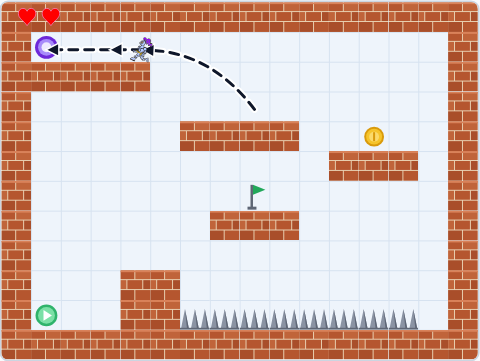 Lesson 4-20SCR-L04-20
Castle Climb IV
Lives, a floor-cleared moment and a three-floor climb you can win.
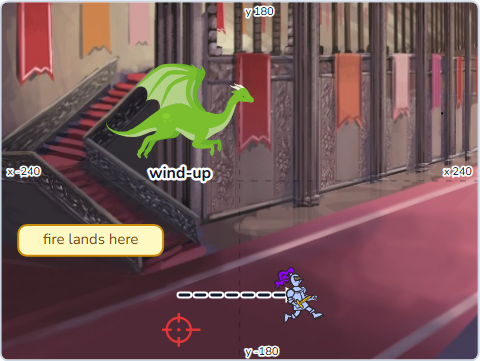 Lesson 4-21SCR-L04-21
Boss Tower I
A dragon that fights in phases — a tell you can read, and a window to strike back.
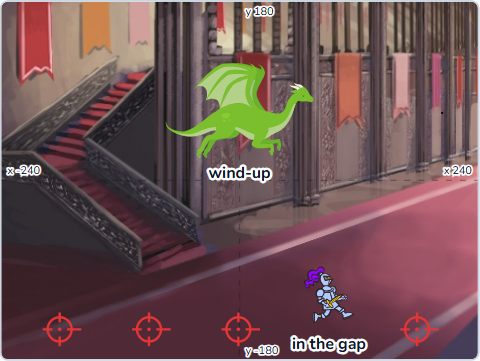 Lesson 4-22SCR-L04-22
Boss Tower II
The dragon reads its moves off a list, and every attack leaves a gap.
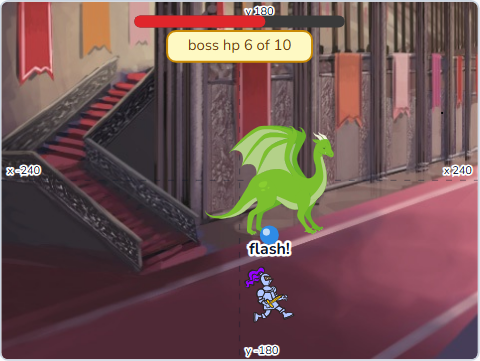 Lesson 4-23SCR-L04-23
Boss Tower III
A Pen health bar, an angry second phase, a hit flash and two endings.
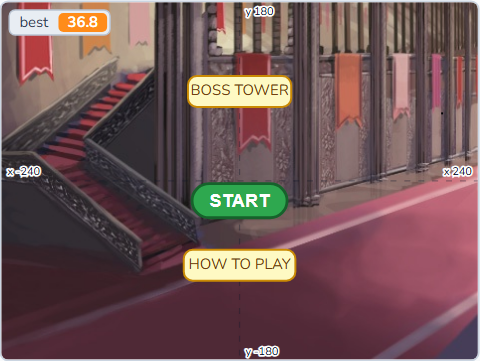 Lesson 4-24SCR-L04-24
Boss Tower IV
A title, how-to-play, scrolling credits and a best time — shipped.
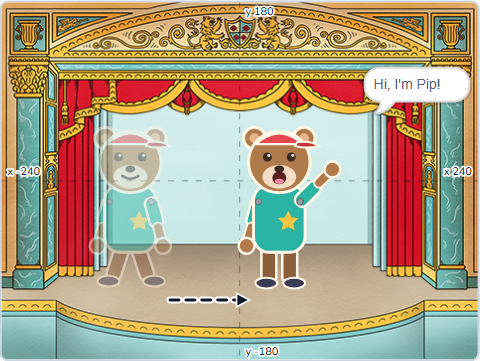 Lesson 4-25SCR-L04-25
Cartoon Studio I
A paper-puppet bear in five pieces — move the body and every piece follows.
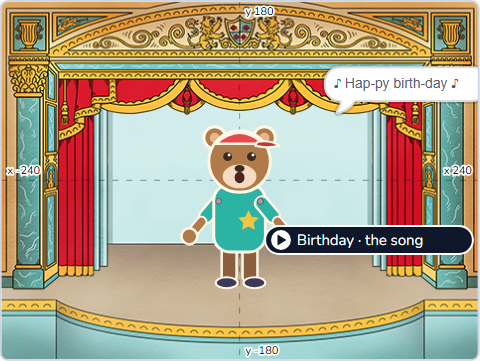 Lesson 4-26SCR-L04-26
Cartoon Studio II
Lip sync: mouth shapes read off a dope sheet against the timer, and sounds called by name.
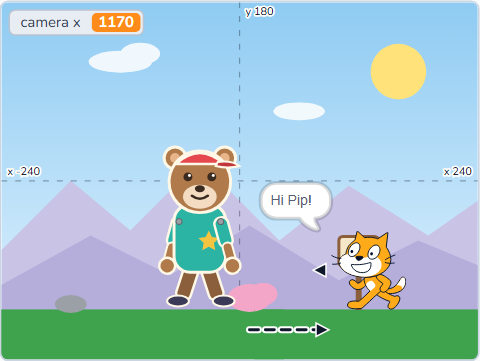 Lesson 4-27SCR-L04-27
Cartoon Studio III
A camera on a world four screens wide — pans, a follow camera and zoom.
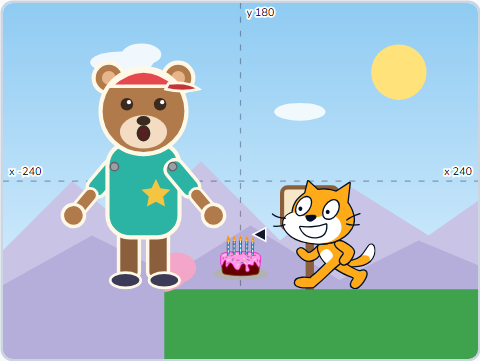 Lesson 4-28SCR-L04-28
Cartoon Studio IV
A director reads a cue sheet, plays a 38-second short and rolls the credits.
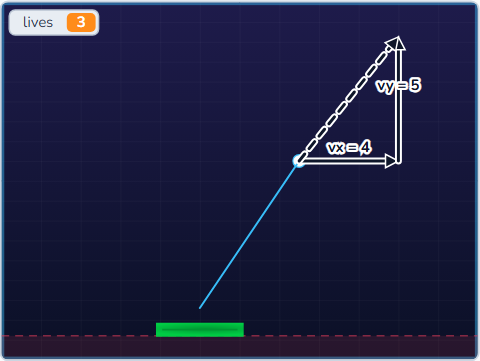 Lesson 4-29SCR-L04-29
Brick Breaker I
The ball is two numbers, vx and vy — a wall flips one, the paddle flips the other.
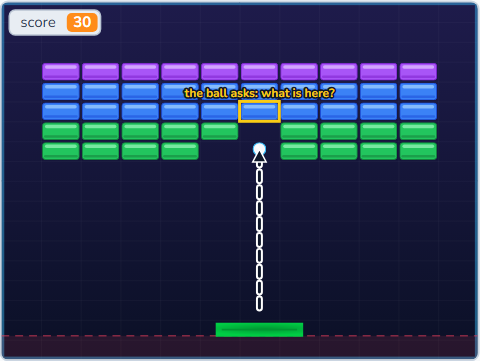 Lesson 4-30SCR-L04-30
Brick Breaker II
A wall typed as rows of letters, each letter a brick's hit points.
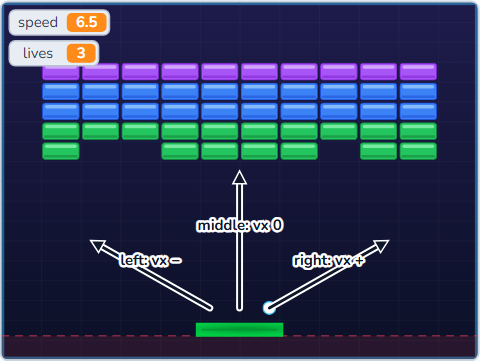 Lesson 4-31SCR-L04-31
Brick Breaker III
Where the ball lands on the paddle aims it — speed that grows, with a fair cap.
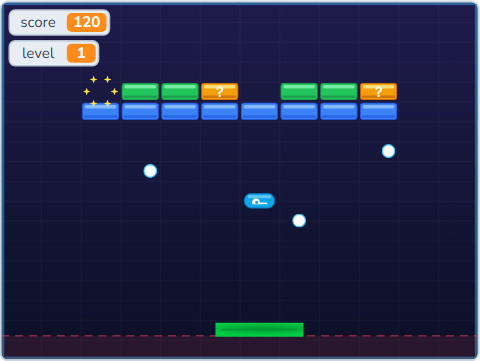 Lesson 4-32SCR-L04-32
Brick Breaker IV
Power-ups from a list, multi-ball clones, sparks, shake and three levels to win.
 Lesson 4-33SCR-L04-33
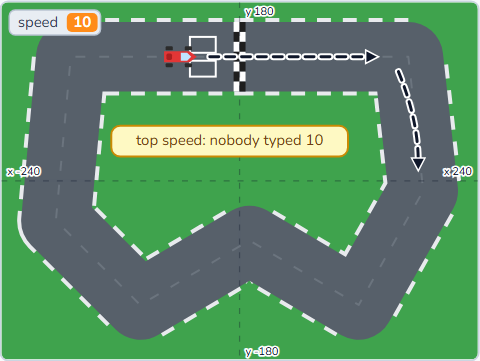
Kart Racer I
A kart with weight: push, friction and a top speed you can work out.
 Lesson 4-34SCR-L04-34
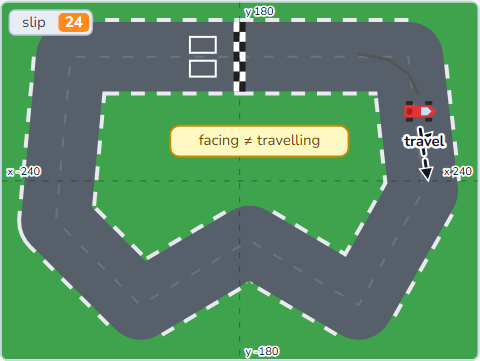
Kart Racer II
Sin and cos split a step into across and up — then drift and Pen skid marks.
 Lesson 4-35SCR-L04-35
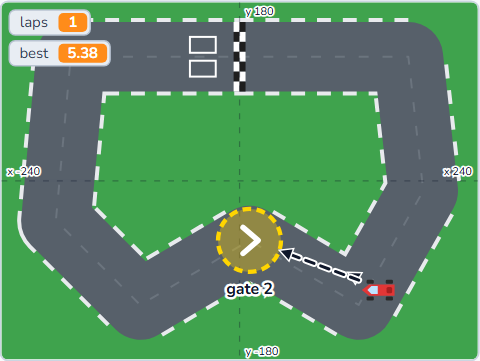
Kart Racer III
Gates crossed in order so a lap can't be cheated, a lap timer and a best lap.
 Lesson 4-36SCR-L04-36
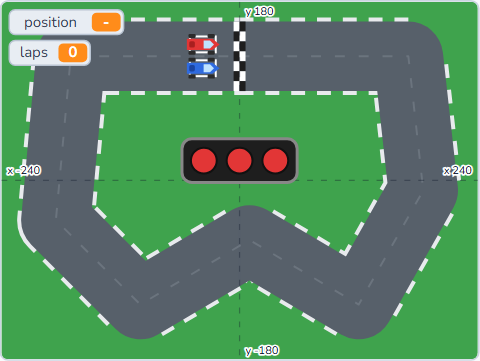
Kart Racer IV
A rival that drives waypoints and brakes for corners, start lights and a finish.
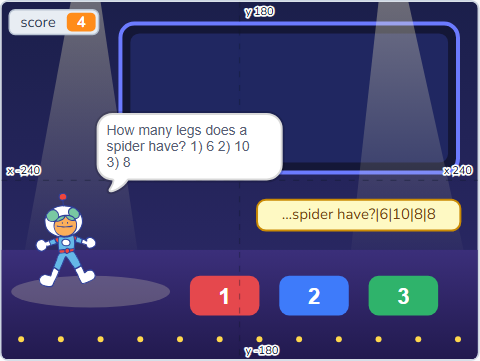 Lesson 4-37SCR-L04-37
Quiz Engine I
A question is one line of text, cut apart at every | by a split My Block.
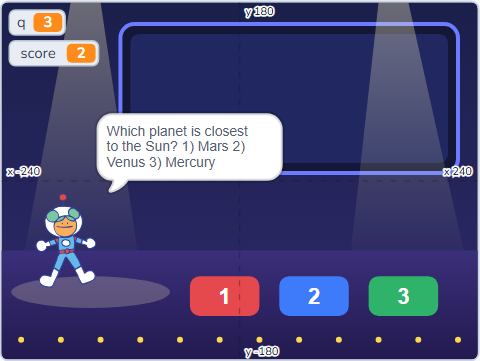 Lesson 4-38SCR-L04-38
Quiz Engine II
A fair Fisher-Yates shuffle, so every question comes once and the answers move too.
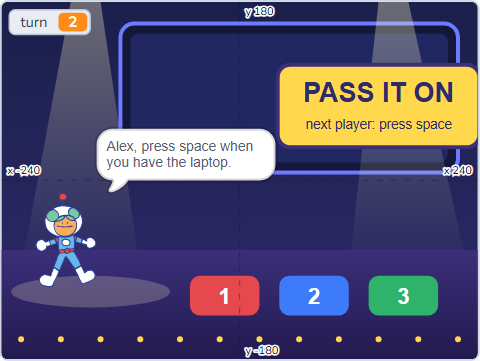 Lesson 4-39SCR-L04-39
Quiz Engine III
Pass and play: players and scores in two lists, turns with mod, a winner or a tie.
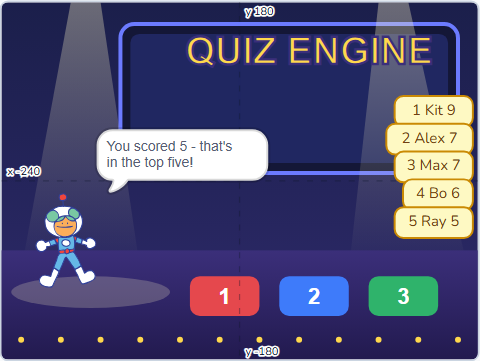 Lesson 4-40SCR-L04-40
Quiz Engine IV
A top five kept in order, a question pack in one code, and a front door.
 Lesson 4-41SCR-L04-41
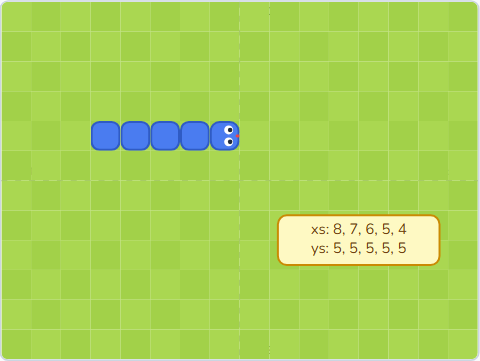
Snake I
A snake made of two lists: the head steps one cell and the tail follows, as a queue.
 Lesson 4-42SCR-L04-42
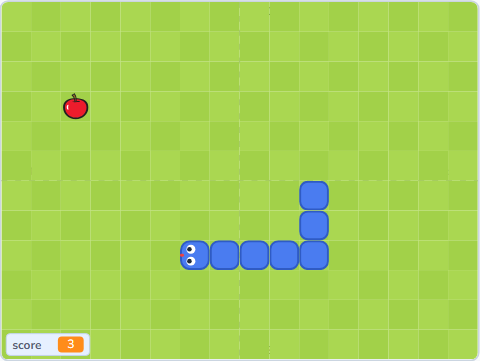
Snake II
Apples on random empty cells, growing by skipping the delete, and crashing into yourself.
 Lesson 4-43SCR-L04-43
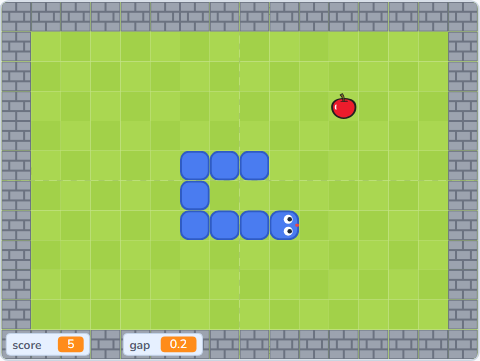
Snake III
A tick on the timer, speed that grows with length, walls typed as letters and wrap-around.
 Lesson 4-44SCR-L04-44
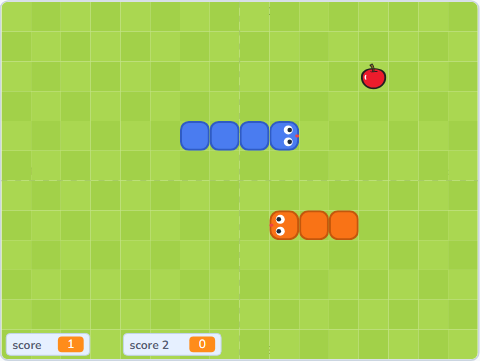
Snake IV
Two snakes on one keyboard, a fair referee, a best score and a title.
 Lesson 4-45SCR-L04-45
Studio Launch I
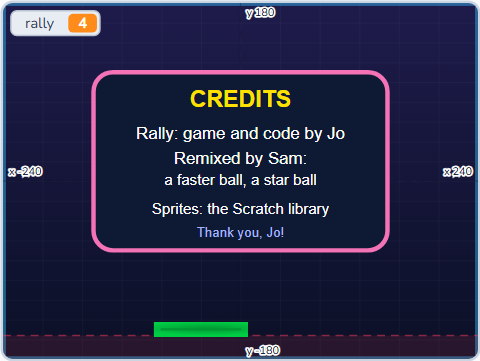
Remix a classmate's game: change one rule and one look, and credit them properly.
 Lesson 4-46SCR-L04-46
Studio Launch II
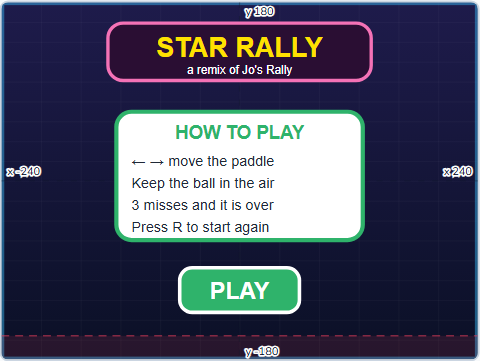
A front door, a reset, a pre-share checklist tested cold, and nothing personal online.
 Lesson 4-47SCR-L04-47
Studio Launch III
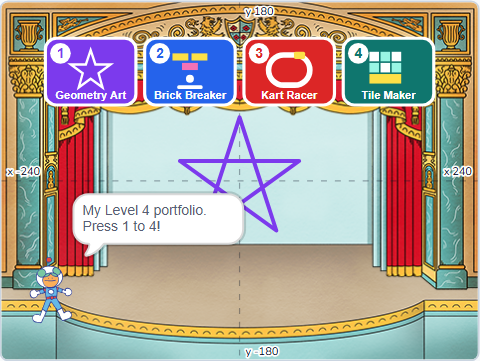
Four polished Level 4 projects behind one menu, with a best score that lasts.
 Lesson 4-48SCR-L04-48
Studio Launch IV
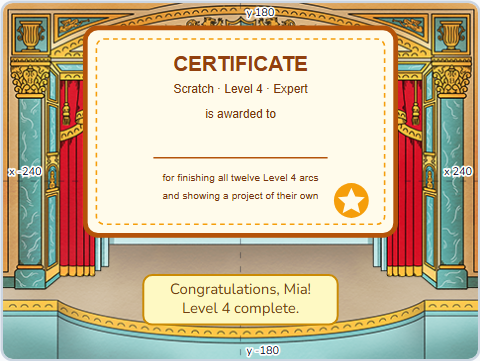
A two-minute pitch, Level 4 in twelve arcs, and a certificate with your name on it.