🎯 Syllabus & Goals 3 min
Cambridge 3.3 · Data storage Paper 1 · Computer Systems
By the end of this lesson you can:
- Describe RAM and ROM, compare them, and say what each stores in a real device.
- Describe how magnetic, solid-state and optical storage store and read data.
- Choose a suitable storage device for a scenario and justify the choice.
Textbook: Chapter 3, §3.3 intro and §3.3.1–3.3.3 (pp. 119–128). Virtual memory and cloud storage follow in IG-L3-12.
Recap / Warm-Up 5 min
In IG-L3-01 you met RAM as the immediate access store: the CPU fetches every instruction from it. Today we ask where programs live before they reach RAM, and what survives when the power goes off.
Quick starter
Sam is typing an essay. The laptop battery dies before Sam saves. Why is the essay lost, but the laptop still starts up next time?
Reveal the answer
The unsaved essay was only in RAM, which is volatile — it loses its contents without power. The start-up instructions sit in ROM and the operating system on the SSD/HDD, both non-volatile.
🧠 Key Concept 14 min
1 · Memory versus storage
The textbook splits the devices into two groups. Primary memory is inside the computer and the CPU can address it directly. Secondary storage keeps files permanently; the CPU cannot address it directly, so data is copied into RAM first.
2 · RAM — random access memory
- Read and write — the user or the computer can change the contents at any time.
- Holds the data, files, parts of applications and parts of the OS currently in use.
- Volatile — the contents are lost when the power is switched off.
- "Random access" means any location can be reached directly, whichever location was used last.
More RAM usually means a faster computer. When RAM fills, the CPU keeps swapping data with secondary storage, which slows everything down. Adding RAM cuts the number of swaps.
DRAM and SRAM
Dynamic RAM (DRAM)
- Each bit is a capacitor (holds the charge) plus a transistor (the switch that reads or changes it).
- Must be refreshed — recharged about every 15 µs — or the charge leaks away to 0.
- Cheaper, uses less power, higher capacity.
- Used for main memory.
Static RAM (SRAM)
- Each bit is held by a flip-flop circuit.
- No refresh needed while powered.
- Faster access: typically 25 ns, against 60 ns for DRAM.
- Used for the CPU's cache, where speed matters most.
3 · ROM — read-only memory
- Non-volatile — the contents survive power-off.
- Permanent — the user, the computer and programs cannot change it; it can only be read.
- Stores the BIOS — the start-up (bootstrap) instructions needed at power-on.
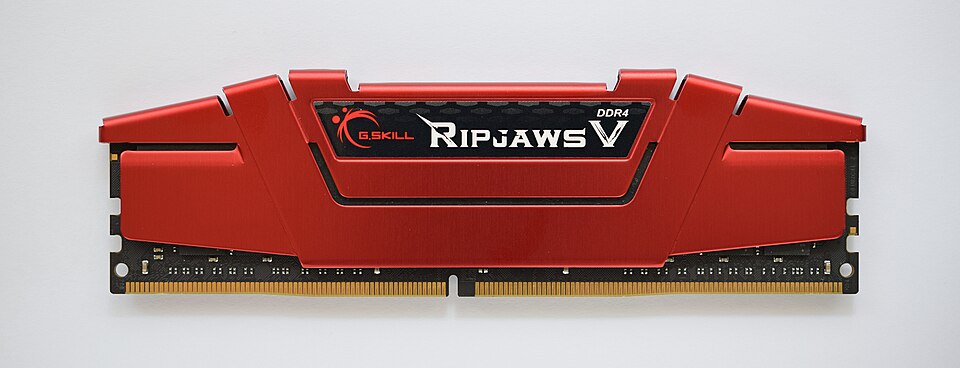
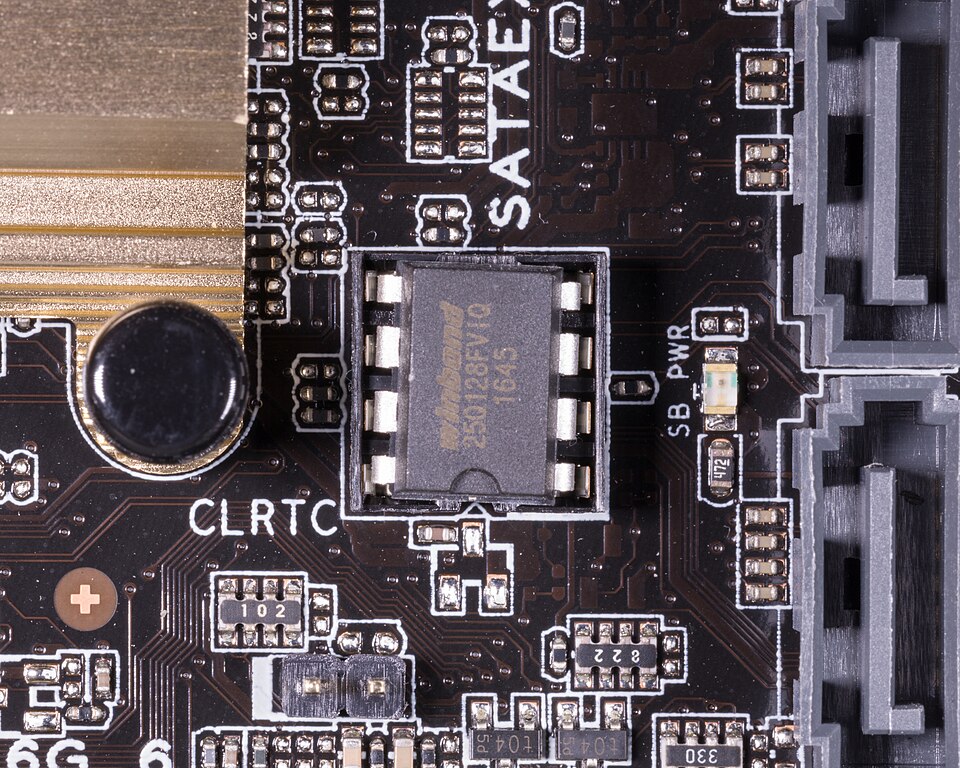
| RAM | ROM |
|---|---|
| Temporary memory | Permanent memory |
| Volatile | Non-volatile |
| Can be read from and written to | Can only be read; contents cannot be altered |
| Stores data, files, programs and OS parts in use | Stores the BIOS and other start-up data |
| Can be increased in size to speed a computer up | Fixed at manufacture |
4 · Secondary storage — magnetic (HDD)
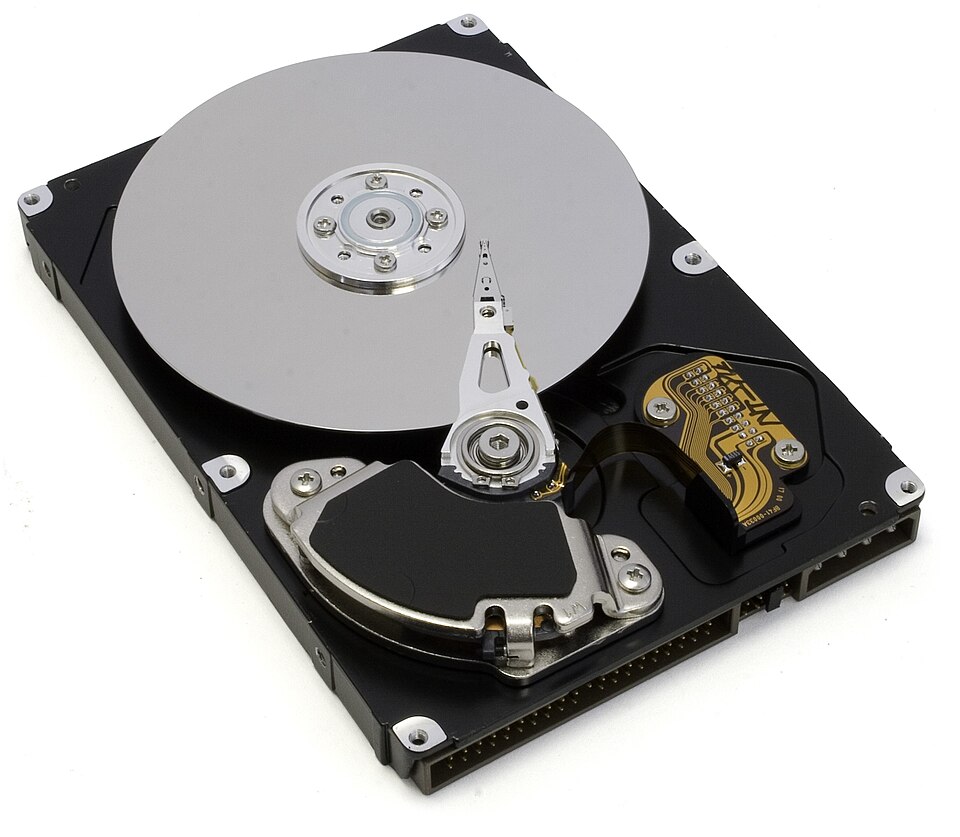
A hard disk drive stores data magnetically on spinning platters (aluminium, glass or ceramic). Each platter usually has two usable surfaces. Read-write heads — tiny electromagnets on an arm — read and write the magnetic patterns.
- A file gets as many sectors as it needs, but they may not be next to each other.
- After many edits and deletions the disk becomes fragmented, so access gets slower.
- Defragmentation software tidies the sectors so each file is together again.
- A removable HDD is an external drive plugged into a USB port, for backups or moving files.
5 · Solid-state storage (SSD and flash)
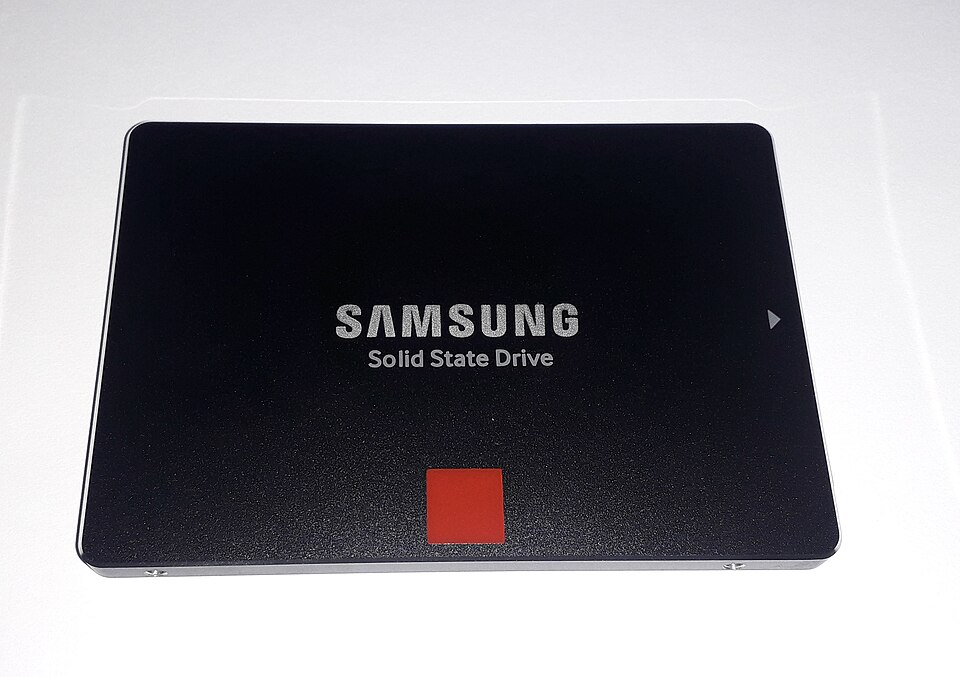
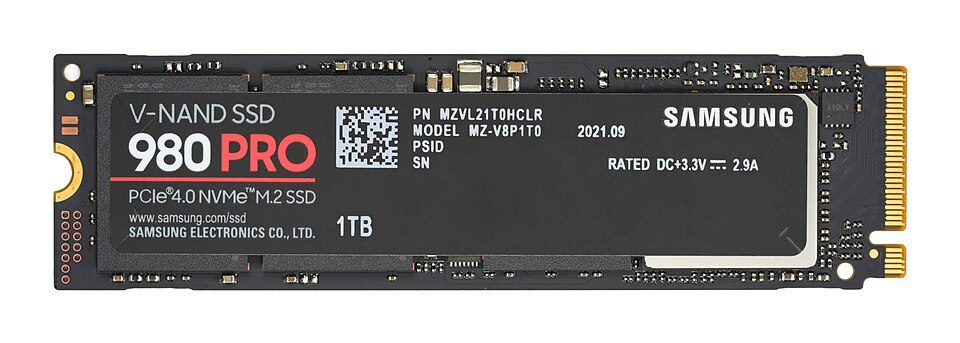
An SSD has no moving parts. It stores bits by controlling electrons inside NAND or NOR chips. The chip is a matrix; at each intersection sit two transistors: a control gate and a floating gate.
SSD benefits over HDD
- More reliable — no moving parts.
- Lighter and thinner — ideal for laptops.
- No need to "get up to speed" before working.
- Lower power use and runs cooler.
- Much faster data access; no latency from spinning.
SSD drawbacks
- Endurance — only a limited number of writes over its life (the textbook quotes about 20 GB of writes a day for three years).
- So some servers with huge daily write loads still use HDDs.
- A charge can leak after about a year unused.
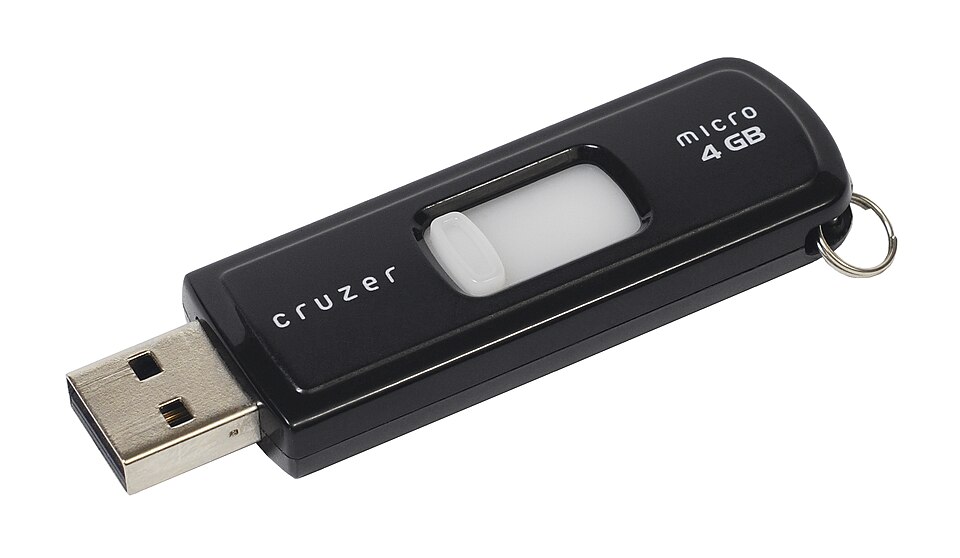
Memory sticks / flash drives use the same technology in a tiny USB device. They are ideal for moving files between computers and small backups. Expensive software is sometimes locked to a memory stick used as a dongle: without it, the software will not run, so illegal copies are useless.
6 · Optical storage (CD, DVD, Blu-ray)
Optical discs are read and written by laser light. Data lies in pits and lands along a single spiral track from the centre outwards. Like an HDD, the disc is divided into sectors, so data can be accessed directly.
- R discs can be written once; RW discs can be rewritten many times.
- A DVD has smaller pits and narrower tracks than a CD, so it holds more. It can be dual-layer: two recording layers, read by focusing the laser at slightly different depths.
- Blu-ray uses a blue laser (405 nm, shorter wavelength than red 650 nm), so pits are even smaller — up to about five times a DVD's capacity.
- Blu-ray has built-in encryption against piracy and faster transfer (36 Mbps against 10 Mbps).
- Blu-ray is more interactive: record HD TV, skip to any part, make playlists, edit recordings, find free space automatically.
| Disc | Laser | Wavelength | Construction | Track pitch | Capacity |
|---|---|---|---|---|---|
| CD | Red | 780 nm | one 1.2 mm polycarbonate layer | 1.60 µm | about 700 MB |
| DVD (dual-layer) | Red | 650 nm | two 0.6 mm layers | 0.74 µm | 4.7 GB |
| Blu-ray (single layer) | Blue | 405 nm | one 1.2 mm layer | 0.30 µm | 27 GB |
| Blu-ray (dual-layer) | Blue | 405 nm | two 0.6 mm layers | 0.30 µm | 50 GB |
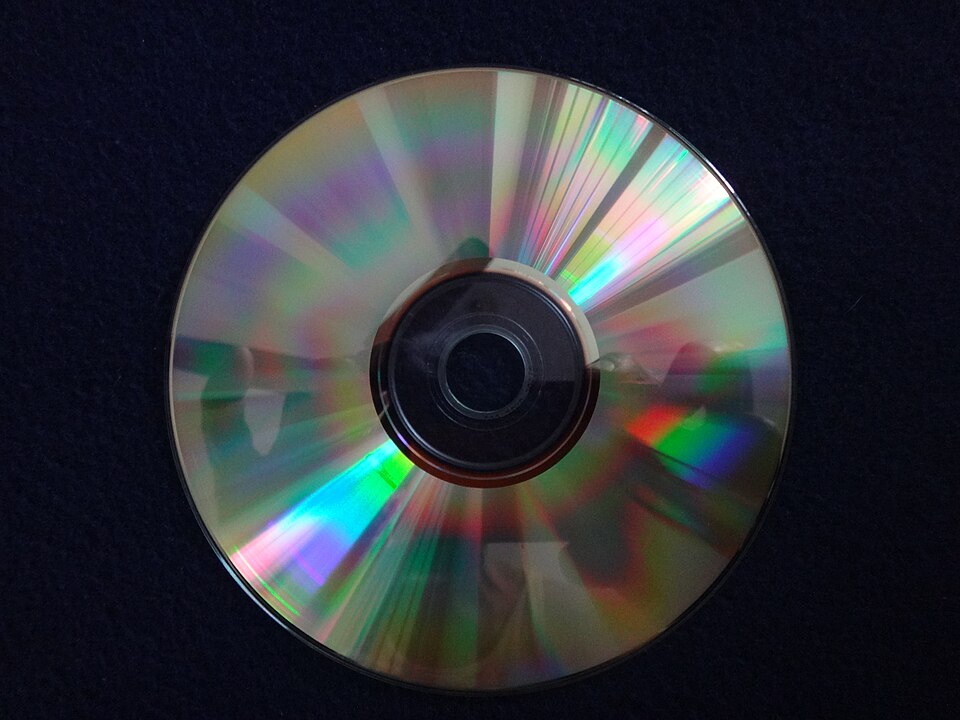
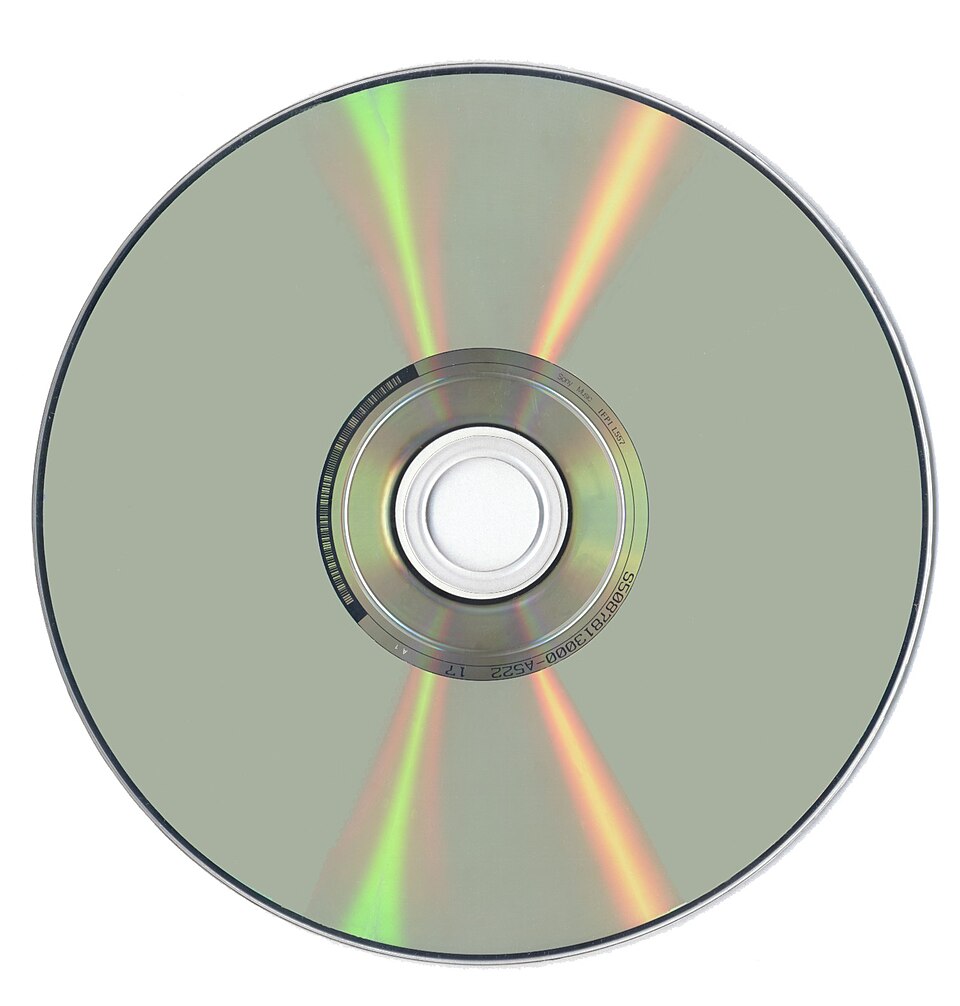
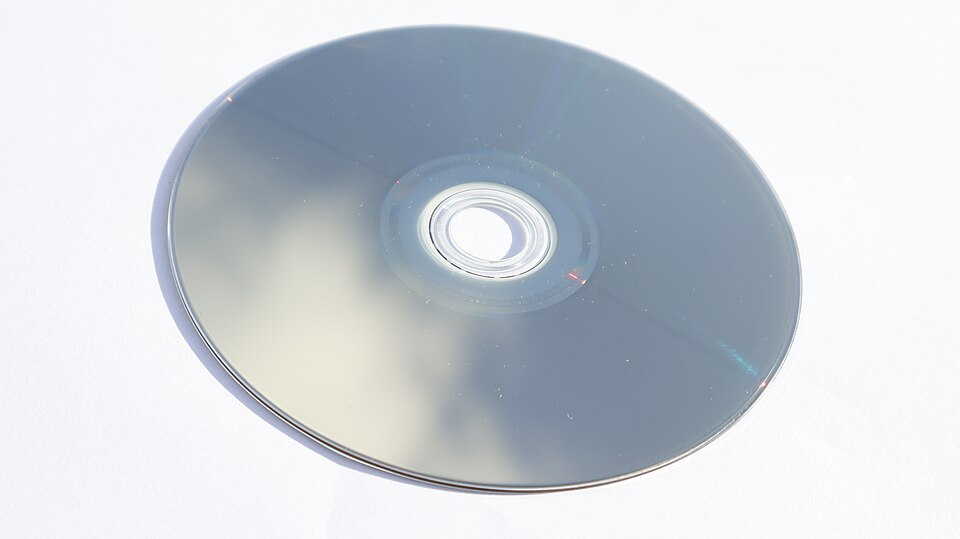
Optical discs are used for backups of photos and music, for supplying software and drivers (read-only), and above all for films and games. A CD is too small for most films.
Worked Example 12 min
(a) RAM and ROM in a remote-controlled toy car
- Ask of each item: must it survive power-off, and must it never change? If yes → ROM.this one question sorts almost every RAM/ROM item correctly.
- ROM: the factory settings, such as the remote-control frequencies.fixed at manufacture and needed every time.
- ROM: the start-up routines run when the car is switched on.start-up code is the classic ROM answer.
- ROM: the set routines — how each button makes the car turn, accelerate or stop.the user never rewrites these.
- RAM: the instructions/data received from the remote while it is being driven.changing, temporary data → RAM.
- RAM: any routines the user programs in themselves.user-written data must be writable.
How the marks are earned: two ROM uses (1 each) and two RAM uses (1 each). "ROM stores the BIOS" scores nothing here — a toy car has no BIOS in the question; apply it to the device.
(b) How long to copy a full Blu-ray?
- Convert GiB to bytes: 25 × 1024³ = 26 843 545 600 bytes.1 GiB = 2³⁰ bytes (IEC unit).
- Convert bytes to bits: × 8 = 214 748 364 800 bits.transfer rates are in bits per second, not bytes.
- 36 Mbps = 36 000 000 bits per second."mega" in a transfer rate means 10⁶.
- Time = bits ÷ rate = 214 748 364 800 ÷ 36 000 000 ≈ 5965 s.time = amount ÷ speed.
- Convert: 5965 ÷ 60 ≈ 99.4 minutes ≈ 1.66 hours.give a sensible unit in the answer.
- At DVD speed: 214 748 364 800 ÷ 10 000 000 ≈ 21 475 s ≈ 5.97 hours — 3.6 times longer.same data, rate is 36 ÷ 10 = 3.6 times smaller.
(c) Choosing storage for a scenario
- A laptop's main drive → SSD.light, thin, low power, runs cool, fast boot, survives knocks.
- A server writing huge logs all day → HDD (or a high-endurance SSD).SSD endurance limits total writes; HDD is cheap per GB.
- Sending a 90 GB film collection by post → removable HDD or Blu-ray discs.large capacity, portable, cheap.
- Moving a 2 MB homework file between school and home → memory stick.tiny, robust, plugs into any USB port.
Try It Yourself 12 min
Goal: Sort into magnetic, solid-state or optical: SSD, DVD-RW, removable HDD, memory stick, Blu-ray, HDD, M.2 drive, CD-R.
Goal: Describe how a microwave oven uses ROM and RAM. Give two uses of each.
Goal: A dual-layer DVD holds 4.7 GB (4.7 × 10⁹ bytes). How long does it take to read at 10 Mbps? Then explain, using wavelength and pit size, why the same-sized Blu-ray holds far more.
Hint
Multiply bytes by 8 to get bits, then divide by 10 000 000. You should get just over an hour. For the second part, use "shorter wavelength → smaller pits → tracks closer together".
📝 Exam Practice 10 min
Describe three differences between RAM and ROM.
Mark scheme
- RAM is volatile / ROM is non-volatile (1).
- RAM can be written to and read from / ROM can only be read (1).
- RAM stores data and programs currently in use / ROM stores the BIOS or start-up instructions (1).
- Also accept: RAM is temporary, ROM permanent; RAM can be increased in size.
Give three reasons why solid-state drives are used in laptop computers rather than hard disk drives.
Mark scheme
- No moving parts, so more reliable / less damaged if dropped (1).
- Lighter / thinner (1).
- Lower power consumption, so longer battery life / runs cooler (1).
- Also accept: faster data access; no need to spin up.
Explain how data is stored in a solid-state drive.
Mark scheme
- Uses NAND/NOR flash chips arranged as a matrix / grid (1).
- Each intersection has a control gate and a floating gate transistor (1).
- A voltage on the control gate attracts electrons, which become trapped in the floating gate (1).
- Charged floating gate = 1, uncharged = 0; charge is kept without power, so non-volatile (1).
Compare DVD and Blu-ray. Include technology differences, capacity differences and other features.
Mark scheme
- DVD uses a red laser; Blu-ray uses a blue laser (1).
- Blue light has a shorter wavelength (405 nm against 650 nm) (1).
- So Blu-ray pits/lands are smaller and tracks closer together (1).
- Blu-ray holds more: 27 GB single / 50 GB dual layer against 4.7 GB for DVD (1).
- Blu-ray has a faster transfer rate (36 Mbps against 10 Mbps) (1).
- Blu-ray has built-in encryption / greater interactivity, e.g. playlists, record HD (1).
🗝️ Recap & Key Terms 3 min
Primary memory (RAM and ROM) is directly addressable by the CPU. RAM is volatile and holds what is in use; ROM is non-volatile and holds the BIOS. Secondary storage is non-volatile: magnetic HDDs, solid-state SSDs and flash, and optical CD/DVD/Blu-ray. Choose storage by linking its features to the job.
- Random access memory (RAM)
- Volatile primary memory that can be written to and read from; holds data and programs in use.
- Read-only memory (ROM)
- Non-volatile primary memory that can only be read; stores the BIOS / start-up instructions.
- Volatile
- Memory that loses its contents when the power is turned off.
- DRAM / SRAM
- DRAM uses capacitors and must be refreshed (main memory); SRAM uses flip-flops, needs no refresh and is faster (cache).
- Latency
- The time for a block of data on a track to rotate round to the read-write head.
- SSD endurance
- The total number of times data can be written to an SSD in its usable life.
- Optical storage
- Storage that uses laser light to read and write data, e.g. CD, DVD and Blu-ray.
- Dual layering
- Using two recording layers on one disc, as in DVDs and some Blu-rays.
Homework 1 min
Task (≤ 15 min): A zoo information point plays high-definition videos about 500 animals. The videos are stored at the information point. State one suitable secondary storage device and explain two reasons for your choice. [3]
Model answer
- Device: solid-state drive (SSD) — also accept HDD (1).
- Large capacity, so hundreds of HD videos fit (1).
- Fast data access / no latency, so videos start quickly without buffering; no moving parts, so reliable in a busy public place (1).
Based on Cambridge IGCSE CS 0478, Paper 11, Oct/Nov 2019, Q4.