🎯 Syllabus & Goals 3 min
Cambridge 3.2 · Input and output devices Paper 1 · Computer Systems
By the end of this lesson you can:
- Describe how a 2D scanner works, and how OCR and face recognition use it at an airport.
- Describe how a 3D scanner builds an image, using CT scanning as the example.
- Explain how capacitive, infrared and resistive touch screens find the touch point, and compare them.
Textbook: Chapter 3, §3.2.1 (pp. 96–101) — 2D and 3D scanners, touch screens.
Recap / Warm-Up 5 min
In Lesson 7 a camera's CCD turned light into electric charges. A 2D scanner uses exactly the same part. Touch screens are new: they sense a finger, not light.
Quick starter
What does a CCD contain, and what does each element do?
Reveal the answer
Thousands or millions of light-sensitive elements (pixels). Each one creates an electric charge when light falls on it.
🧠 Key Concept 14 min
1 · 2D scanners
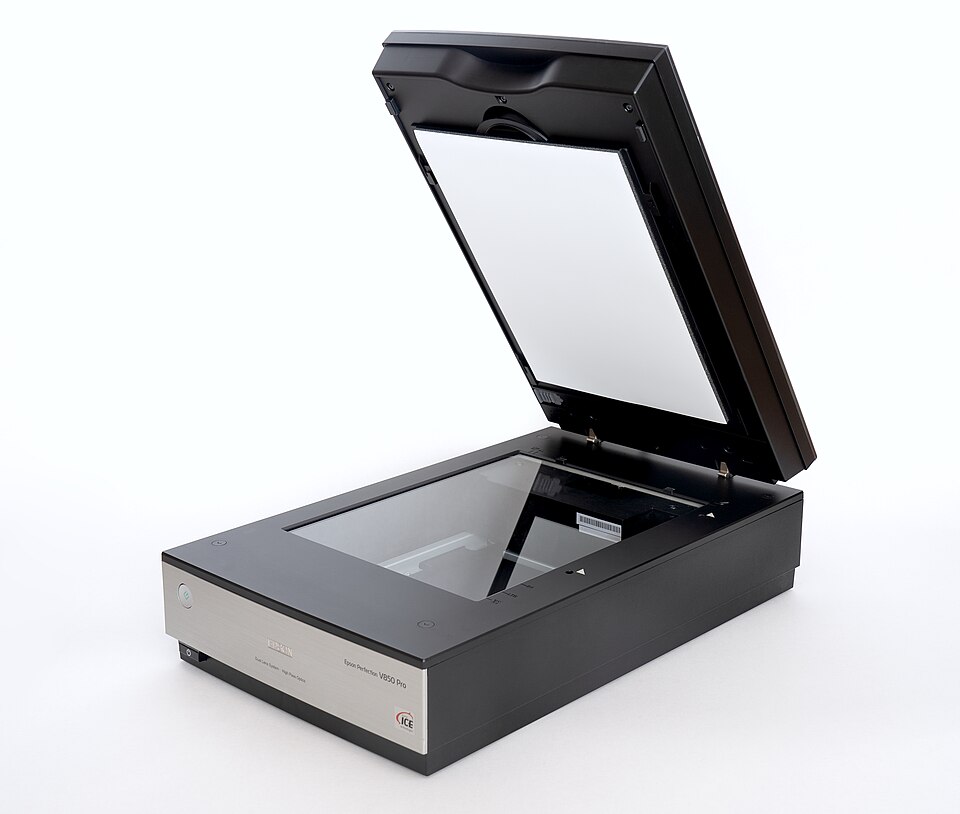
A 2D scanner is the most common kind. It turns a paper (hard copy) document or photo into an electronic form a computer can store.
Face-recognition software measures key positions on each face, for example:
- the distance between the eyes
- the width of the nose
- the shape of the cheek bones and of the eyebrows
- the length of the jaw line.
If the measurements match, the two images show the same person.
2 · 3D scanners
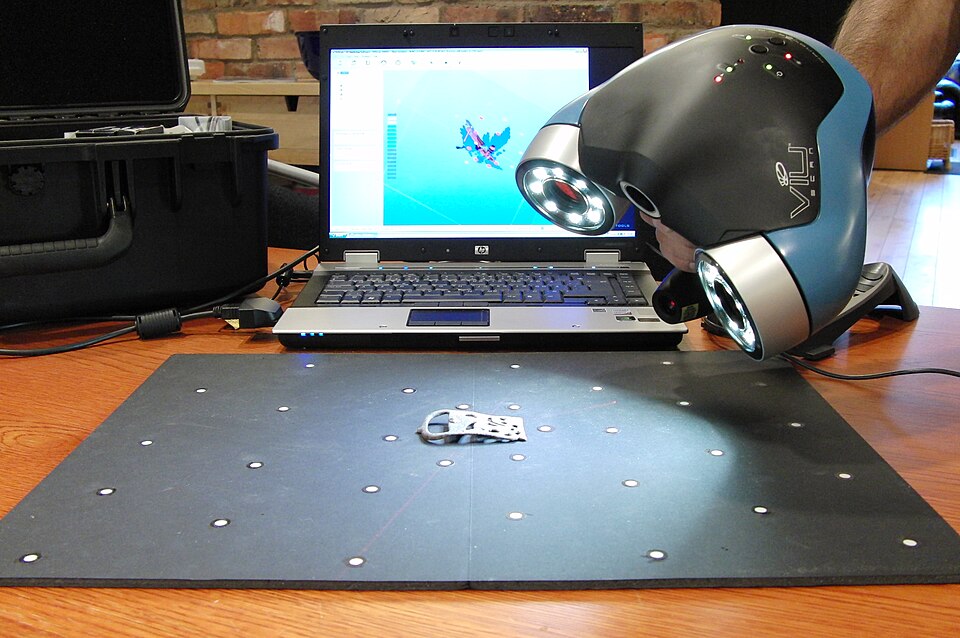
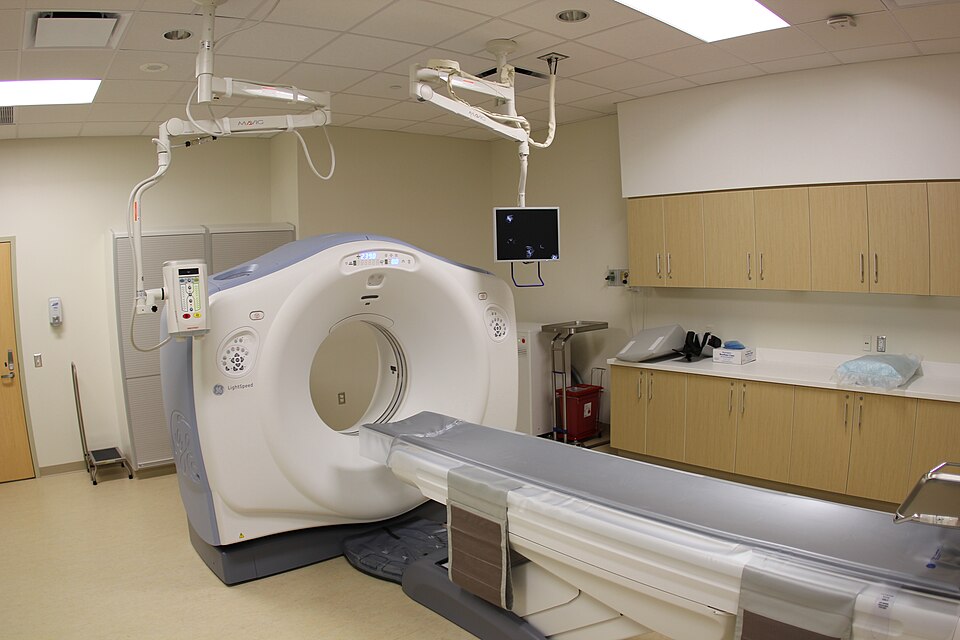
A 3D scanner scans a solid object and produces a three-dimensional image. Solid objects have x, y and z coordinates, so the scanner takes images at many points along all three. Technologies include lasers, white light and magnetic resonance.
The result can be used in computer-aided design (CAD), or sent to a 3D printer (Lesson 9) to make a working model.
| Scanner | Stands for | Builds each slice using |
|---|---|---|
| CT | Computerised tomography | X-rays |
| MRI | Magnetic resonance imaging | Radio frequencies |
| SPECT | Single photon emission computed tomography | Gamma rays |
3 · Touch screens
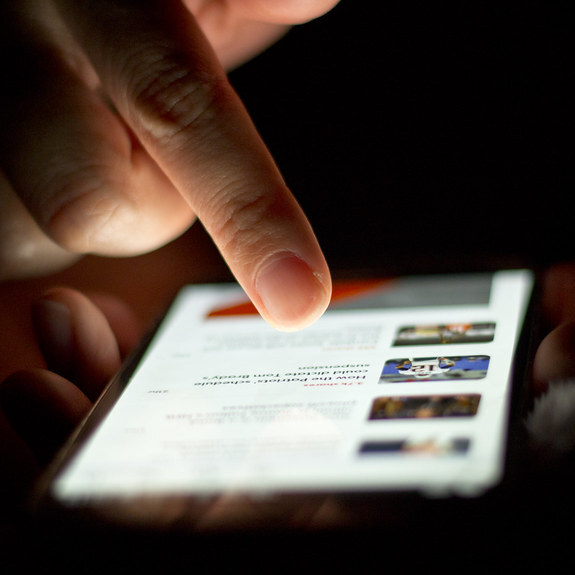
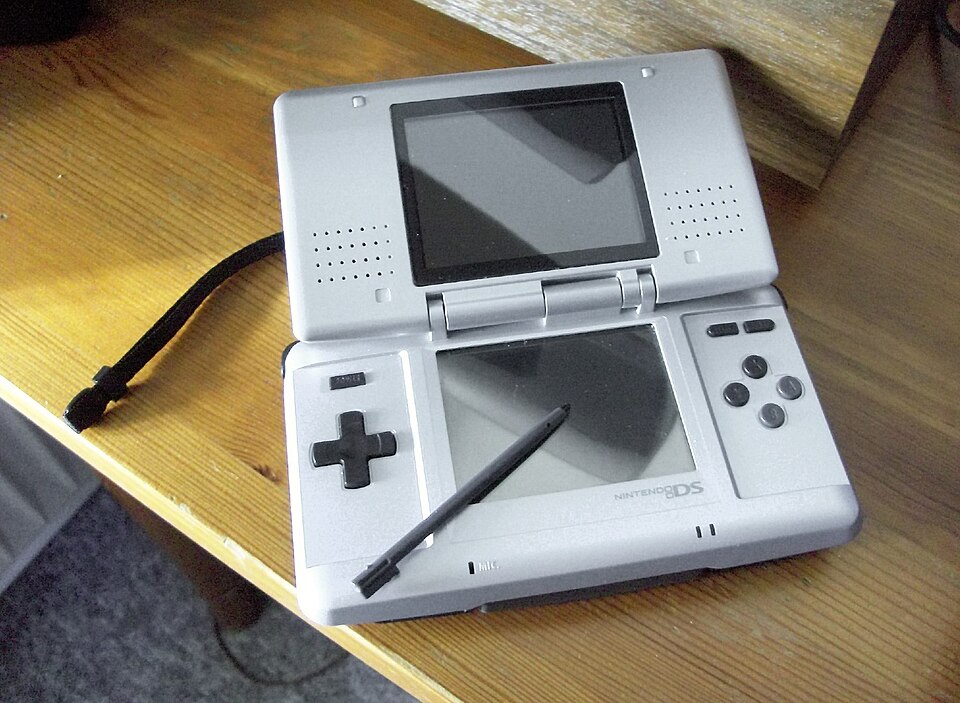
A touch screen lets you select and move things with a finger or stylus, doing a mouse's job. You need three technologies: capacitive, infrared and resistive. In every one, a microcontroller works out the coordinates of the touch.
Capacitive. Human skin conducts electricity. A bare finger (or special stylus) changes the electrostatic field of the conductive layer.
- Surface capacitive: sensors and small voltages at the corners. A finger draws current from each corner, reducing the capacitance. The microcontroller measures the drop to locate the touch. Bare finger or stylus only.
- Projective capacitive: the conductive layer is an X–Y matrix, making a 3D electrostatic field. A touch disturbs it. Works with bare fingers, stylus and thin gloves, and supports multi-touch (pinch, slide).
Infrared. A grid of infrared transmitters and sensors surrounds the glass. A finger breaks some beams, so less infrared reaches those sensors. The microcontroller calculates the position from which beams were broken.
Resistive. A flexible polyethylene top layer and a glass bottom layer, both with a resistive coating, are kept apart by air or inert gas. Pressing makes them touch. A circuit completes and the voltage changes at that point. The microcontroller converts it to digital data.
| Type | Advantages | Disadvantages |
|---|---|---|
| Capacitive | Clearer image than resistive, even in strong sunlight · very durable, highly scratch-resistant · projective allows multi-touch | Surface type works only with a bare finger or special stylus · sensitive to electromagnetic radiation (magnetic fields, microwaves) |
| Infrared | Multi-touch · good durability · still works if the screen is scratched or cracked | Can be sensitive to water or moisture · accidental activation if beams are disturbed · sometimes affected by light interference |
| Resistive | Good resistance to dust and water · works with bare finger, stylus or gloved hand | Low touch sensitivity (press harder) · no multi-touch · poor visibility in strong sunlight · plastic surface scratches easily |
Worked Example 12 min
(a) Finding the touch on an infrared screen
- The sensors for vertical beam 7 and horizontal beam 4 report a drop in infrared.a finger blocks beams — the sensors detect less radiation, not "pressure".
- Beam n sits at (n − 1) × 40 + 20 pixels.beam 1 is 20 px in, then every 40 px.
- x = (7 − 1) × 40 + 20 = 260.the vertical beam gives the across position.
- y = (4 − 1) × 40 + 20 = 140.the horizontal beam gives the down position.
- The microcontroller sends (260, 140) to the processor.the processor treats it like a mouse click at that point.
- If beams 7 and 8 were both broken, it would take the midpoint: x = (260 + 300) ÷ 2 = 280.a fingertip is often wider than the gap between two beams.
(b) Choosing a touch screen for the job
- List the needs: gloves, dust, water, single taps only.every justification mark links a need to a feature.
- Rule out surface capacitive: it needs a bare finger.gloves do not conduct like skin.
- Rule out infrared: it can be sensitive to water/moisture and to beams being disturbed.rain on the glass could cause false touches.
- Choose resistive: works with a gloved hand and resists dust and water.two strengths match two needs directly.
- Accept its weaknesses: no multi-touch (not needed for tapping buttons); users may have to press harder."justify" answers score more when they weigh the downside.
(c) How much memory does a CT scan need?
- A 300 mm region is scanned in 0.5 mm slices: 300 ÷ 0.5 = 600 slices.thinner slices give more detail but more images.
- Each slice is a 512 × 512 image at 16 bits: 512 × 512 × 16 ÷ 8 = 524 288 bytes = 512 KiB.each slice is an ordinary 2D bitmap.
- Whole scan: 600 × 512 KiB = 307 200 KiB = 300 MiB.÷ 1024 converts KiB to MiB.
Try It Yourself 12 min
Goal: Match each to capacitive, infrared or resistive: two layers touch · beams broken · skin changes the field · works with any stylus · still works if the glass cracks.
Goal: Using the grid from worked example (a), vertical beams 3 and 4 and horizontal beam 6 are broken. Calculate the touch coordinates.
Goal: A museum wants to scan an old statue and make an exact copy. Describe the whole process, from 3D scanning to a finished printed model. Then explain why a 2D scanner could not do the job.
Hint
A solid object has x, y and z coordinates. Mention images at many points, a digital 3D model, CAD, and a 3D printer building layers (Lesson 9).
📝 Exam Practice 10 min
Name two types of touch screen technology used on mobile phones. For each, describe how the position where a finger touched the screen is identified.
Mark scheme
- Capacitive (1): a conductive layer creates an electrostatic field (1); the finger (a conductor) changes the field / capacitance at that point and a microcontroller calculates the coordinates (1).
- Infrared (1): a grid of infrared beams / transmitters and sensors covers the screen (1); the finger breaks beams and the sensors that detect less infrared give the coordinates (1).
- Resistive (1): two layers with resistive coatings separated by a gap (1); pressing makes them touch, completing a circuit; the voltage change gives the position (1).
- Max 3 per named technology; max 6.
Describe how a 2D scanner turns a paper document into an editable text file.
Mark scheme
- A bright light illuminates the document and a scan head moves across it (1).
- The image is sent via mirrors / a lens and focused onto a CCD (1).
- The CCD's light-sensitive elements convert the light into electric charges / an electronic form, made into a digital image (1).
- OCR software converts the text in the image into a text file that can be edited (1).
Explain how a CT scanner produces a 3D image of a patient.
Mark scheme
- The body is scanned as a series of very thin slices (tomography) (1).
- Each slice is produced using X-rays and stored as a 2D digital image (1).
- All the slices together are combined to represent the 3D object in memory (1).
Give one advantage and two disadvantages of resistive touch screens compared with the other technologies.
Mark scheme
- Advantage (1): good resistance to dust / water · works with bare finger, stylus or gloves.
- Disadvantages (1 each, max 2): low touch sensitivity · no multi-touch · poor visibility in strong sunlight · easily scratched.
🗝️ Recap & Key Terms 3 min
A 2D scanner lights a page and focuses it onto a CCD; OCR turns text into an editable file. A 3D scanner captures x, y and z; CT builds a 3D model from thin 2D slices. Capacitive screens sense a changed field, infrared screens sense broken beams, and resistive screens sense two layers touching.
- Optical character recognition (OCR)
- Technology that converts scanned hard-copy text into a digital text format that can be edited.
- Computed tomographic (CT) scanner
- Creates a 3D image of a solid object by building it from many thin slices (tomography).
- Computer-aided design (CAD)
- Software used to create drawings and designs, e.g. to send to a 3D printer.
- Capacitive touch screen
- Uses the change in the screen's capacitance (ability to store charge) when touched by a finger or stylus.
- Infrared touch screen
- Uses infrared beams and sensors to detect where the screen has been touched.
- Resistive touch screen
- Uses two conductive layers which make contact where the screen has been touched.
Homework 1 min
Task (≤ 15 min): An airport uses automatic passport gates. Describe how a 2D scanner, OCR and a digital camera are used to check that the traveller matches the passport. [5]
Model answer
- The passport page is scanned by a 2D scanner, producing a digital image (1).
- OCR extracts the text and puts it into the correct fields of a database (1).
- The passport photo is stored as a (JPEG) image (1).
- A digital camera takes a 2D photo of the traveller's face (1).
- Face-recognition software compares key features (distance between eyes, nose width, jaw line…) in both images to decide if they match (1).