Syllabus & Goals 3 min
Cambridge 5.1 · The internet and the World Wide Web Paper 1 · Computer Systems
By the end of this lesson you can:
- Explain the differences between the internet and the World Wide Web.
- Break a URL into its protocol, domain name and file name.
- Describe the purpose and operation of HTTP and HTTPS.
Textbook: Chapter 5, §5.1.1–5.1.3 (pp. 180–181)
Recap / Warm-Up 5 min
In Unit 2 you split data into packets and sent them across networks. In Unit 3 you met routers and IP addresses. Unit 5 asks what we actually do with all those connected networks.
Quick starter
Sam sends an email, then reads a news page in a browser. Which of the two activities uses the World Wide Web?
Reveal the answer
Only reading the news page. Both activities use the internet, but email is a separate internet service. The web is the collection of web pages reached with a browser.
Key Concept 14 min
1 · The internet is not the same as the World Wide Web
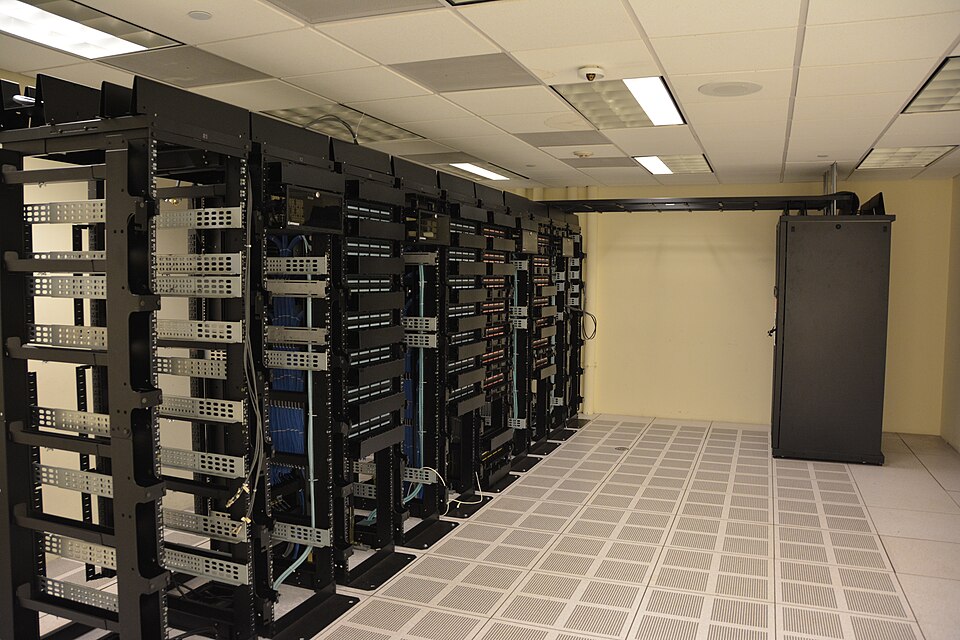
The word internet comes from INTERconnected NETwork. It is a worldwide collection of networks and devices joined together. It relies on physical infrastructure: cables, routers, satellites and servers. It moves data using the TCP/IP protocols.
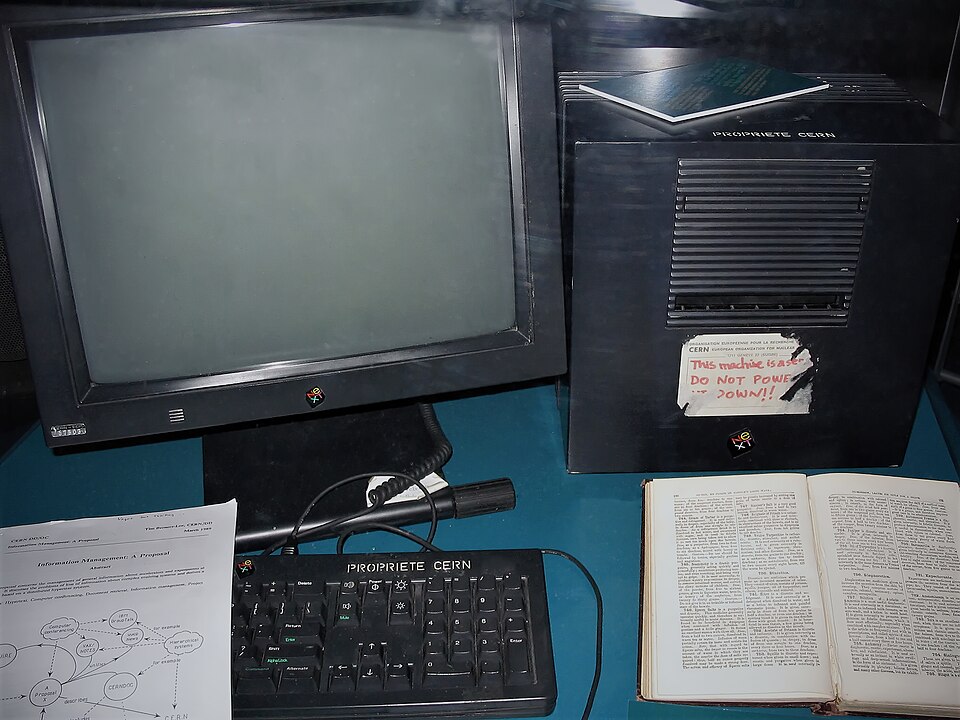
The World Wide Web (WWW) is only one part of what runs on the internet. It is a massive collection of web pages and other resources stored on web servers. You reach it with a web browser, using URLs and the HTTP/HTTPS protocols.
Internet
- A worldwide collection of interconnected networks and devices
- Hardware and infrastructure — the "roads"
- Uses TCP and IP protocols
- Carries email, online chat, video calls, games and the web
World Wide Web
- A collection of multimedia web pages and websites
- Content and information — the "traffic" on one kind of road
- Uses HTTP/HTTPS; pages written in HTML
- Located with URLs, accessed with web browsers
2 · Uniform resource locators (URLs)
Every web page has a text address called a URL. You type it into the browser's address bar. Text is easier to remember than a numeric IP address. The format is:
protocol://website address/path/file name
- Protocol — usually
httporhttps. - Website address — the domain host (
www), the domain name (the website's name), the domain type (.com,.org,.net,.gov) and sometimes a country code (.uk,.de). - Path — the folder or web page on the site. If it is left out, you land in the site's root directory, usually the home page.
- File name — the item on the web page (for example
tickets.html).
3 · HTTP and HTTPS
Hypertext transfer protocol (HTTP) is a set of rules that must be obeyed when files are transferred across the internet. A browser and a web server both follow it, so they understand each other.
How it operates, in outline:
- The browser sends an HTTP request to the web server, asking for a page.
- The web server finds the files and sends an HTTP response containing them (HTML, images and so on).
- The browser receives the files and displays the page.
HTTPS is HTTP with security added, using SSL (or its newer version, TLS). The s means secure. Data sent between browser and server is encrypted, and the website is authenticated. Browsers show a padlock next to the address.
Worked Example 12 min
(a) Break down a URL
Question: for the URL https://www.cityfarm.org.uk/visit/opening-times.html, identify the protocol, domain name, domain type, country code and file name.
- Read up to
://. The protocol is https.everything before "://" is always the protocol. - Take the text between
://and the first/: www.cityfarm.org.uk. This is the whole website address.the first single slash marks where the path begins. - Split the website address at the dots: www · cityfarm · org · uk.each dot separates one part of the address.
- Name each part: host www, domain name cityfarm, domain type .org, country code .uk.the name identifies the organisation; .org and .uk describe its type and country.
- After the address comes the path /visit and the file name opening-times.html.the last item after the final slash is the file requested.
How the marks are earned: one mark per correctly named part. Writing www.cityfarm.org.uk for "domain name" usually gets no mark — the question wants the name part only (cityfarm). Some mark schemes also accept cityfarm.org.uk.
(b) Internet or World Wide Web?
Question: tick whether each feature belongs to the internet or the WWW.
| Feature | Internet | WWW | Reasoning |
|---|---|---|---|
| Makes use of TCP and IP protocols | ✓ | TCP/IP moves all data across the interconnected networks. | |
| Uses URLs to locate pages | ✓ | URLs address web pages, a web feature. | |
| Is a collection of multimedia web pages | ✓ | This is the definition of the web. | |
| Allows users to send and receive emails | ✓ | Email is an internet service, separate from the web. | |
| Resources accessed using a web browser | ✓ | Browsers display web pages. | |
| Worldwide collection of interconnected networks | ✓ | This is the definition of the internet. |
Method: ask "is this about the connections (internet) or about pages and browsers (web)?" One mark per correct row.
(c) Which protocol should the page use?
Question: a library's website has a page where members log in. Explain why it should use HTTPS rather than HTTP. [3]
- Identify the risk: a login page sends a user name and password. the answer must be about this page, not HTTPS in general.
- Say what HTTPS adds: SSL/TLS encrypts the data between browser and server. this is the key feature examiners look for.
- Give the effect: if the data is intercepted it cannot be understood, so the password stays private. "explain" needs the consequence, not just the feature.
- Add authentication: HTTPS lets the browser check that the site is genuine (padlock shown). a separate, creditable point.
Try It Yourself 12 min
Goal: for http://www.harbourmuseum.net/exhibits/ships.html, identify the protocol, domain name, domain type and file name.
Goal: a school website has a page where parents pay for trips. Give three reasons it should use HTTPS, and say how a parent can check that it does.
Goal: sort these eight activities into "uses the internet but not the WWW" and "uses the WWW": reading an online encyclopedia, a phone video call in a chat app, streaming a film in a browser, a smart speaker playing a radio station, sending a file to a printer on the home network, online multiplayer gaming, searching in a search engine, a phone downloading an app update. Justify the two hardest ones.
Hint
Ask two questions: does the data leave the local network (internet)? Is it a web page displayed in a browser via a URL (web)? One activity may not use the internet at all.
📝 Exam Practice 10 min
A URL is https://www.northpark-sports.com/fixtures/results.html. Identify:
(a) the protocol (b) the domain name (c) the domain type (d) the file name.
Mark scheme
- (a) https (1)
- (b) northpark-sports / northpark-sports.com (1)
- (c) .com (1)
- (d) results.html (1)
Explain the differences between the internet and the World Wide Web.
Mark scheme
Any four from:
- The internet is a worldwide collection of interconnected networks / devices (1).
- The internet is the infrastructure / hardware (1).
- The internet uses TCP/IP protocols (1).
- The WWW is a collection of web pages / websites / multimedia resources (1).
- The WWW is accessed using a web browser (1).
- The WWW uses HTTP/HTTPS and URLs; pages are written in HTML (1).
- The WWW is one service that runs on / uses the internet (1).
Describe the purpose of HTTPS and how it differs from HTTP.
Mark scheme
- HTTP is a set of rules / protocol for transferring web pages / files between browser and web server (1).
- HTTPS is HTTP with a security protocol (SSL/TLS) applied (1).
- HTTPS encrypts data sent between browser and server / makes transmission secure (1).
- HTTPS authenticates the website / shown by a padlock in the address bar (1).
Max 3.
State what is meant by a uniform resource locator (URL).
Mark scheme
- A text-based address for a web page / resource on the web (1).
Recap & Key Terms 3 min
The internet is the global network of networks. The web is the collection of pages that travels over it. A URL names a page as protocol, website address, path and file name. HTTP sets the rules for transferring pages; HTTPS adds SSL encryption.
- Internet
- The worldwide interconnection of networks; it uses TCP and IP protocols.
- World Wide Web (WWW)
- A massive collection of web pages, based on the hypertext transfer protocols (HTTP and HTTPS).
- Uniform resource locator (URL)
- A text-based address for a web page.
- Hypertext transfer protocol (HTTP)
- A set of rules that must be obeyed when transferring files across the internet.
- HTTPS
- HTTP with extra security (such as SSL) applied; data is encrypted.
- HTML
- The language used to design, display and format web pages.
Homework 1 min
Task (≤ 15 min): a student writes, "The internet and the World Wide Web are the same thing, and HTTPS is just a faster HTTP." Explain the two mistakes in the statement. [4]
Model answer
- The internet is the worldwide collection of interconnected networks (the infrastructure) (1).
- The WWW is a collection of web pages accessed with a browser; it is only one service that uses the internet (1).
- HTTPS is not about speed; it is HTTP with SSL/TLS security added (1).
- It encrypts data between browser and server so intercepted data cannot be understood (1).