Sound and beeps
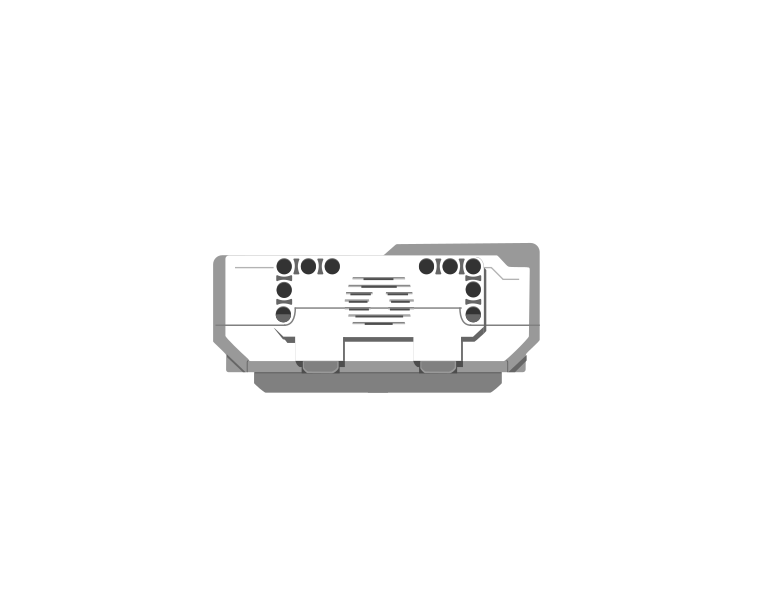
The Brick has a small speaker. It can play one of the built-in sound files, or beep a note you choose. Sound is what makes a machine feel finished — and it is also a way for the robot to tell you something without you having to look at it.
Blocks reference
| Block | What it does |
|---|---|
play sound [Communication / Hello v] until done :: sound | Plays the sound and waits for it to finish before the next block runs. |
start sound [Communication / Hello v] :: sound | Starts the sound and moves straight on to the next block, so the sound plays while the robot keeps working. |
play beep (60) for (0.5) seconds :: sound | Plays a single note for a set time — useful for short alerts. The number is a note, not a volume: bigger means higher. |
set volume to (100) % :: sound | Sets how loud everything after it will be. Worth putting at the top of a program — the Brick remembers the last volume it was given, even from somebody else’s program. |
stop all sounds :: sound | Cuts off anything that is still playing, including a long sound started earlier. |
Wait for it, or not
These two blocks play the very same file. The difference is what the rest of the program does while it plays — so it cannot be heard on its own, only seen. Here are both, each lifting a barrier.
play sound until done
start sound
Watch the barriers, not the clock. On the left the warning finishes before anything moves; on the right it sounds while the barrier lifts.
The bars underneath are when the speaker was on and when the motor was turning. On the left they never overlap: the program is stuck at the sound block until the file has finished, and only then does the barrier lift. On the right they overlap almost completely, and the whole job is done in half the time.
- play sound until done — everything stops and waits. Use it for a warning that must be heard before something moves.
- start sound — the sound and the movement happen together. Use it when the noise belongs to the movement, like a motor whirring as an arm lifts.
Why it matters
Real machines warn before they move, not after: a lift chimes before the doors close, a reversing lorry beeps while it rolls back, a level crossing sounds before the barrier drops. Getting the order right is the difference between a warning and an apology.
More output tutorials
- The Brick display — Show a picture or write text on the Brick screen.
- The Brick status light — Change the colour of the light around the Brick buttons.