Motion
Making things turn — one motor, two motors, and how far each one goes.
- One motor, on and offStart one motor, let it run, and stop it again.
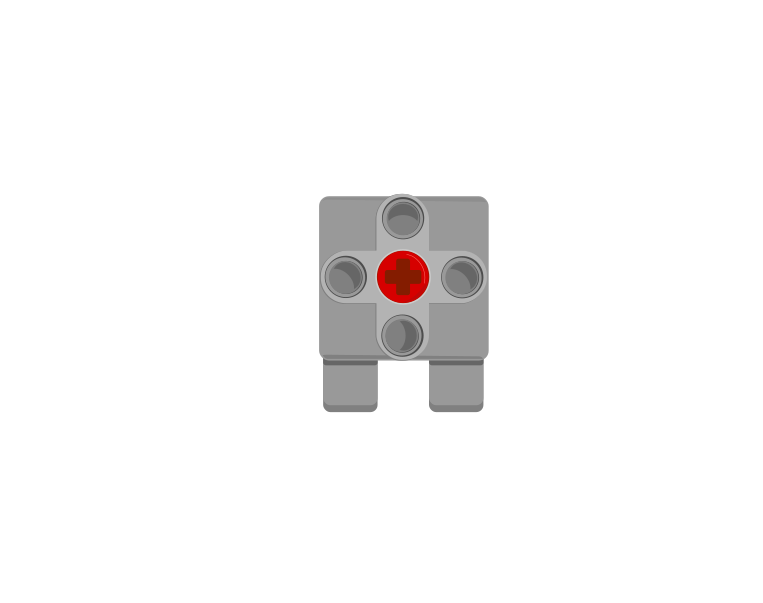
start motorstop motorwait () seconds - The Medium MotorThe small, fast motor that drives arms, gates, jaws and winches.
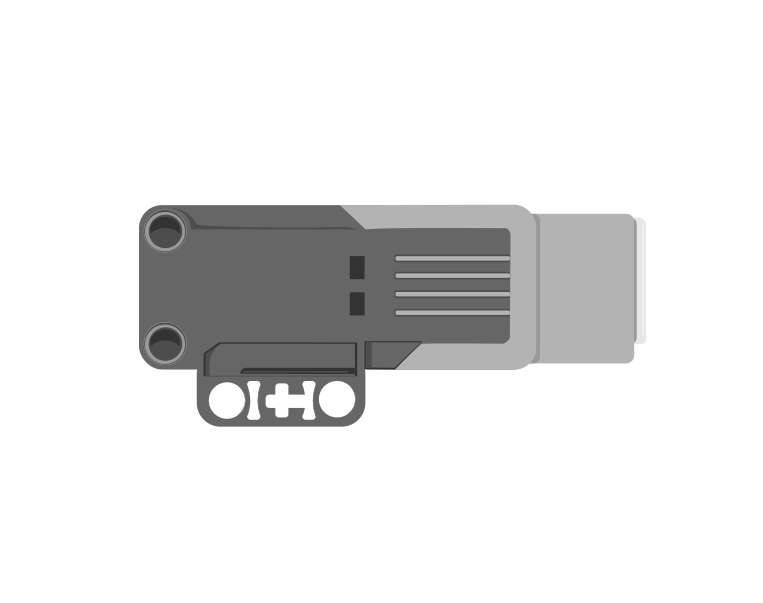
run for () rotationsrun for () degreesset speed to () % - The Large MotorThe big, strong motor used for wheels and heavy lifting.
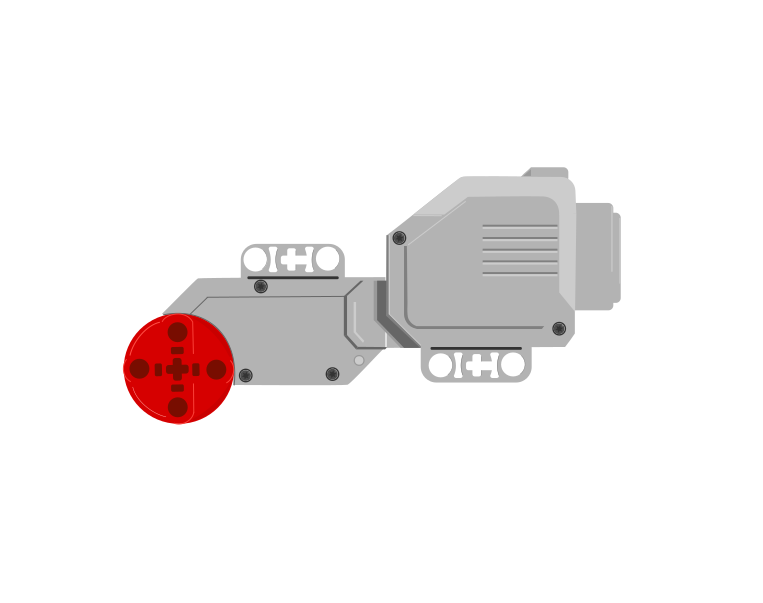
run for () rotationsset speed to () % - Driving with two motorsDrive a robot in a straight line, and turn it, using two Large Motors.
set movement motors to [B] and [C]move [forward] for () rotationsmove for () rotations at () () % speed - Rotations and degreesMeasure how far a motor turns, so the same movement repeats exactly.
run for () rotationsrun for () degrees - Speed and powerMake a motor go faster or slower.
set speed to () % - Brake or coastStop a motor dead, or let it roll to a halt.
stop motorbrake vs coast - Moving to an exact angleSend a motor to an exact position instead of a distance from here.
run to position ()reset position
Output
How the robot tells a person what it is doing.
- The Brick displayShow a picture or write text on the Brick screen.
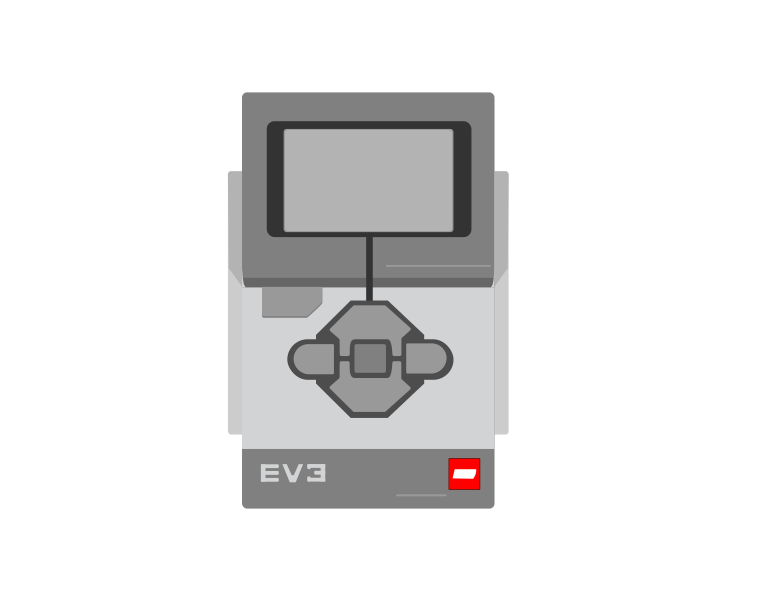
clear displaydisplay [Eyes]write [EV3] at line () - Sound and beepsPlay a sound or a beep, and choose whether the program waits for it.
play sound until donestart soundplay beep () for () seconds - The Brick status lightChange the colour of the light around the Brick buttons.
set status light to [green]set status light to [red]
Sensing
How the robot finds out about the world around it.
- The Touch SensorTell when the red button is pressed, released or bumped.
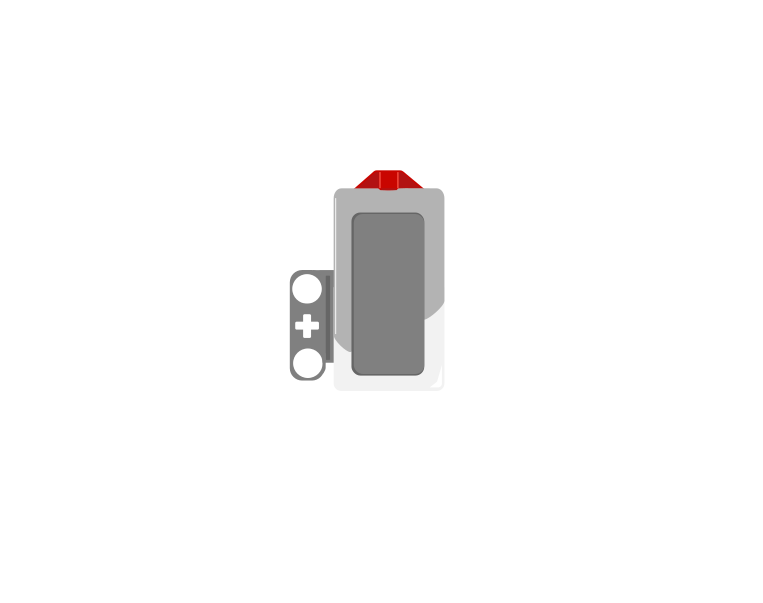
<is pressed?>wait until <is pressed?>when [bumped] - The Ultrasonic SensorMeasure how far away something is.
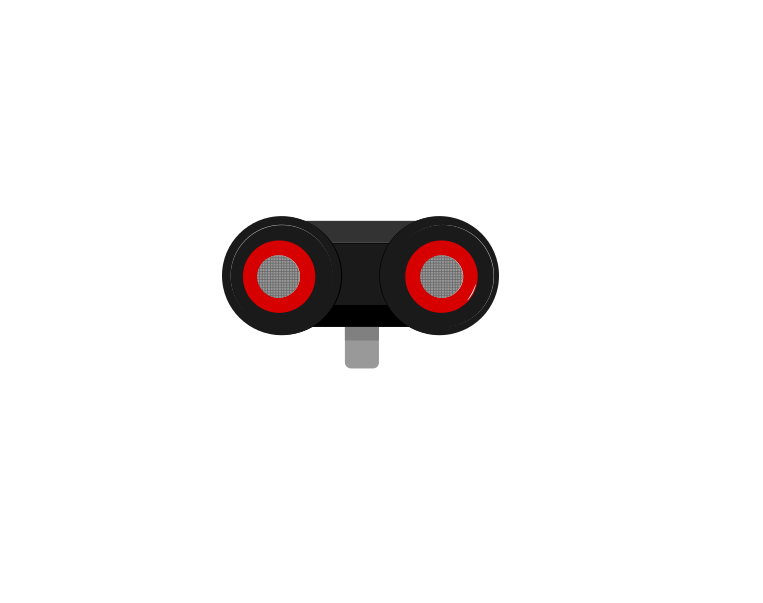
(distance in [cm])wait until <(distance) < ()> - The Colour SensorRead a colour, or read how bright a surface is.
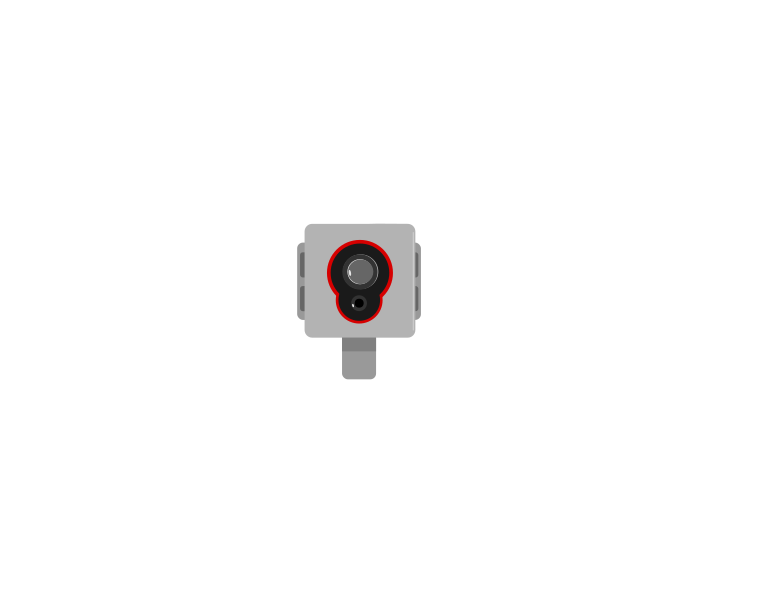
(color)(reflected light intensity)<is color [red]?> - The Gyro SensorMeasure how far the robot has turned.
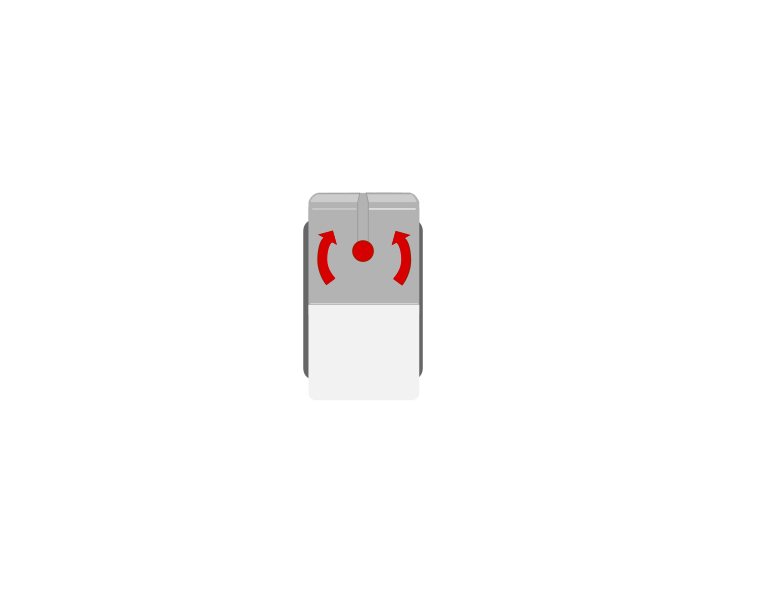
(angle)reset angle - The Brick buttonsUse the five buttons on the Brick itself as an input.
when [center] button pressed<is [center] button pressed?> - Reading a motor's positionEvery motor is also a sensor — read how far it has actually turned.
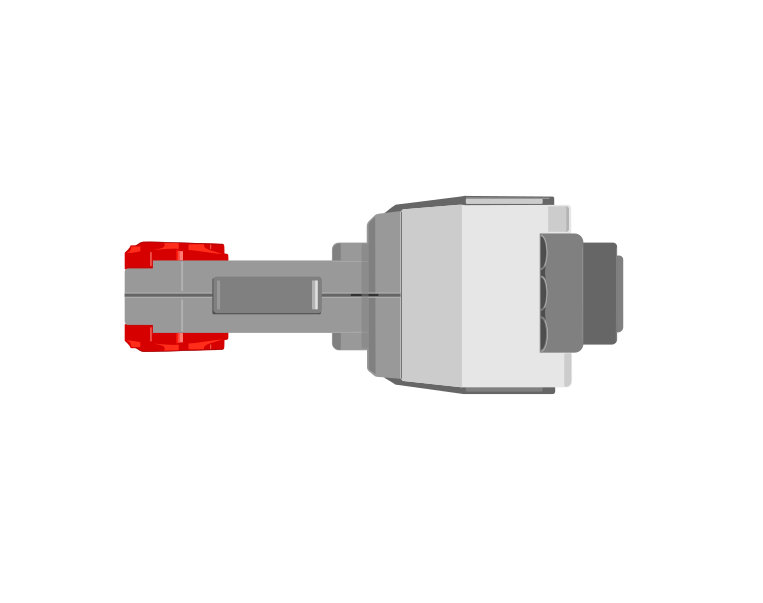
(degrees counted)reset degrees counted(speed)
Control
Waiting, repeating and deciding — the shape of a program.
- WaitingPause for a length of time, or until a sensor says so.
wait (1) seconds :: control
wait () secondswait until <> - RepeatingDo something a set number of times, or over and over for ever.
repeat (10) :: control
repeat ()foreverrepeat until <> - Making a decisionDo one thing or another, depending on what a sensor reports.
if <> then :: control
if <> thenif <> then else - Comparing and combiningCompare two numbers, and join two conditions with and / or.
<(x) > (50)> :: operators
() > ()() < ()<> and <> - The TimerMeasure how long something has taken.
(timer) :: sensors
(timer)reset timer - Two things at onceRun more than one stack at the same time.
when program starts :: events hat
when program starts (one per stack)
Data
Remembering numbers, and letting one part of a program talk to another.
- VariablesGive the robot a number it can remember and change as it works.
set [count v] to (0) :: variables
set [count] to ()change [count] by ()(count) - ListsStore several readings in order, so the robot remembers them all.
add [thing] to [List v] :: variables
add [thing] to [List](item (1) of [List])delete all of [List] - Broadcasting a messageLet one stack of blocks tell another stack to start.
broadcast [message1 v] :: events
broadcast [message1]broadcast [message1] and waitwhen I receive [message1] - My BlocksName a group of blocks so it can be reused instead of copied.
define turn (degrees)
define [my block] - Random numbersMake the robot behave unpredictably on purpose.
(pick random (1) to (10)) :: operators
(pick random (1) to (10))
Mechanics
Builds with no electronics at all, where the physics is the lesson.
- Mechanisms without motorsHow to investigate a build with no electronics in it, and where each idea lives.
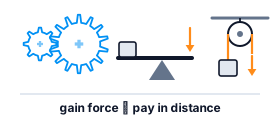
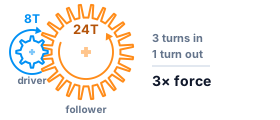
- Gearing up and gearing downTrade turns for force, or force for turns — you cannot have both.
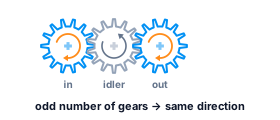
- Changing the direction of a turnReverse a turn, restore it with an idler, or send it round a 90° corner.
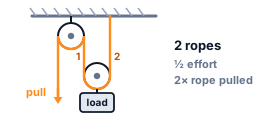
- Pulley systemsFixed, movable and combined — how rope pulled trades against force needed.
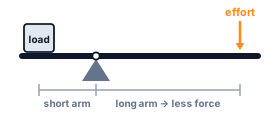
- Levers — effort, load and pivotWhere the pivot sits decides the force you need and the distance you get.
- Elastic and stored energyStretch a band, store energy, let it go — and find where more stops helping.
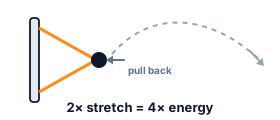
- Scissor mechanismsCrossed links that extend and retract, and why the last bit is the hardest.
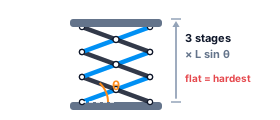
- Oscillatory motionTurning a rotation into a back-and-forth, and what sets the rhythm.
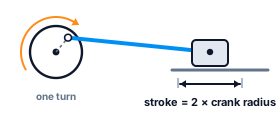
- Centre of gravityWhy a robot tips, and how to build one that does not.
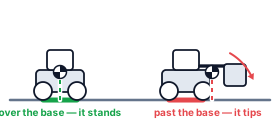
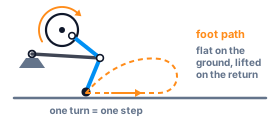
- Biomimetic mechanismsLinkages that copy how animals move — turning a rotation into a step.
These tutorials are the same ones embedded in the lessons — there is one copy of each, so a correction here reaches every lesson that uses it. Back to the EV3 course.